Change the Device Password
It is recommended to change the device password upon initial configuration for security purposes. This section describes how to change the device password.
Note: Before configuring the device through
ToolBox, access it through NFC or Bluetooth. For the navigation path and write
operation conventions used in this guide, see Configure
the Device in ToolBox.
Configure by ToolBox
- Navigate to Device > General.
- In the General page, enable Change Password and
enter the new password.
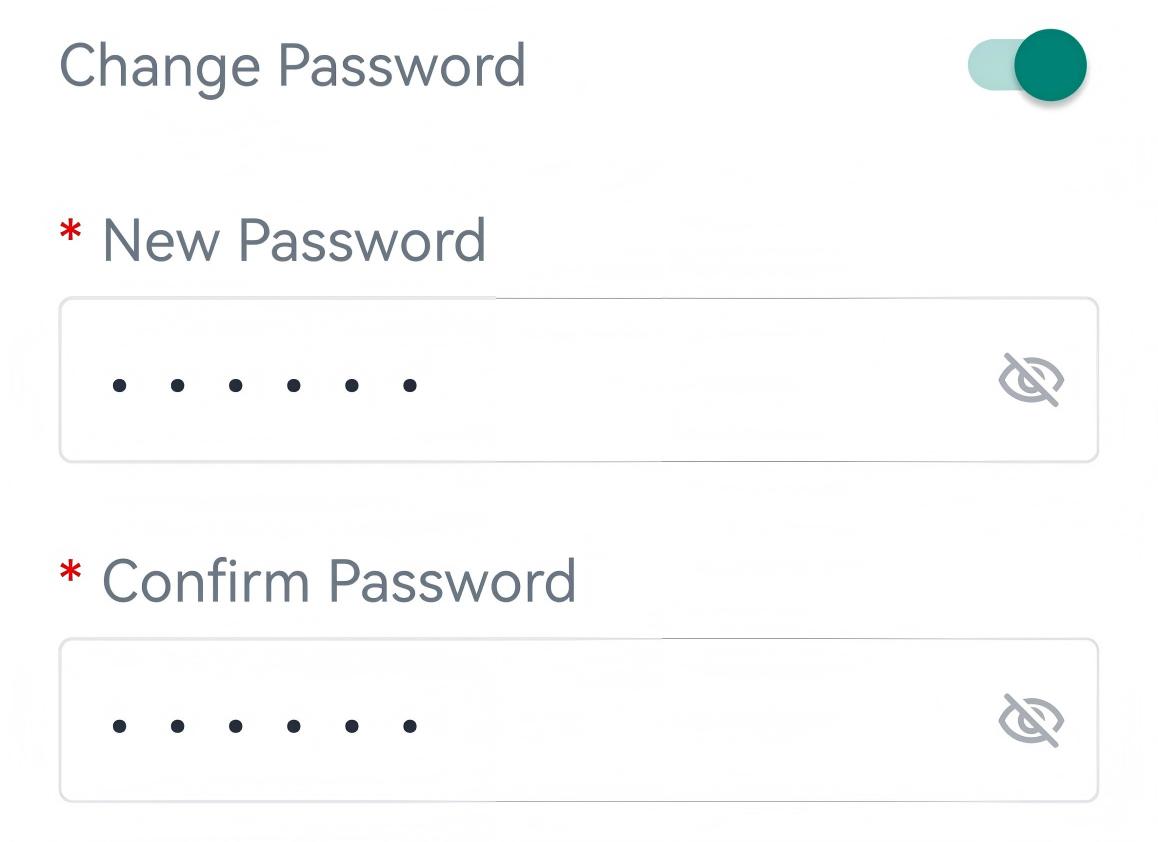
Parameter Description New Password Enter a new password of 6 characters. Only letters, digits, and underscores are allowed. Confirm Password Enter the password again. - Tap Write to apply the configuration.
- Use the new password for subsequent authenticated access or configuration through ToolBox.