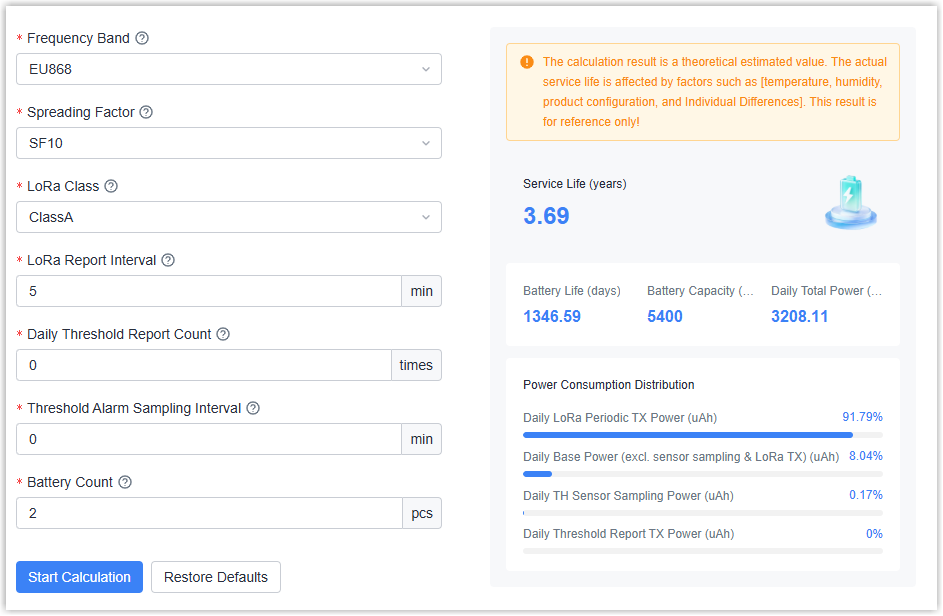
Battery Calculator
This topic introduces the Battery Calculator, an online tool for estimating the theoretical battery life of battery-powered devices, and describes how to use it on Milesight Development Platform.
Overview
Battery Calculator is an online tool on Milesight Development Platform for estimating the theoretical battery life of battery-powered devices. It helps you evaluate the battery life of a device under your project conditions during product selection and solution design.
Select a product model and fill in the operating parameters based on your actual project, such as reporting interval, frequency band, data rate, work mode, sensor configuration, and battery count. The calculator returns the theoretical battery life in days, weeks and years, and shows the power consumption breakdown of each module, such as LoRa communication, sensor sampling, and standby.
Procedure
- Log in to Milesight Development Platform.
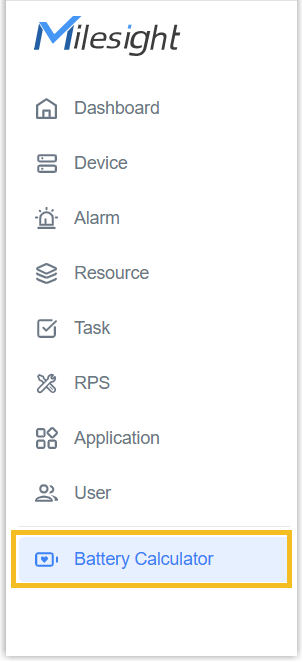
- On the left bar, select Battery Calculator.
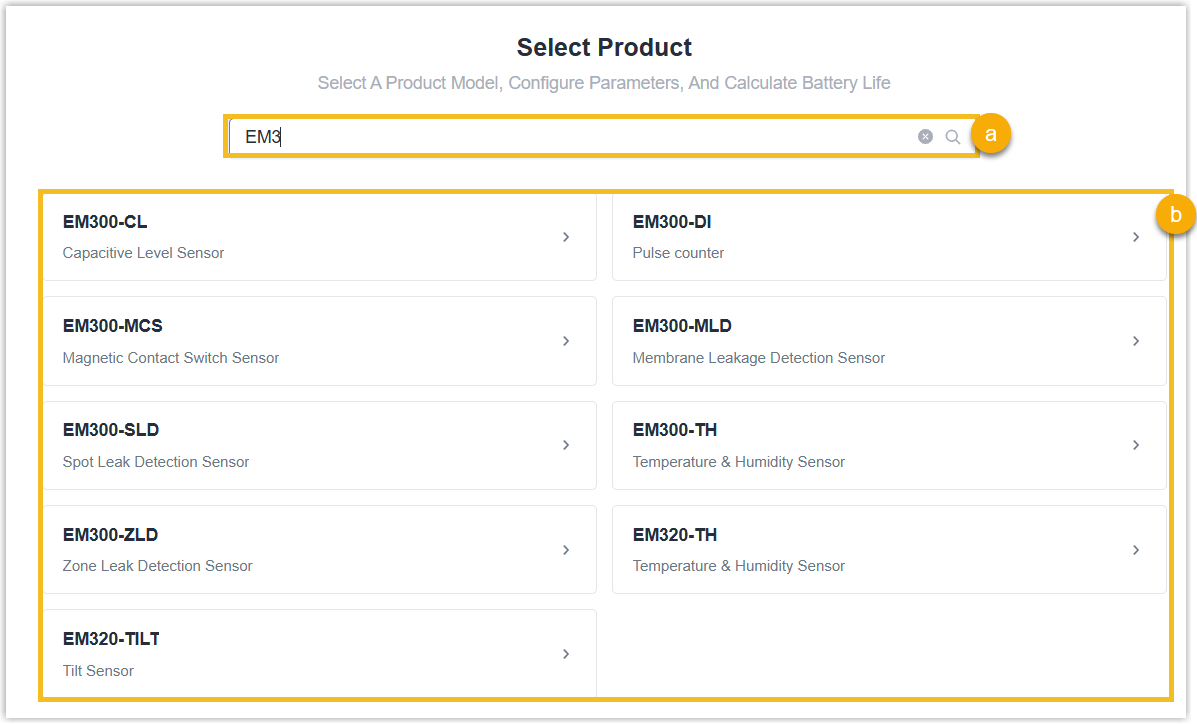
- Use the search box to enter a model or name keyword for fuzzy filtering, or
directly click the product card.Note: If a model is not in the list, it may not have battery data yet or may be disabled. Contact the Milesight support team for confirmation.
- In the parameter configuration area, fill in the parameters as
required.
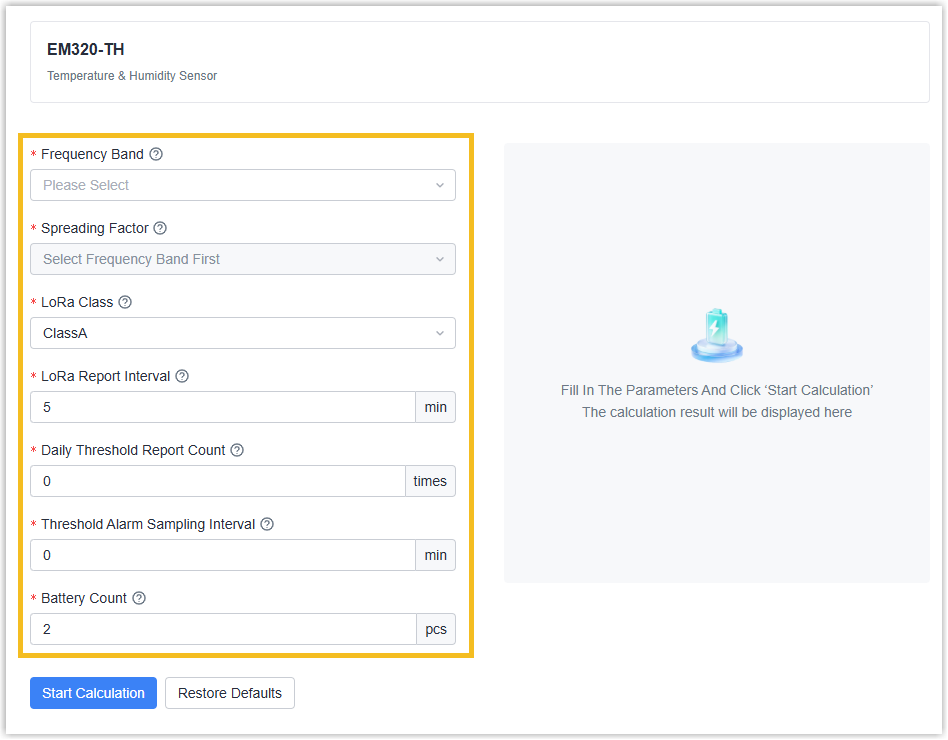
- Click Start Calculation. When the calculation is completed, the page prompts "Calculation completed".
Result