Synchronize Device Time
This section describes how to sync the device time.
- Synchronize the Time Manually Through ToolBox App
-
The device time can be synced via Milesight ToolBox App.
Steps:- On the homepage of ToolBox, click Basic Information.
- Click
 to synchronize the
time.
to synchronize the
time.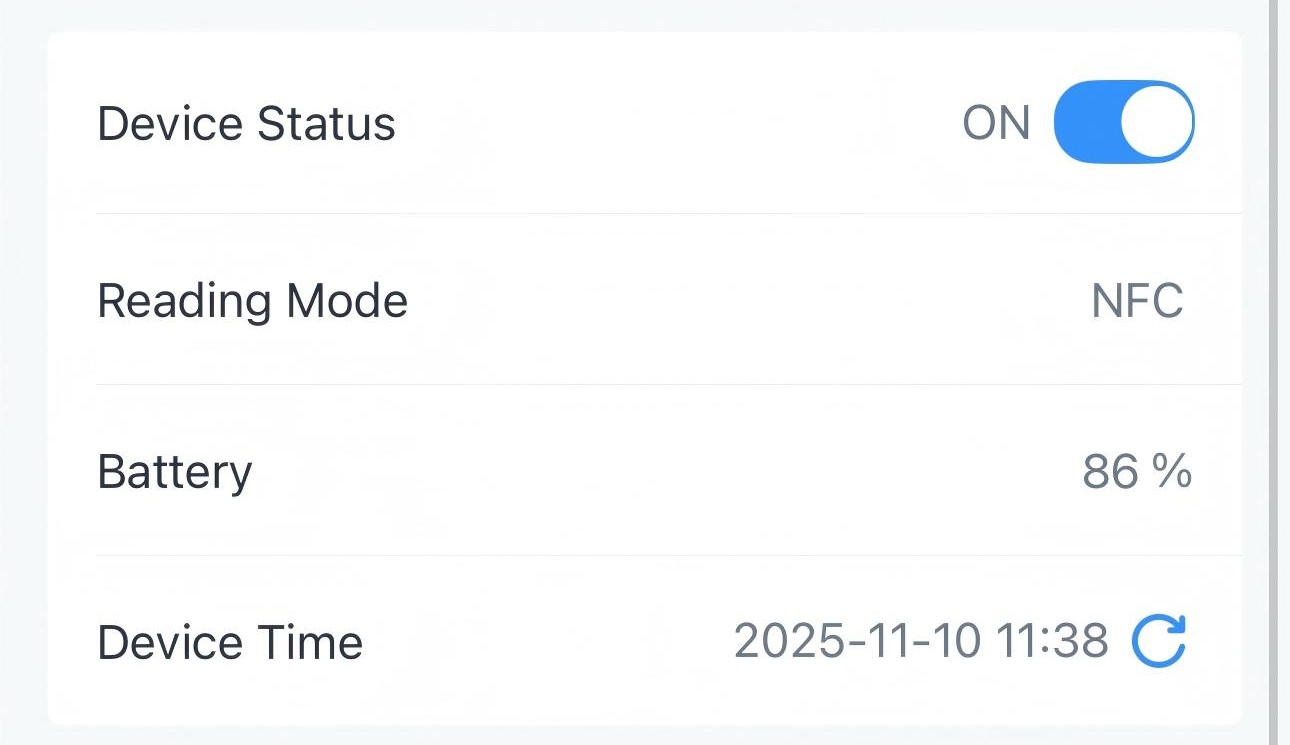
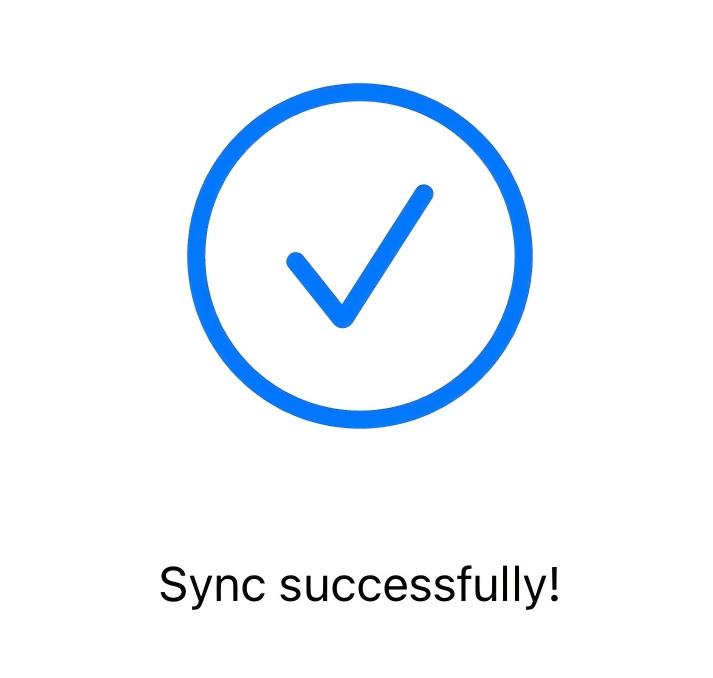
- Put the NFC detection area of the phone close to the NFC antenna of
the device. If the time is synchronized successfully, the following
page is displayed.
- Synchronize the Time Automatically Through a LoRaWAN® Network Server
-
Prerequisite: The LoRaWAN® network server supports the device time synchronization feature.