Reset the Device
This section describes how to reset the device.
Reset through ToolBox
Note: Before resetting the device through ToolBox,
access it through NFC or Bluetooth. For ToolBox access instructions, see Access the Device.
- On the homepage of ToolBox, click Maintenance in the
lower right corner. The Maintenance page is displayed, see the following
figure.
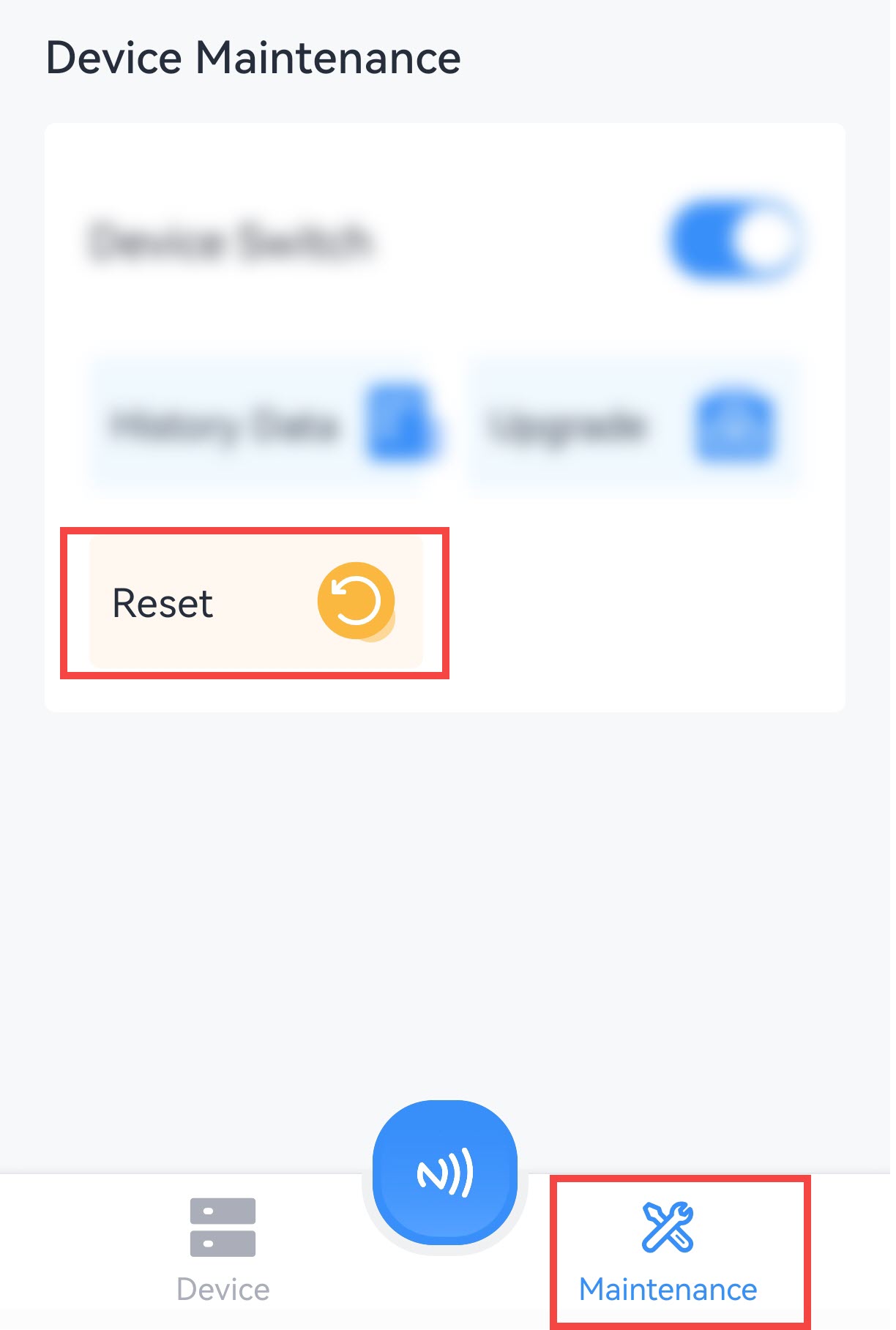
- Click Reset.
- In the displayed dialog box, click Confirm.
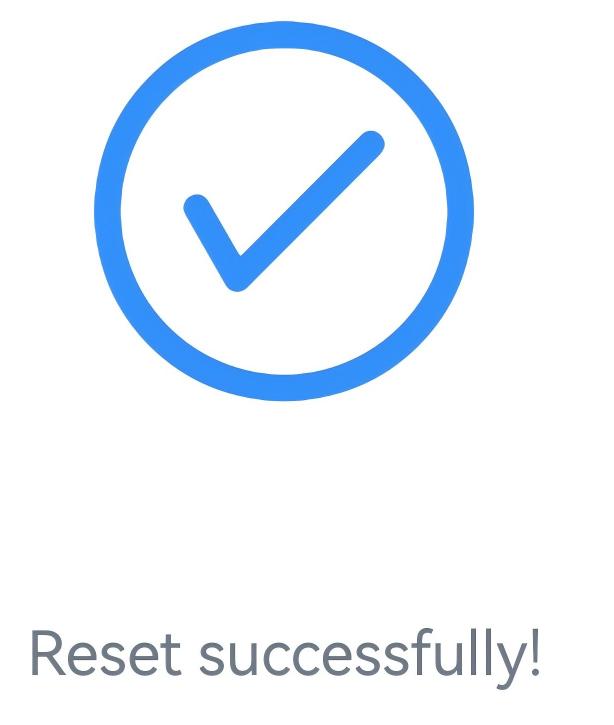
- If the device is successfully reset, the following page is
displayed.
Perform a Hardware Reset
If the device cannot be read from or written to normally through ToolBox, perform a hardware reset.