Install the Device
This section describes how to install the device to the ceiling. You can also install the device by watching the installation video.
- Requirements:

Preparations:
- Verify that the device and accessories are complete according to the Packing List.
- Notify individuals and obtain consent for image collection. Inform them of opt-out rights.
- If you have purchased optional accessories, please refer to ACCESSORIES for the operating steps.
Steps:


10. Log in to the web GUI to check the preview
on the Dashboard page.
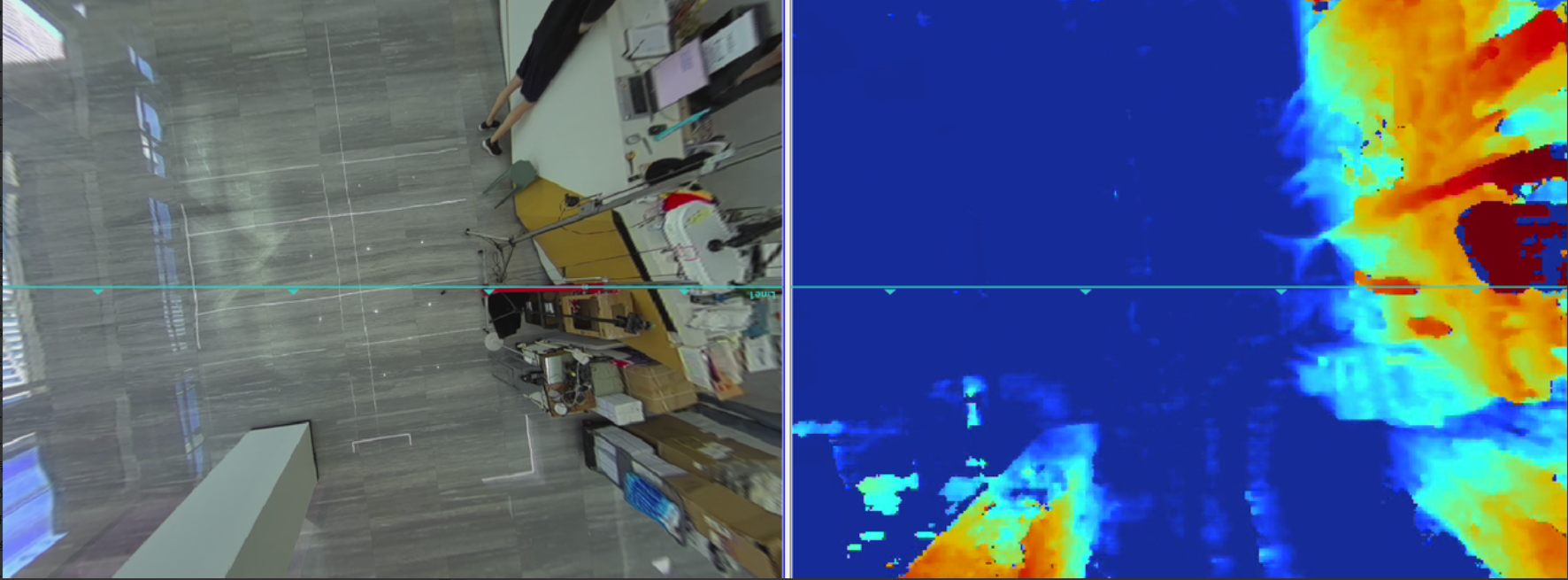
- The display effect for a normal environment is as follows. The ground is
rendered with light blue or blue spot patterns. A color gradient is applied to
objects based on height, with taller objects assigned increasingly red
tones.
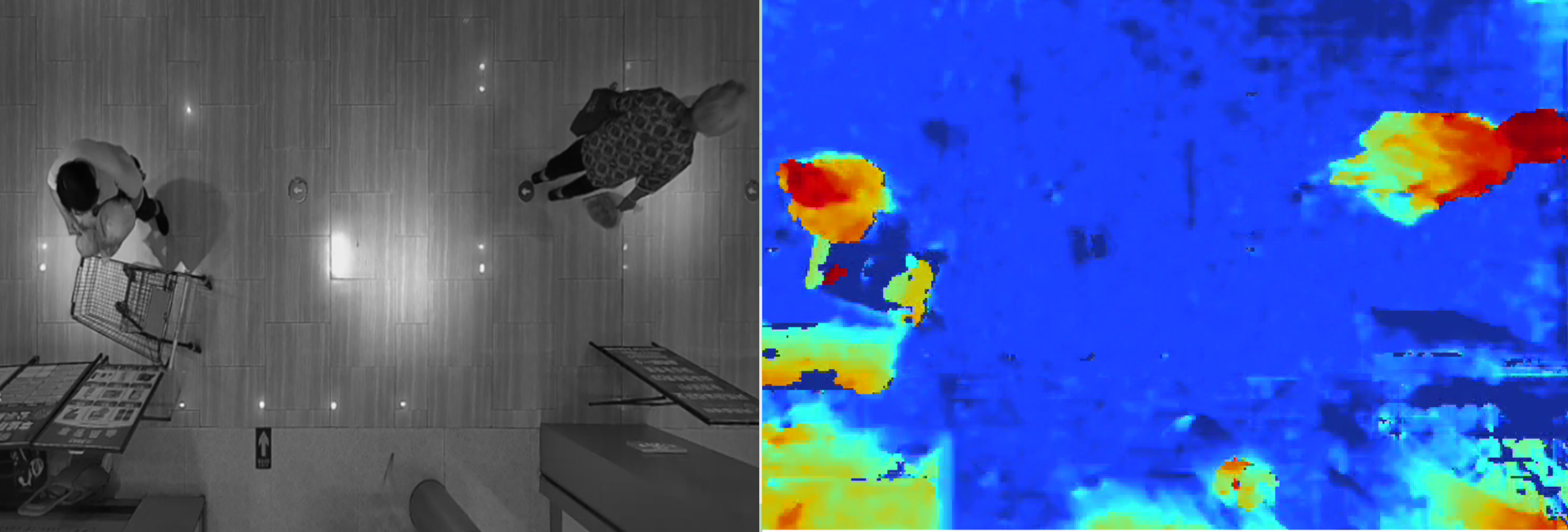
- The display effect for normal targets is as follows. The clear color gradient on
detected targets indicates effective depth perception.
Troubleshooting: If the preview on the Dashboard
page is abnormal, refer to Troubleshoot an Abnormal Preview after Installation for
troubleshooting.
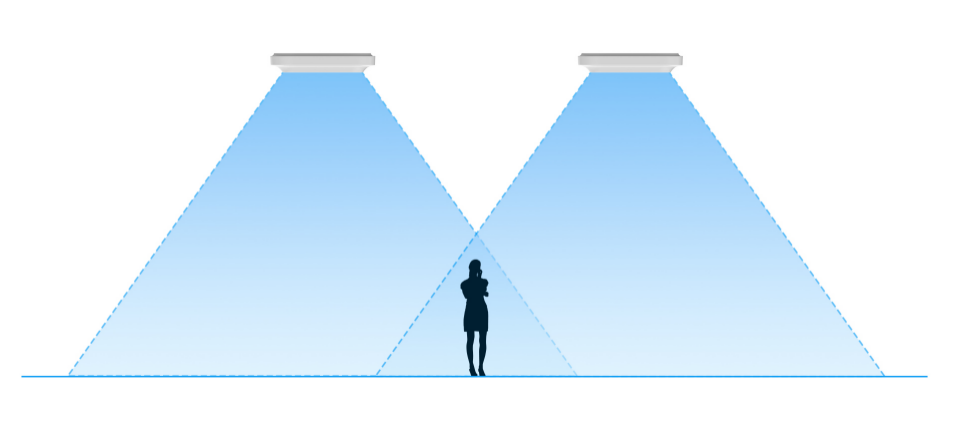
11. (Optional) For multiple devices, verify that targets near the edges of both fields of view in adjacent devices are fully captured and detected at the same time.