Acknowledge Alarm
This topic describes how to acknowledge the alarms in the alarm list.
Prerequisites
- Confirm with your enterprise administrator whether current account role permits access to this feature.
- Alarm type is not Info.
Procedure
- Log in to Milesight Development Platform.
- On the
left
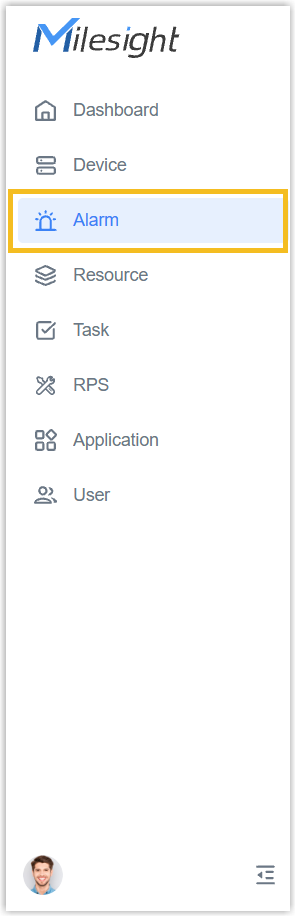
bar, select the Alarm tab.
- Check the alarm event status and acknowledge the alarms as
required.Acknowledge an Alarm: Click the Confirm icon to acknowledge the desired alarm event.
 Acknowledge Alarms in Bulk: Select desired events and click Marked as Acknowledged to acknowledge alarm events, or click Mark All as Acknowledged.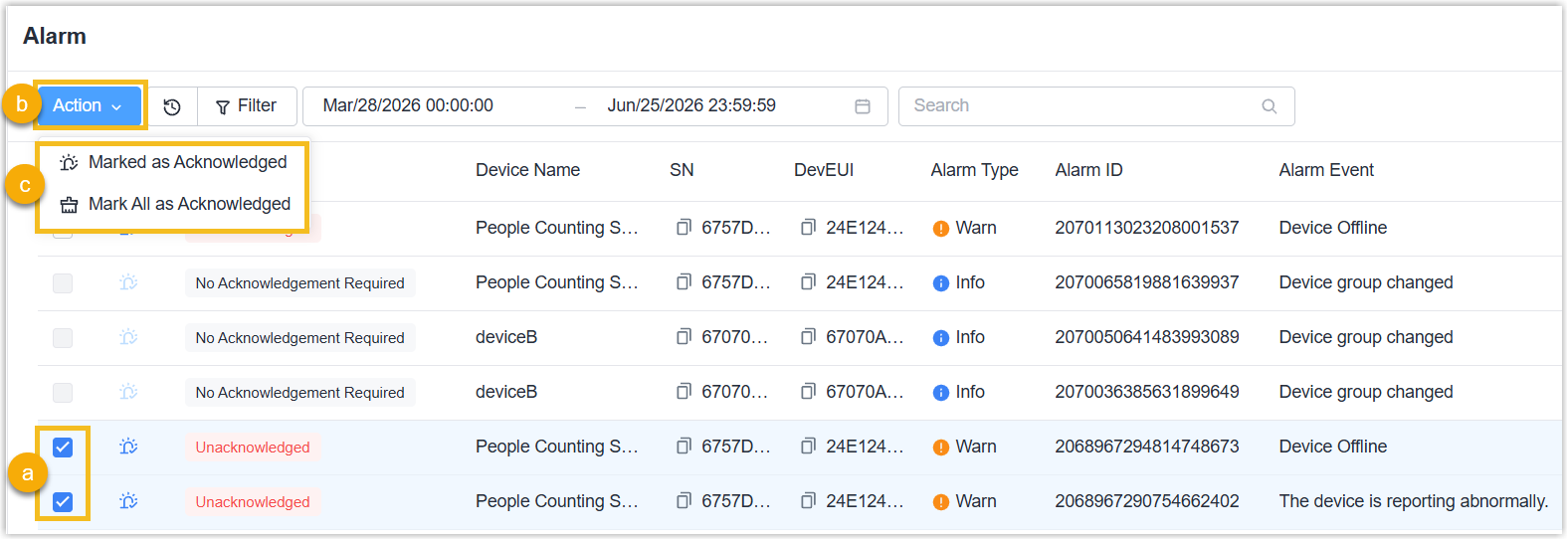
Result
When the alarm event status changes to Acknowledged, and the alarm is disappeared from Recent Alerts of Dashboard page.