WAN Settings
This section describes how to configure the WAN setting.
Steps:
- Click Setting > WAN Setting to access the configuration page.
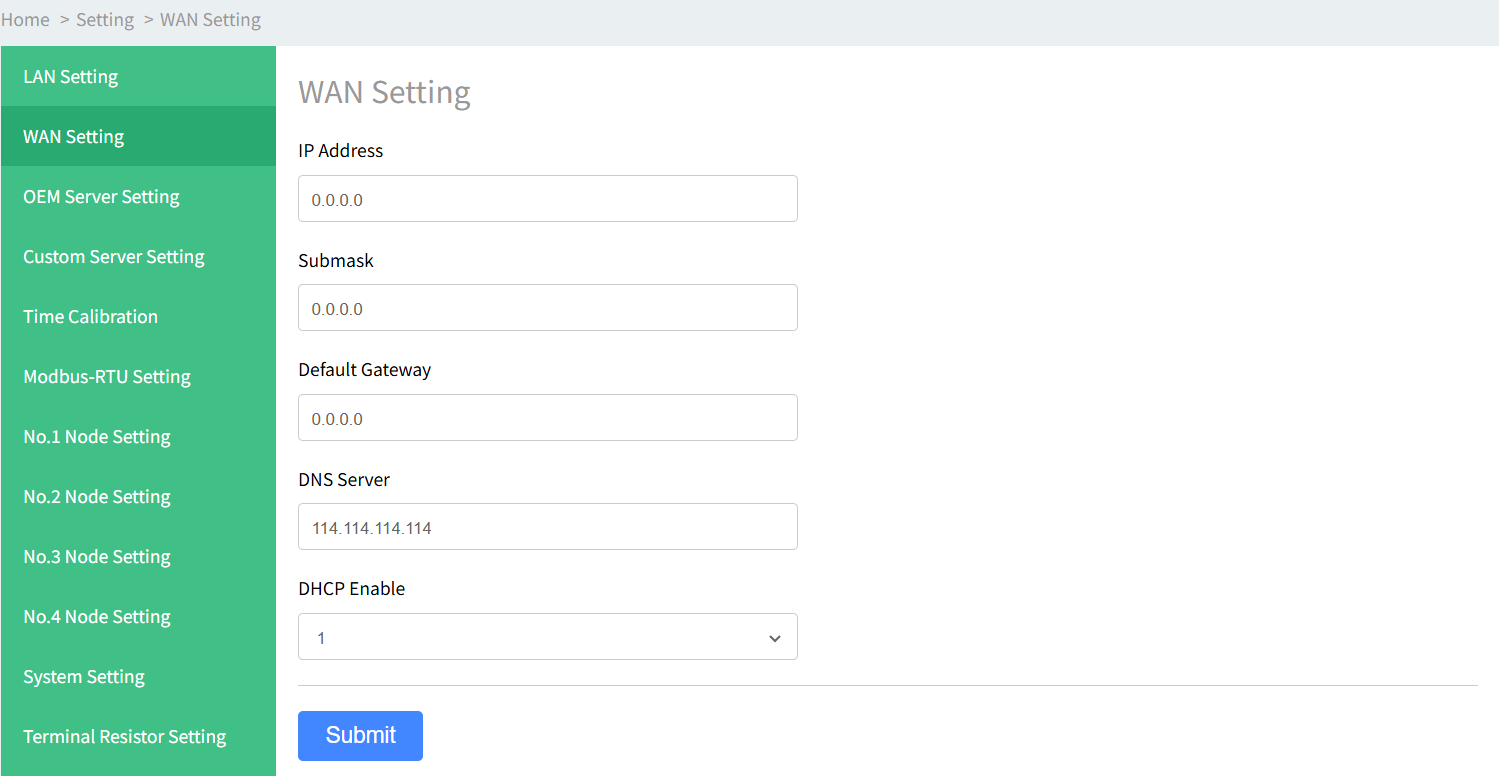
- Enter the related parameters and click Submit to save configuration.
Parameter Description IP Address The IPv4 address of this interface. The address must be in the same subnet as the gateway address Submask
The IPv4 netmask of this interface. Default Gateway The IPv4 gateway address of this WAN port. DNS Server The DNS server address. DHCP Enable Enable the DHCP server to assign IP address to connected client devices auto matically. If disabled, the client devices are required to configure their own IP ad dresses.