Configure Calibration Parameters
This section describes how to configure the temperature and humidity calibration parameters.
Prerequisites: The data source is Embedded. Calibration does not apply when the thermostat uses external temperature or humidity data.
Configure by ToolBox
Note: Before configuring the device through ToolBox,
access it through NFC or Bluetooth. For the navigation path and write operation
conventions used in this guide, see Configure the Device in ToolBox.
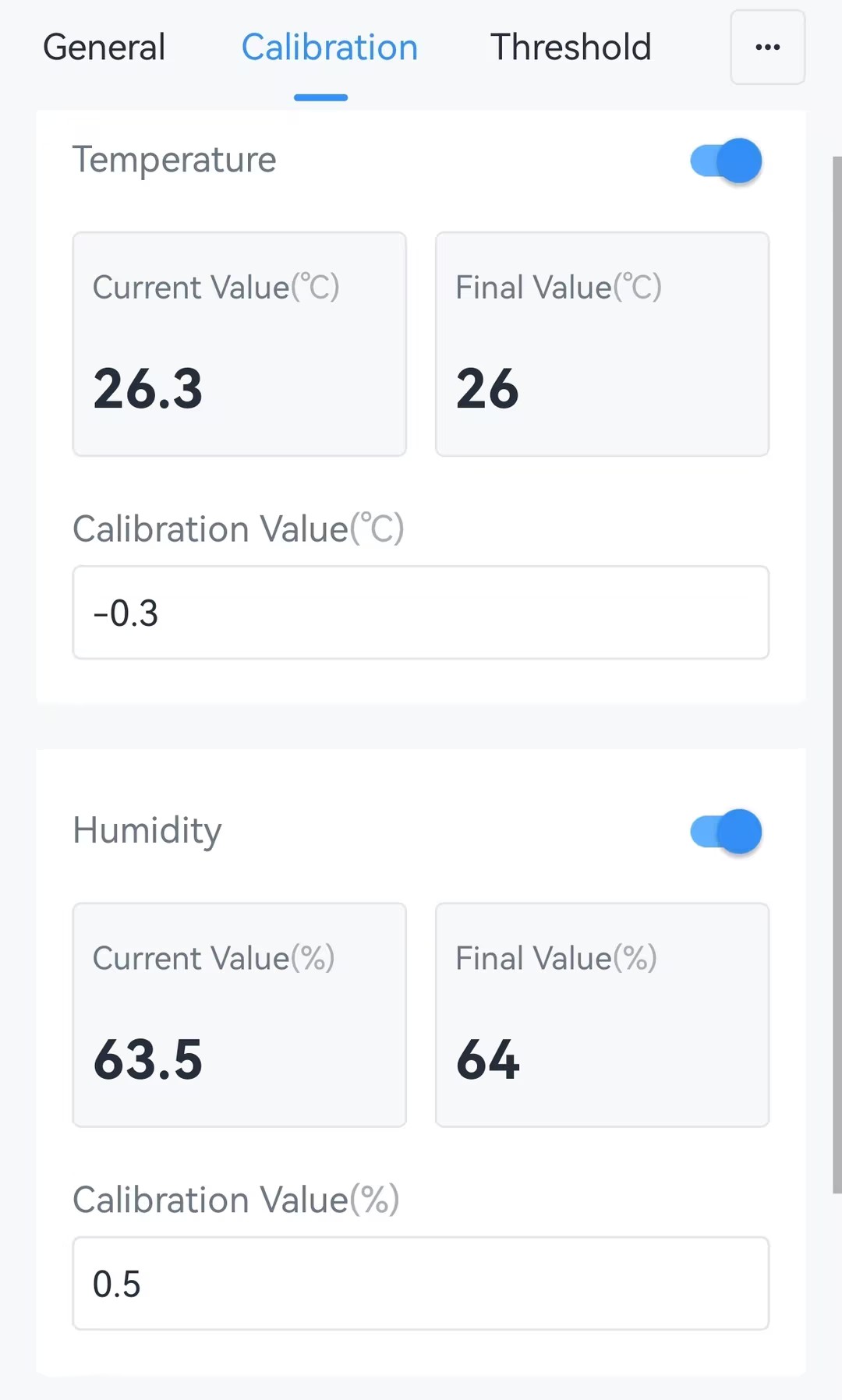
- Navigate to Device > Calibration.
- Enable Temperature or Humidity as required, and enter the
applicable Calibration Value.
- Tap Write to apply the configuration.