6.5.2.2 Body Results
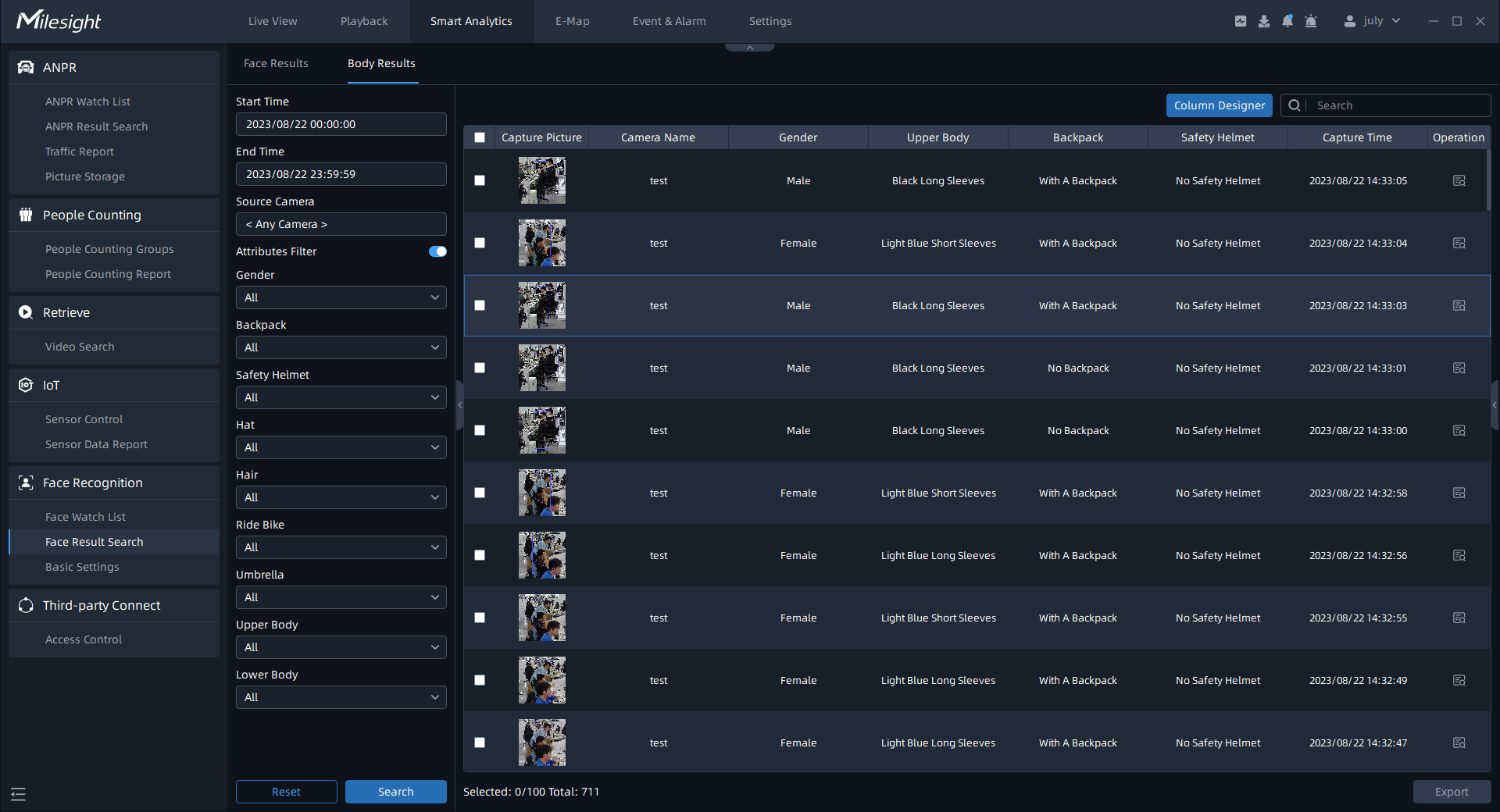
Select Time and Source Camera, and the related body results will be display as below by
clicking the . If you want to view additional attributes such as backpack
presence, umbrella usage, and upper-body or lower-body clothing styles, you can enable
the Attributes Filter.
. If you want to view additional attributes such as backpack
presence, umbrella usage, and upper-body or lower-body clothing styles, you can enable
the Attributes Filter.
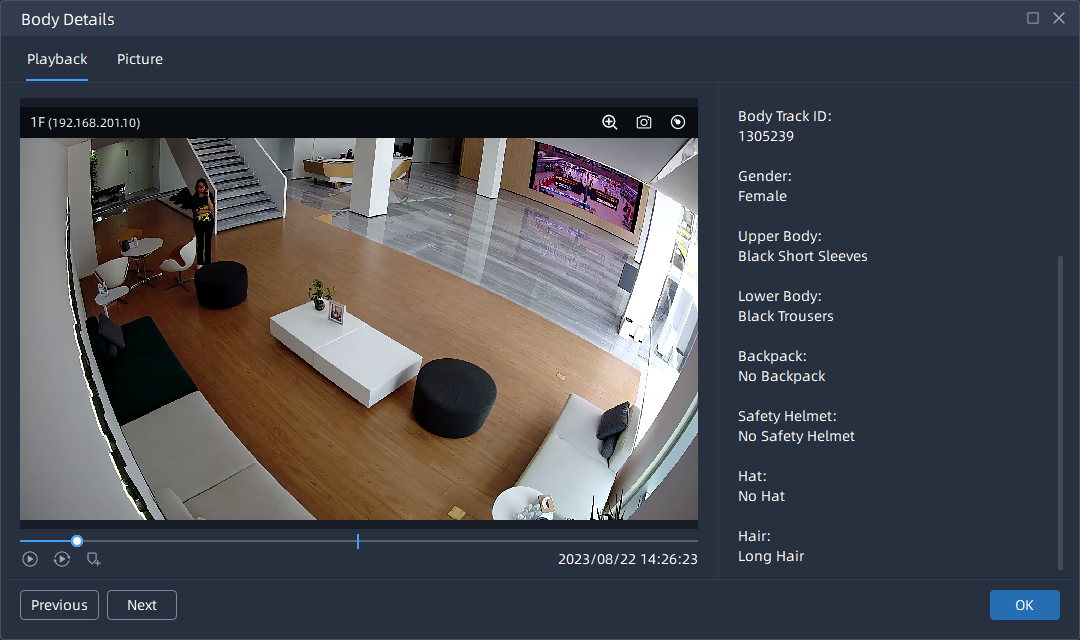
By clicking the , you can view more body details, playback videos, capture
snapshots, and perform other related actions.
, you can view more body details, playback videos, capture
snapshots, and perform other related actions.
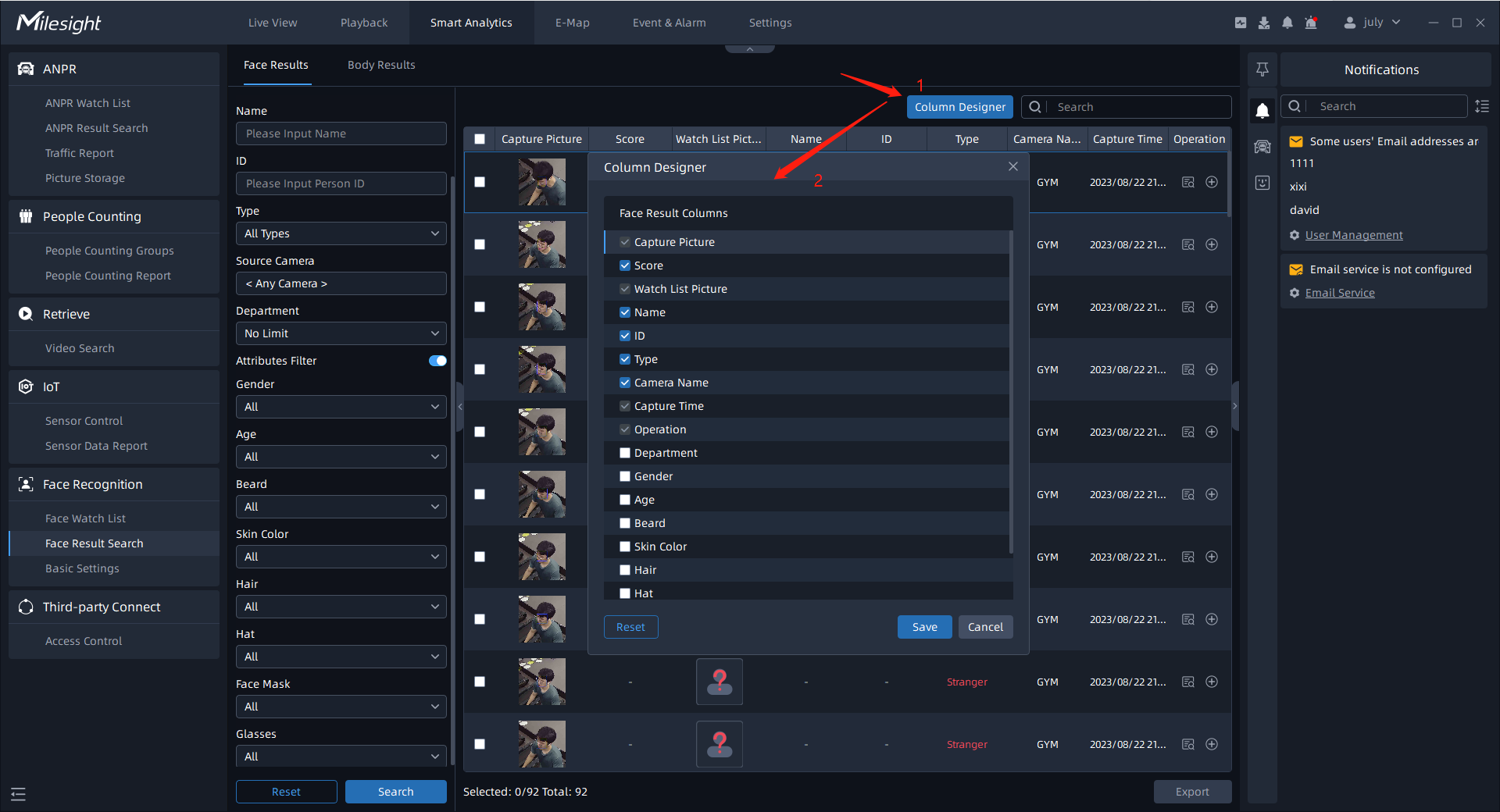
If you want to display more face/body attributes in the Face Results/Body Results
interface, you can click on the  . The selected attributes will be synchronized across both search pages
and their corresponding Details section. Alternatively, you can click the
. The selected attributes will be synchronized across both search pages
and their corresponding Details section. Alternatively, you can click the  to revert to the default settings.