Create a Config Task
Milesight Development Platform supports to create Config tasks to apply configurations to devices remotely.
Prerequisites
- Confirm with your enterprise administrator whether current account role permits access to this feature.
-
Find the Supported Devices before you start creating Config tasks.
- Device connectivity status is not Banned.
- Device is not in other Config or OTA task.
Procedure
- Log in to Milesight Development Platform.
- On the
left
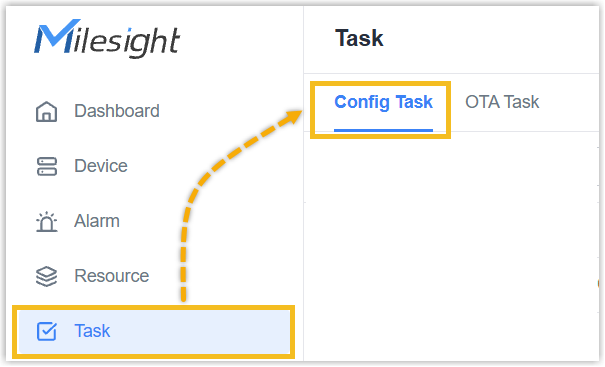
bar, click Task, then select the Config Task
tab.
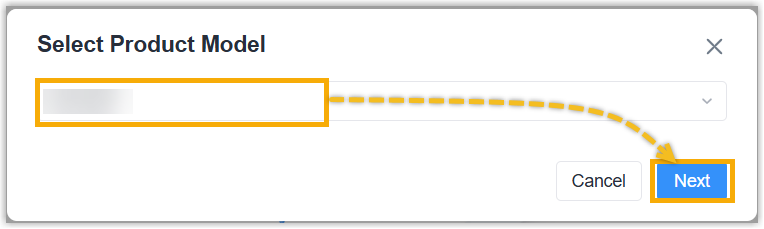
- Click Add, select the product model and click
Next.
- In the Basic
Information section, specify a name to help you identify
this task.

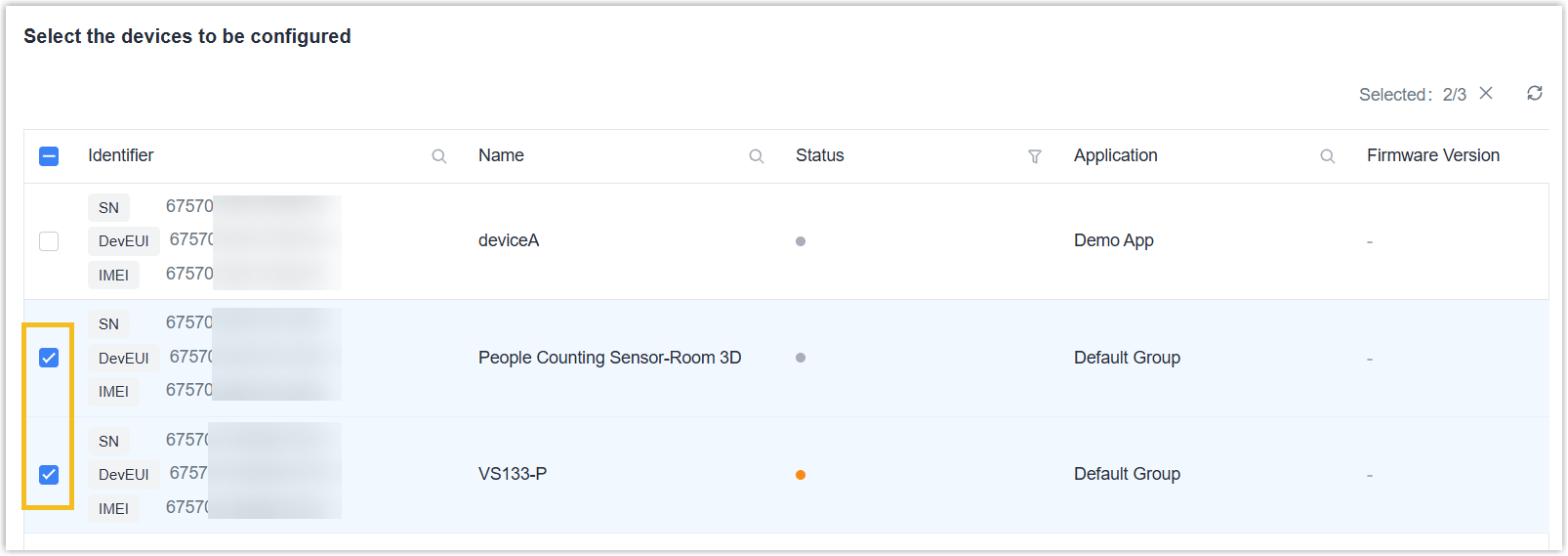
- Select the devices which need to execute the
Config task, click Next.
- For some models, select the configuration mode as Form
Configuration or Configuration File.
 If Configuration File is selected,
- Download the backup file of a device to the local path.
- Drag the file to the blank or click Select File to select the file from local path.
- For some models, enable or disable Configuration Persistence to allow the devices to restore to the current persisted configuration after a reset.
- Click Save.
If Form Configuration is selected, continue the following steps below.
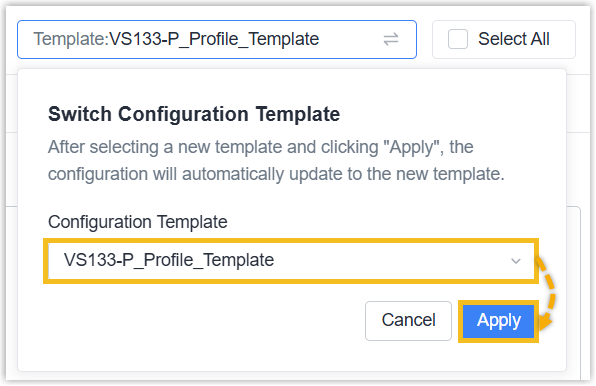
- On
the upper-right corner, switch to an existing template as required, and
click Apply.
- Enable the configuration you require to change, and adjust the parameters.
- Click Save.
Result
You have created a Config task.
