View Config Task Status and Details
This topic describe how to view Config task status.
Procedure
- Log in to Milesight Development Platform.
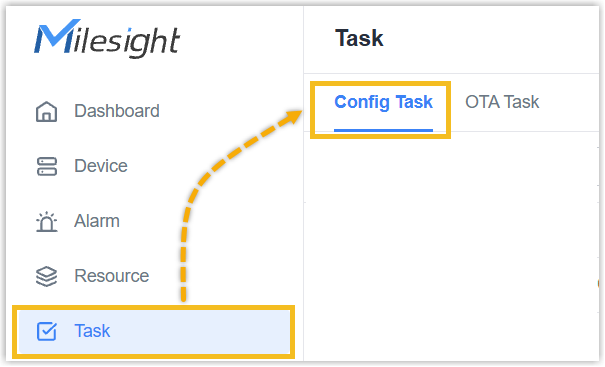
- On the
left
bar, click Task, then select the Config Task
tab.
- Check the status of the total Config task.
Task Status Description Waiting Wait the device online to process the Config task. Processing At least one device is processing the Config task. Completed The Config task of all devices is completed including Success, Failed or Stopped. - In the
Action column of the desired Config
task, click
 .
.
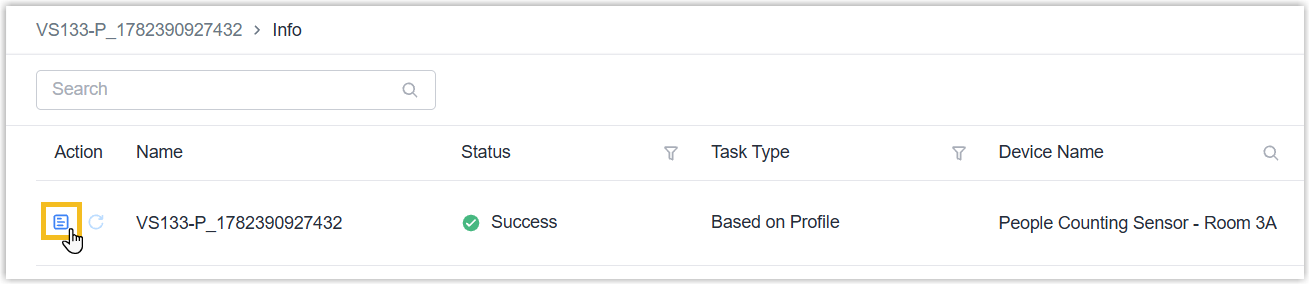
- Check the task status of every device.
Task Status Description Waiting Wait to start the task of this device. Processing The device is processing the Config task. Success The device succeeds to apply the configuration. Failed The device fails to apply the configuration. Stopped The Config task of this device is stopped. - In the Action column of
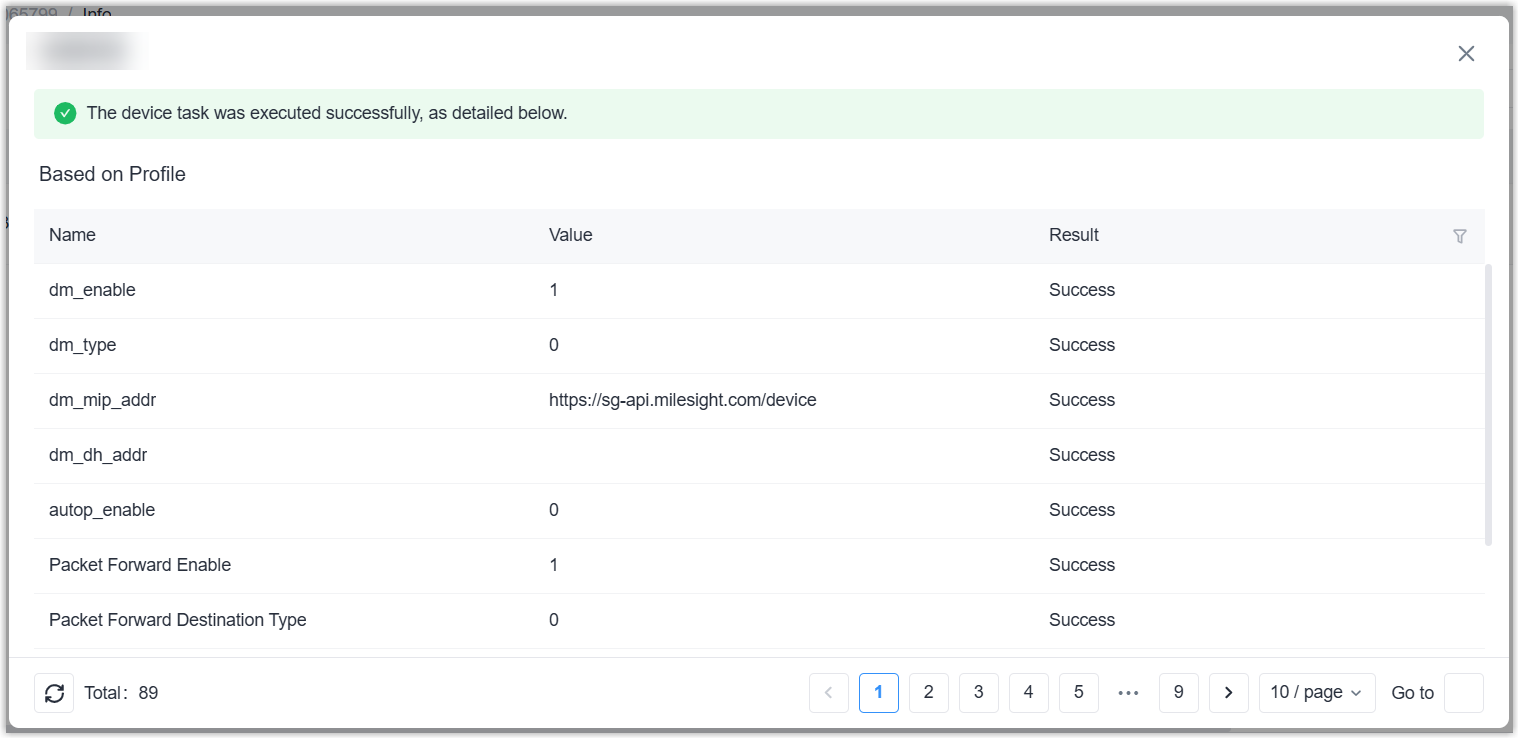
the desired sub Config task, click icon to check the configuration
apply details.Note: only when task status is Success or Failed, and the task type is Based on Profile, the details can be checked.