Configure General Parameters
This section describes the general device parameters and provides links to the detailed configuration procedures for related features.
Configure by ToolBox
Note: Before configuring the device through
ToolBox, access it through NFC or Bluetooth. For the navigation path and write
operation conventions used in this guide, see Configure the Devices in ToolBox.
- Navigate to Device > General.
- Configure the related parameters.
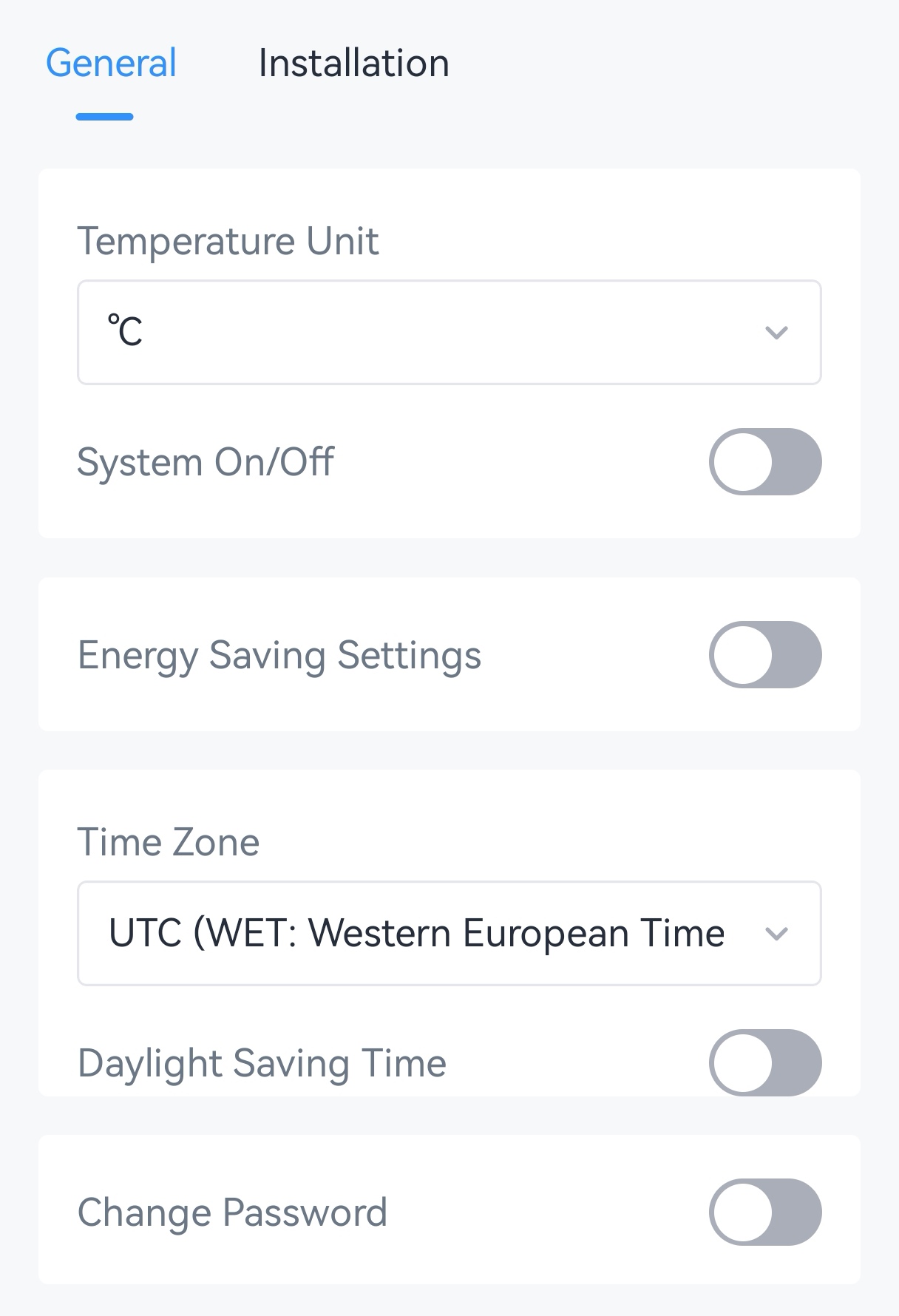
Parameter Description Temperature Unit Select the temperature unit displayed in ToolBox. Default: °C. Note: After changing the unit, it is necessary modify the temperature-related settings.System On/Off Turn on or off the HVAC system. For more details, see Configure Temperature Control and Fan Parameters. Energy-saving Setting Disable or enable energy-saving setting. For more details, see Configure Energy Saving Parameters. Time Zone For details, see Configure Time Parameters. Daylight Saving Time Change Password Change the password used for authenticated access and configuration through ToolBox. For details, see Change the Device Password. - Tap Write to apply the configuration.
Remote Configuration Reference
- BACnet: See UC711 BACnet Object List, Temperature Unit.
- Raw Hex Command:
64. See UC711 Payload Protocol (HEX), Temperature Unit.