Configure Temperature Control and Fan Parameters
This section describes how to configure the HVAC system status, temperature control settings, and fan settings displayed and transmitted by the thermostat. The thermostat does not directly operate HVAC equipment. A paired controller or downstream LoRaWAN® application processes the selected settings and executes the applicable control logic.
Prerequisites
- A communication mode has been selected.
- If the communication mode includes BLE, make sure the thermostat is connected to the Milesight controller.
Configure System On/Off
- Navigate to Device > General.
- Set System On/Off as required.
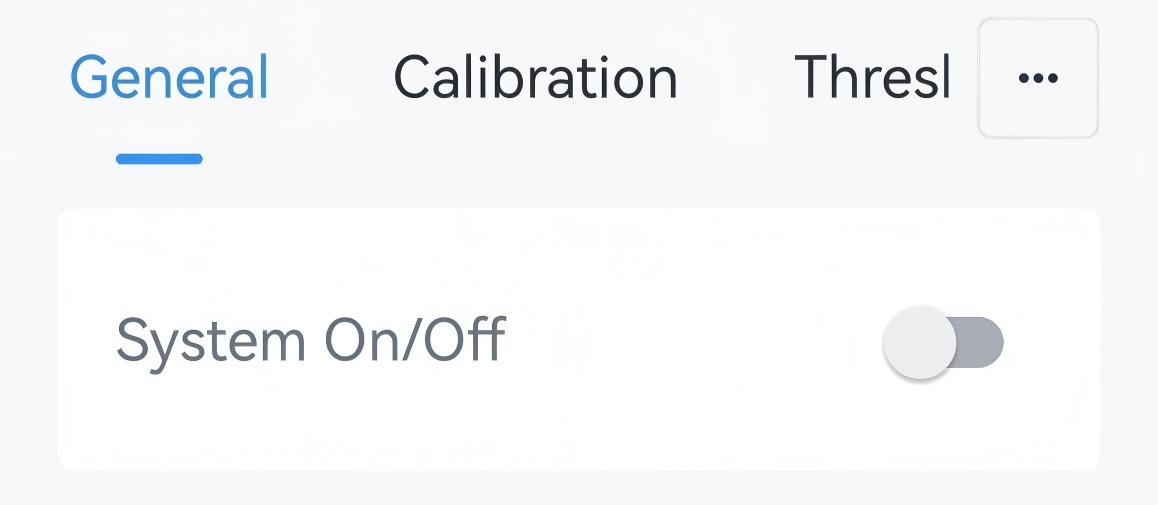
- Tap Write to apply the configuration.
Configure Temperature Control and Fan Parameters
- Navigate to Device > General.
- Select the Temperature Control Mode Enable options. The thermostat
can switch only among the enabled modes and disable the other modes.
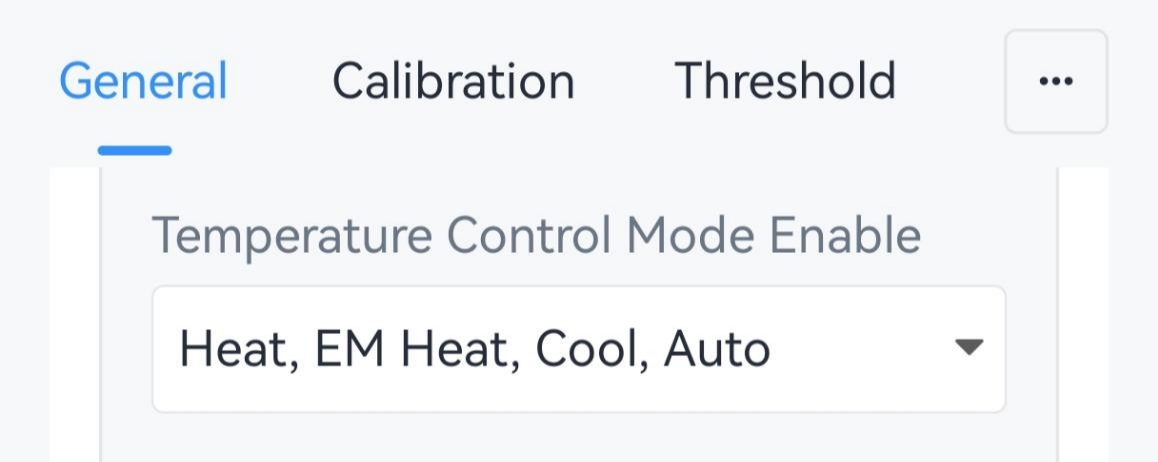
- Select the Temperature Control Mode and configure the related
parameters.
Parameter Description Temperature Control Mode Select from Cool, Heat, EM Heat, Auto, Dehumidification, and Ventilation. Tip: When connected to a UC711 controller, Dehumidification, and Ventilation may not be supported.The following parameters apply when the temperature control mode is Heat, EM Heat, Cool, or Auto.
Parameter Description Target Temperature Mode Select the target temperature configuration mode when temperature control mode is Auto. Options: Single Target Temperature: Use one target temperature for both cooling and heating.
Dual Target Temperature: Use separate target temperatures for cooling and heating.Note: When WT401 is connected to a UC711 controller, Target Temperature Mode is fixed to Dual Target Temperature.Target Temperature Resolution Select the increment used when adjusting a target temperature. Options: 0.5: Increases or decreases target temperature by 0.5 each time.
1: Increases or decreases target temperature by 1 each time.Single Target Temperature Mode Target Temperature Set the setpoint temperature for device control. Range: 5~35 °C/41~95 °F. Target Temperature Regulation Range Set the range with which users can adjust target temperature. Range: 5~35 °C/41~95 °F. Dual Target Temperature Mode Heating Target Temperature Set the target temperature for heating. Range: 5~35 °C/41~95 °F. Note: This value must be lower than cooling target temperature.Cooling Target Temperature Set the target temperature for cooling. Range: 5~35 °C/41~95 °F. Deadband Set the minimum allowed difference between heating and cooling target temperatures. Heating Target Temperature Regulation Range Set the range within which users can adjust the heating target temperature. Range: 5~35 °C/41~95 °F. Cooling Target Temperature Regulation Range Set the range within which users can adjust the cooling target temperature. Range: 5~35 °C/41~95 °F. - Select the Fan Mode. Tip: By default, WT401 provides Auto, On, and Circulate. When connected to a UC711 controller, Low, Medium, and High may also be available. The actual options depend on the connected controller.
Fan Mode Description Auto Runs when the system is cooling or heating, and stops when the system stops cooling or heating. On Runs continuously. Circulate Runs for a while when the system stops cooling or heating. - Tap Write to apply the configuration.