Configure Plan Parameters
This section describes how to add and manage predefined control plans. A plan stores a combination of system status, temperature control mode, fan mode, and applicable target temperatures. The thermostat displays and transmits the selected plan settings but does not directly operate HVAC equipment.
Prerequisites: Configure the available temperature control modes and target temperature mode. See Configure Temperature Control and Fan Parameters.
Configure by ToolBox
Note: Before configuring the device through ToolBox,
access it through NFC or Bluetooth. For the navigation path and write operation
conventions used in this guide, see Configure the Device in ToolBox.
- Navigate to Device > Plan.
- Select an existing plan and tap Edit, or tap Add New to create a
plan. The thermostat includes three plans by default and supports up to eight
plans.
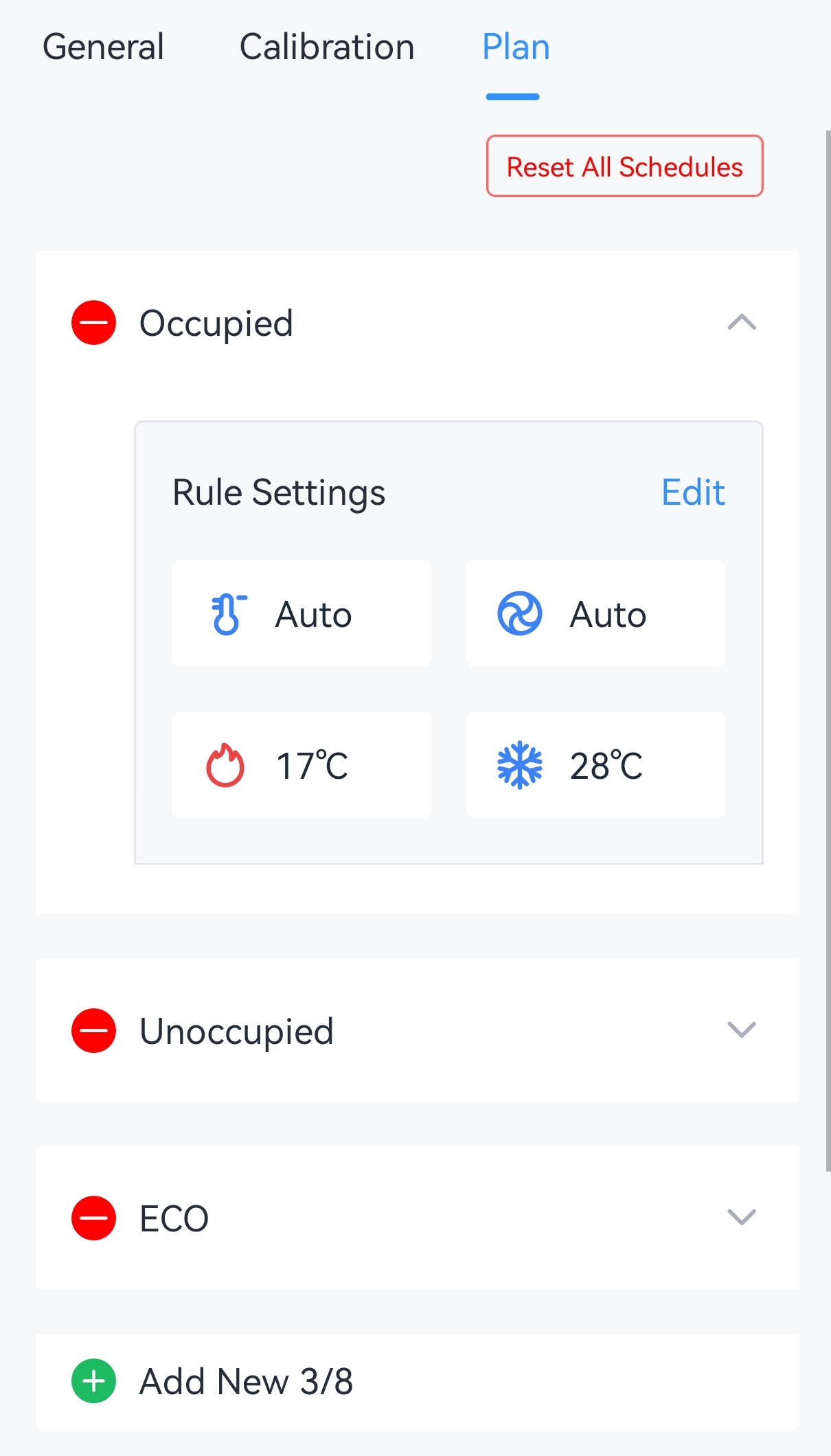
- Configure the rule parameters of this plan.
Parameter Description Schedule Name The schedule name can only include letters(a-z, A-Z), numbers, and spaces, with a maximum length of 10 characters. Temperature Control Mode Select the temperature control mode. Fan Mode Select the fan mode. Under Single Target Temperature Mode Auto Target Temperature Set the setpoint temperature for both cooling and heating when temperature control mode is Auto. Range: 5~35 °C/41~95 °F. Under Dual Target Temperature Mode Heating Target Temperature Set the target temperature for heating. Range: 5~35 °C/41~95 °F. Note: This value must be lower than cooling target temperature.Cooling Target Temperature Set the target temperature for cooling. Range: 5~35 °C/41~95 °F. - (Optional) Click
 to delete the selected plan, or tap Reset All Schedules to restore all
plans to their factory settings.
to delete the selected plan, or tap Reset All Schedules to restore all
plans to their factory settings. - Tap Write to apply the configuration.