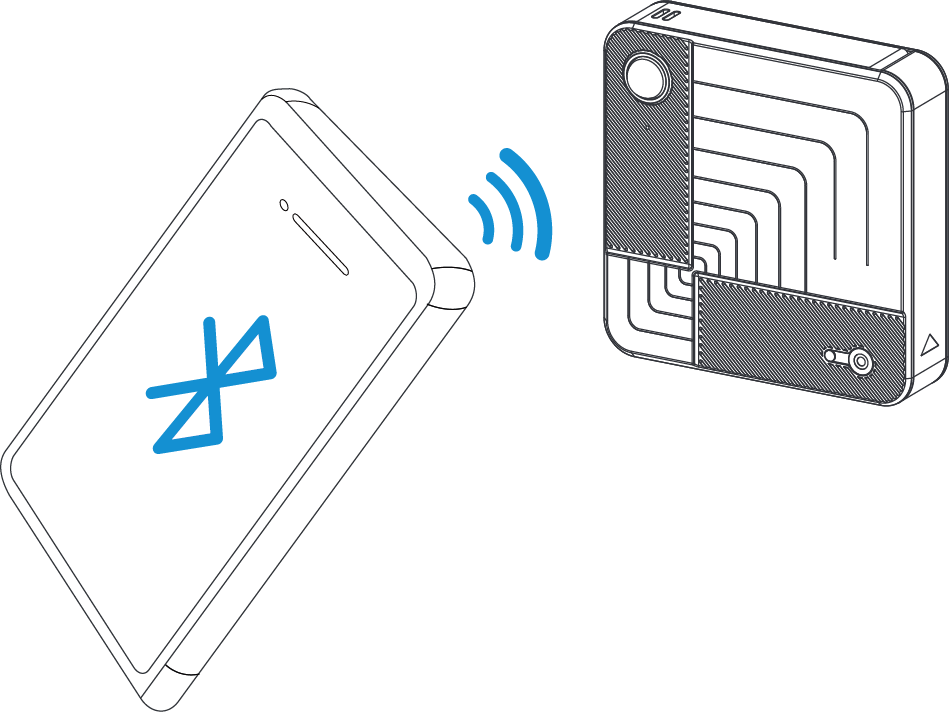
Bluetooth Configuration
- Download and install “Milesight ToolBox” App on an Bluetooth-supported smartphone.
- Enable Bluetooth and location function on the smartphone.
- Open “Milesight ToolBox” App and switch the reading mode to “Bluetooth”. Tap
“Bluetooth Read” to automatically search for nearby devices to connect. The default
Bluetooth name is
VS321-XXXXXXX(5th to 11th of device SN) and the default login password is 123456. - When connecting to Bluetooth for the first time, you need to set the Bluetooth password. After the setup is completed, you can get the basic information of the product.
Note:
- The Bluetooth connection will be terminated if there’s no data interaction within 3 minutes. It will request to connect again.
- The device can connect to only one smartphone via Bluetooth at a time. For example, if the device is connected to Smart phone A via Bluetooth, the connection will be terminated after it is connected to Smartphone B.