Milesight D2D Setting
Milesight D2D protocol is developed by Milesight and used for setting up transmission among Milesight devices without gateway, which is able to reduce the latency and achieve the quick control.
Milesight D2D Controller
When D2D controller setting is enabled, the device can work as Milesight D2D controller device to send commands to trigger D2D agent devices.
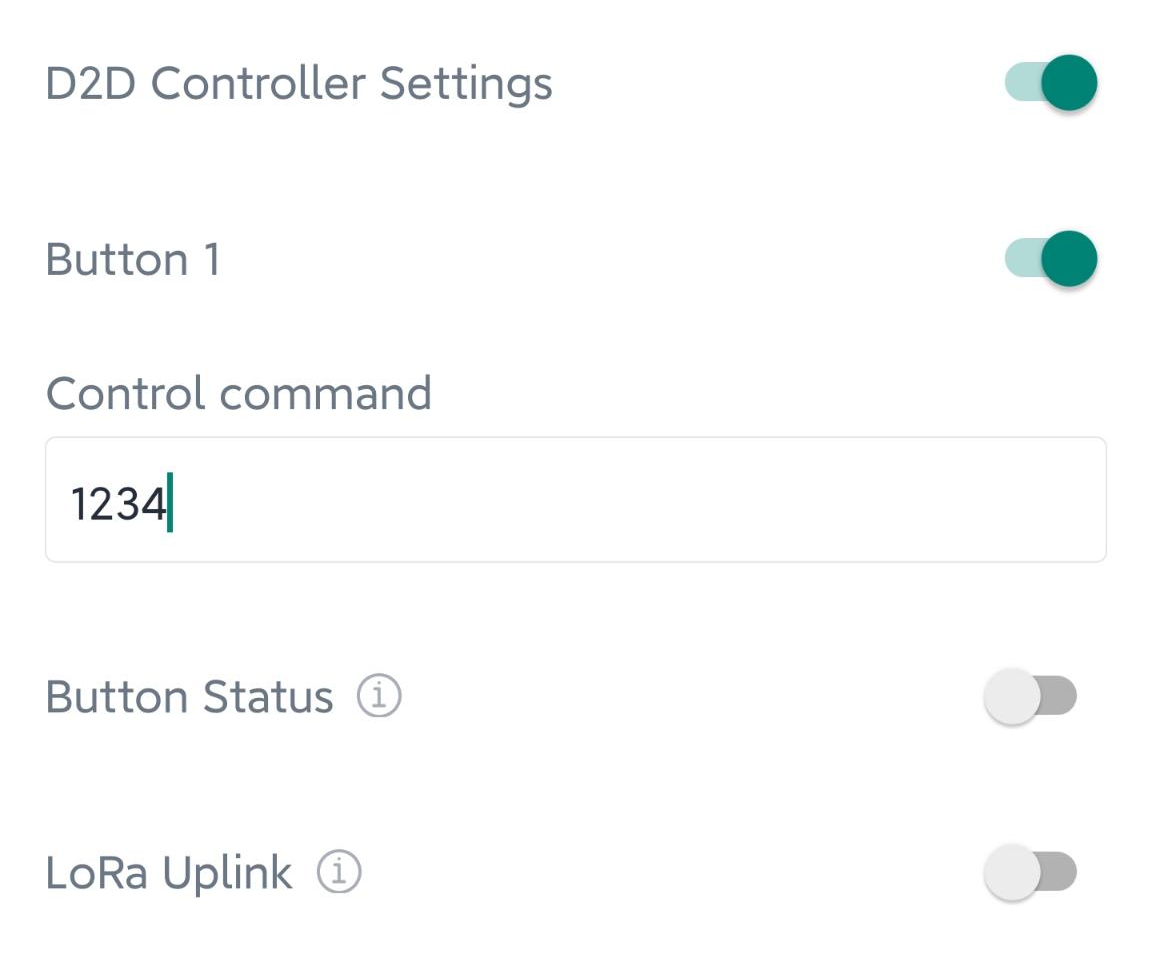
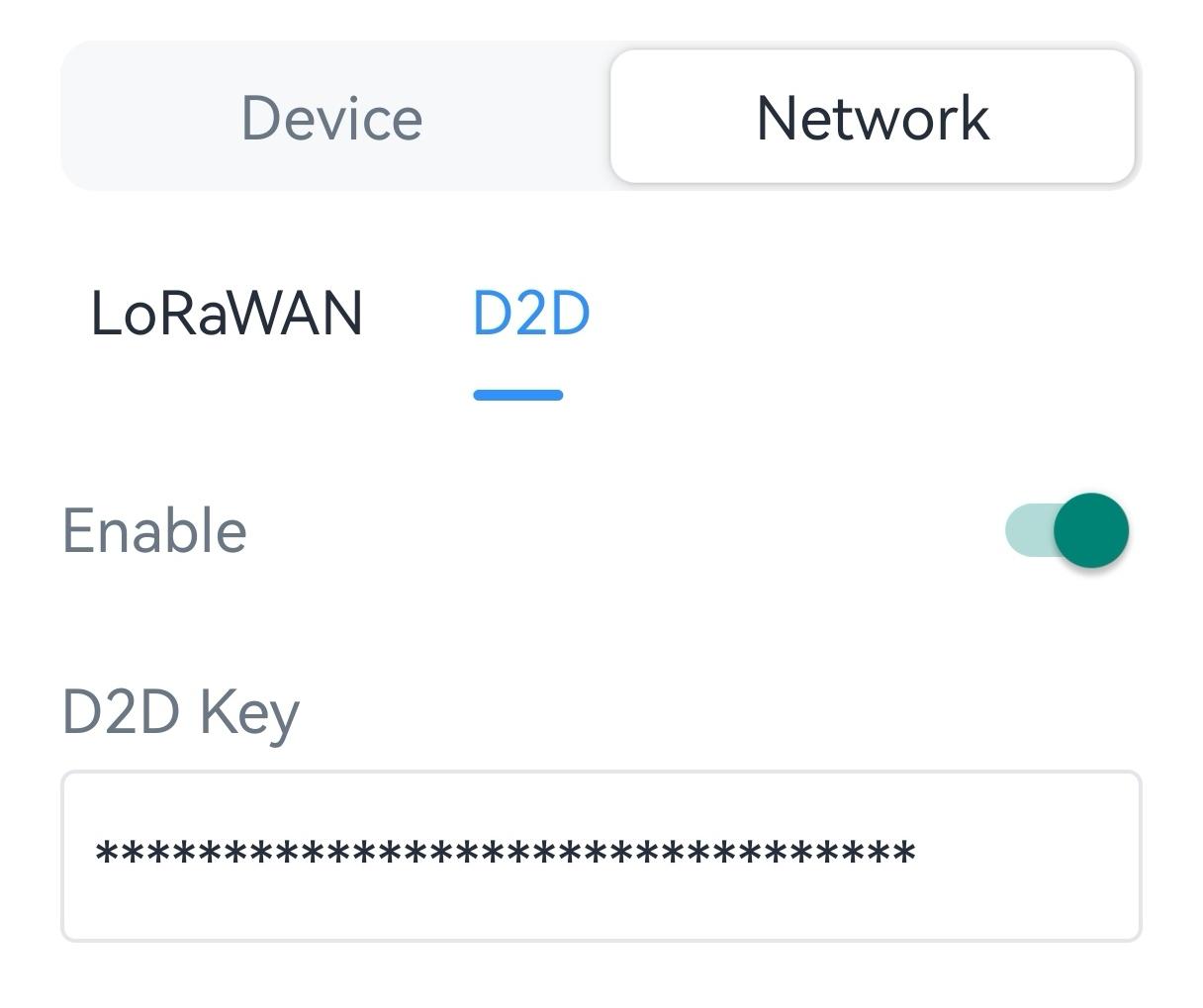
2. Enable D2D Controller Settings, and define a unique D2D key to be the same as D2D agent devices. (Default D2D Key: 5572404C696E6B4C6F52613230313823)
3. Enable one of statuses and configure 2-byte hexadecimal Milesight D2D command. When you press this button, WS50X will send the control command to corresponding D2D agent devices. Besides, this button can also control the light at the same time.-
If Button Status is enabled, the D2D control command packet will contain the info of button status. This is usually used for dual control applications.
- If LoRa Uplink is enabled, a LoRaWAN® uplink packet that contains corresponding alarm status will be sent to gateway after the Milesight D2D command packet. Otherwise, the packet will not send to LoRaWAN® gateway.
- Please do not press button frequently which may bring bad experience such as conflict and stuck key, as the button is pressed before D2D packet is completely sent.
Example:When pressing the button 1, the device will turn on L1 and send the command 1234 to Milesight D2D agent devices.
Milesight D2D Agent
When D2D agent setting is enabled, the device can work as the Milesight D2D agent device to receive commands from Milesight D2D controller devices.
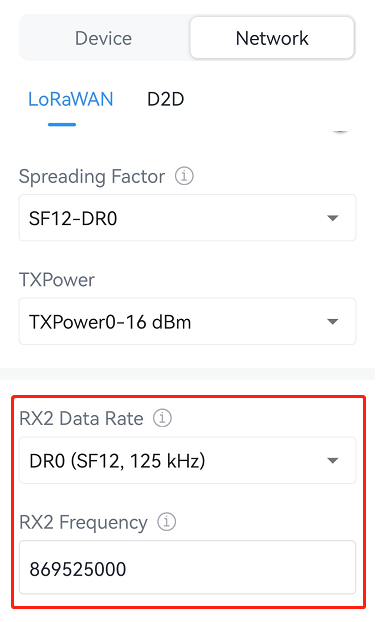
1. Ensure the RX2 datarate and RX2 frequency in LoRaWAN® settings are the same as the D2D controller device.
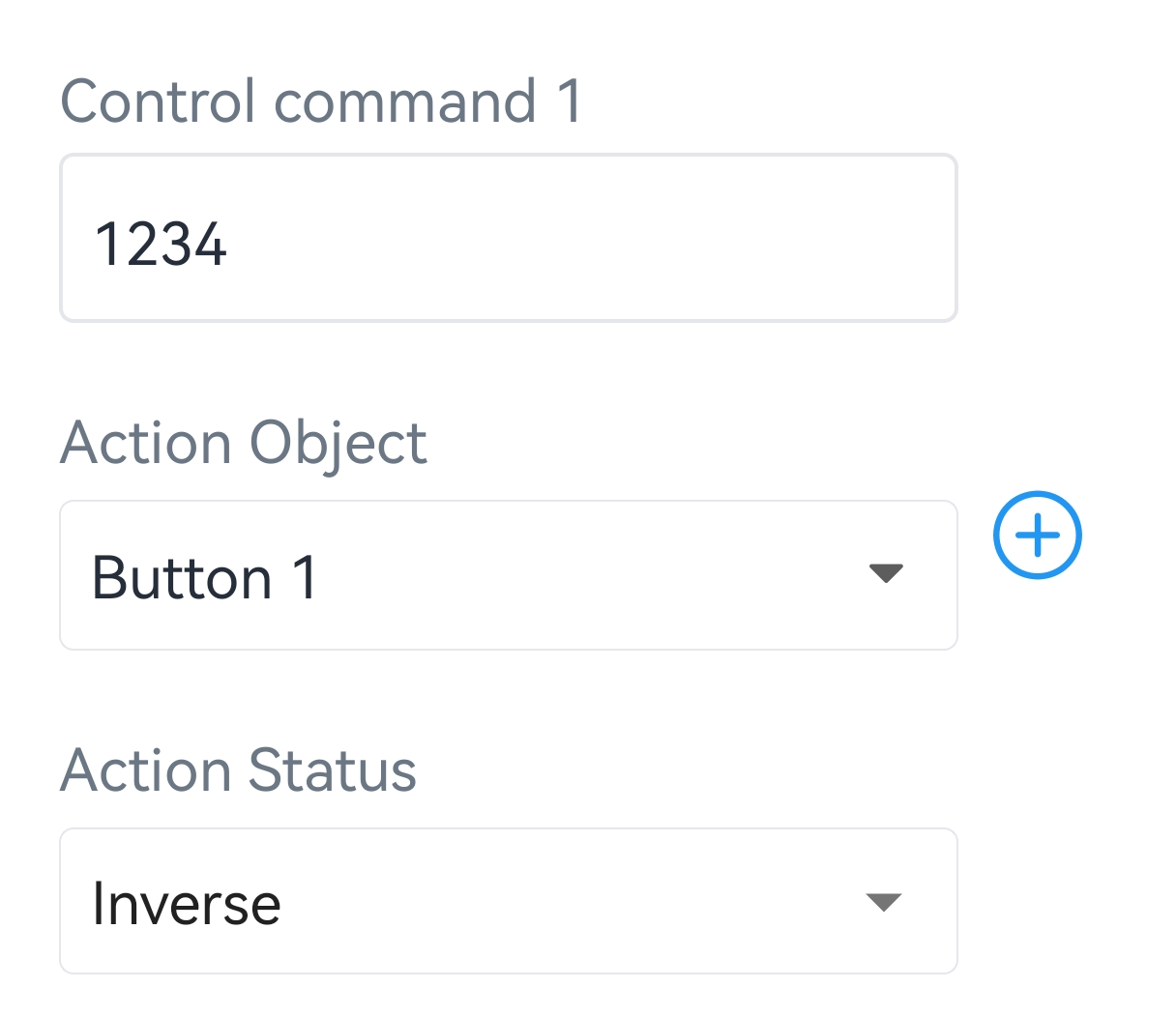
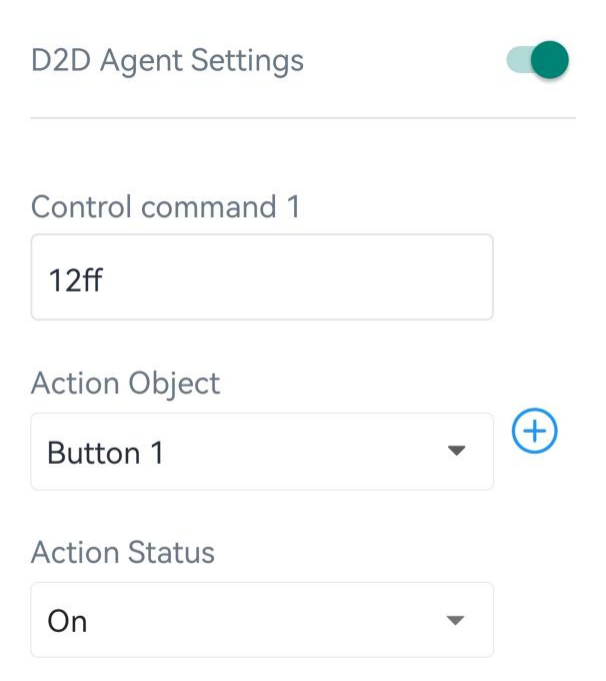
3. Enable D2D Agent Settings, define a 2-byte hexadecimal control command (0x0000 to 0xffff) and command action. One device supports at most 16 control commands.
Dual-Control Switch Example
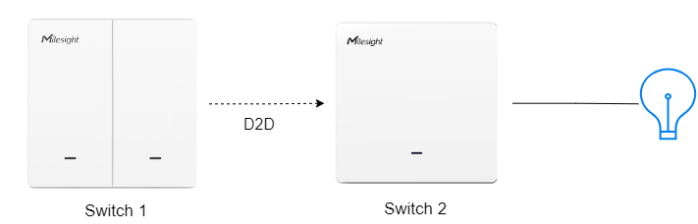
1. Ensure the RX2 datarate, RX2 frequency, and D2D key of both devices are the same.