Milesight D2D Setting
Milesight D2D protocol is developed by Milesight and used for setting up transmission among Milesight devices without gateway, which is able to reduce the latency and achieve the quick control.
Milesight D2D Agent
The device is able to work as a Milesight D2D agent device to receive commands from Milesight D2D controller devices.
1. Ensure the RX2 datarate and RX2 frequency are the same as the D2D controller devices.
2. Set the D2D key to be the same as the D2D controller devices. (Default D2D Key: 5572404C696E6B4C6F52613230313823)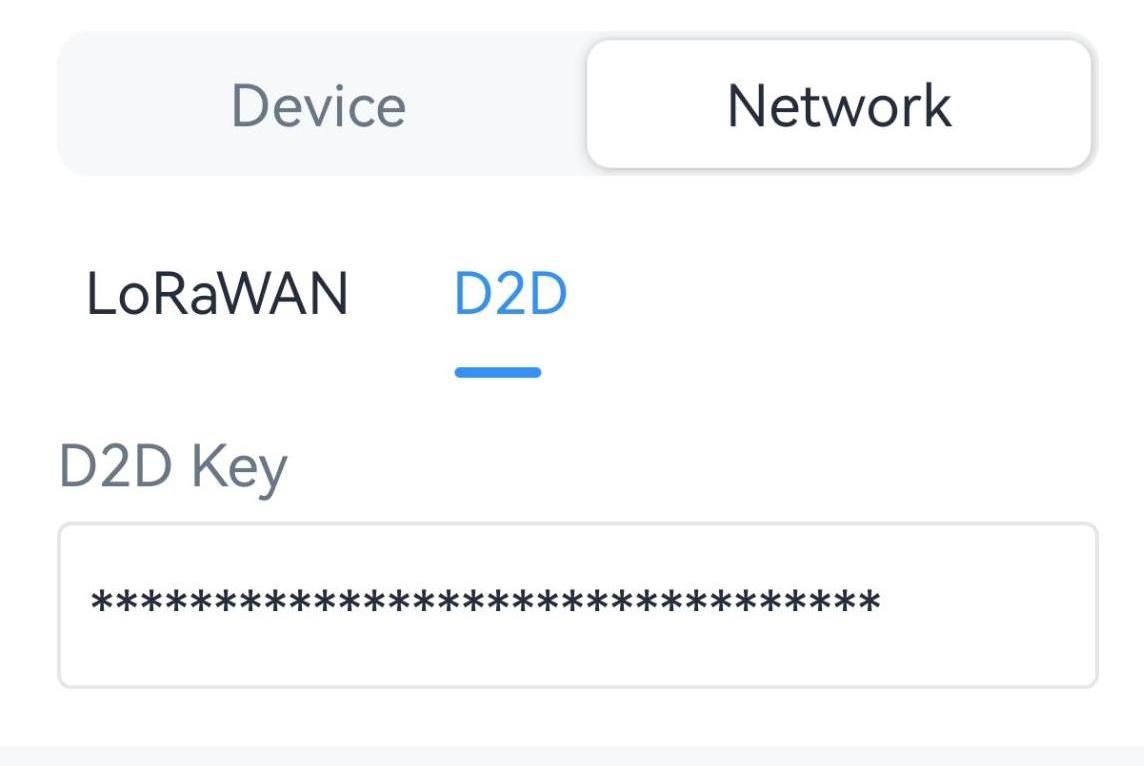
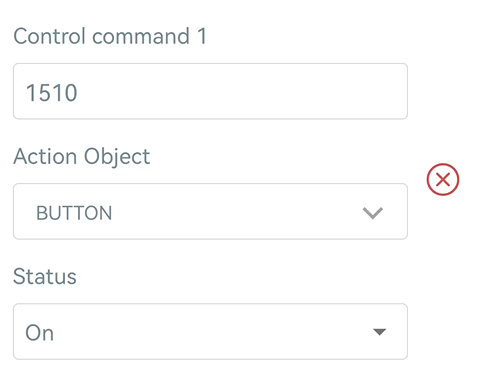
3. Enable D2D Agent Settings, then add a rule to select the action object to trigger and configure a 2-byte hexadecimal Milesight D2D command. One device supports 16 control commands at most.
Example: When receiving the command 1510 from Milesight D2D
controller devices, turn on the button (socket).