Platform Management
This chapter describes how to connect the device to Milesight remote management platform.
Prerequisites
- The device has accessed the Internet network.
- Milesight Development Platform account and enterprise have been created, and device addition is supported.
Steps
- On the left bar, select Platform Management page.
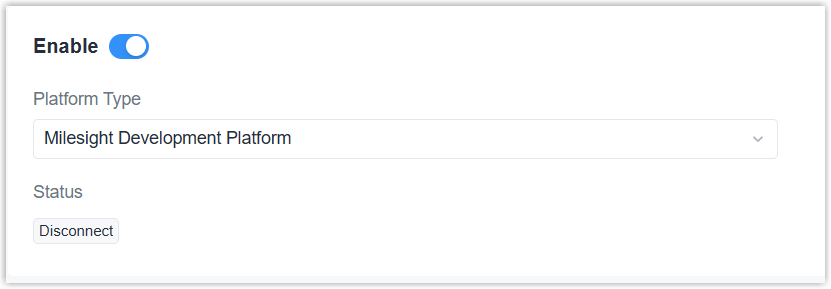
- Enable the device to connect to the platform.
- Click Apply to save the settings.
- Add the device to the platform. For more details, refer to Connect a Device.
- Check if connection status changes to Connected on the platform and the device.