Python
This chapter describes the steps to run Python Apps to the device.
Prerequisites
- Make sure there is enough device space to import the Python Apps.
- Download Python SDK from Milesight official website.
- Develop the Python Apps and package them into ZIP files.
Step
Install Python SDK
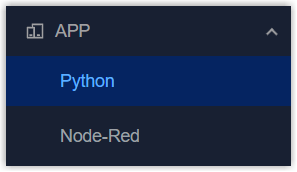
- On the left bar, select APP > Python page.
- On the top bar, select Python tab.
- Click Import to select the Python SDK file from local path.

- Click Install to install the Python SDK. After installing, the SDK
version and path will display.

Install and Uninstall Python App
- On the top bar, select Python APP tab.
- Click Import to select the App file from local path and import the
APP.
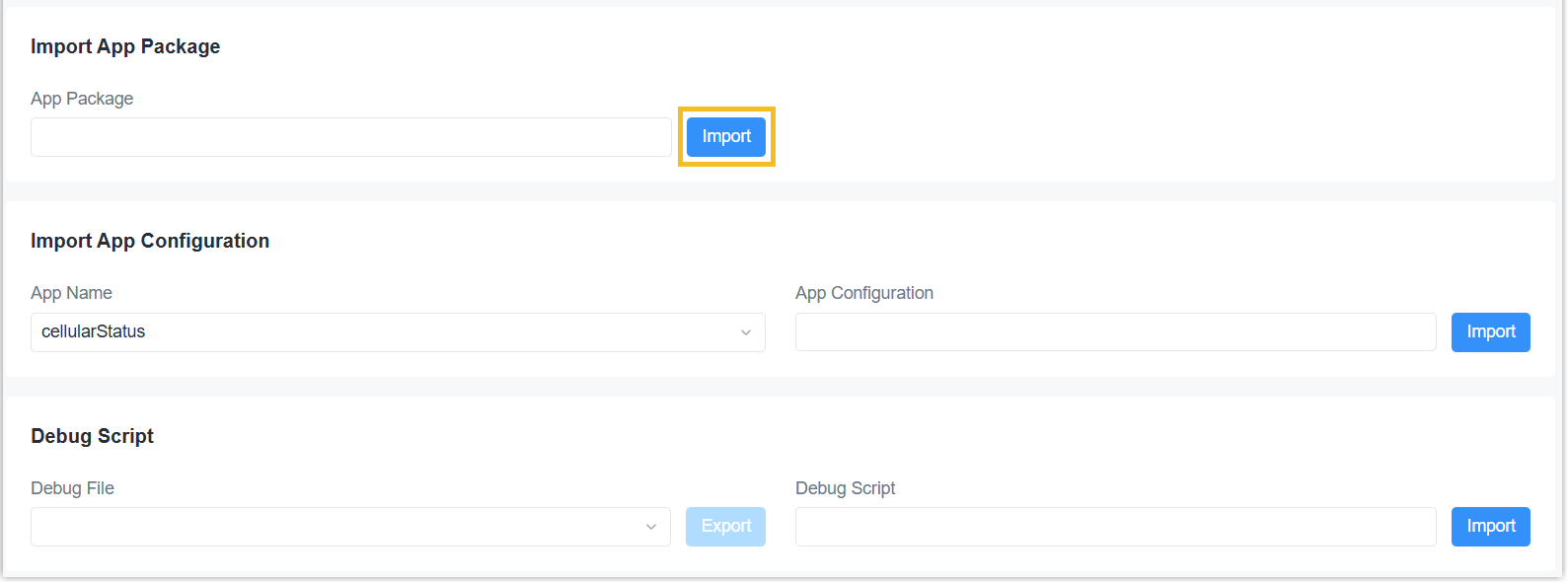
If the App is imported well, it will display on the AppManager Configuration page. You can click Uninstall as required.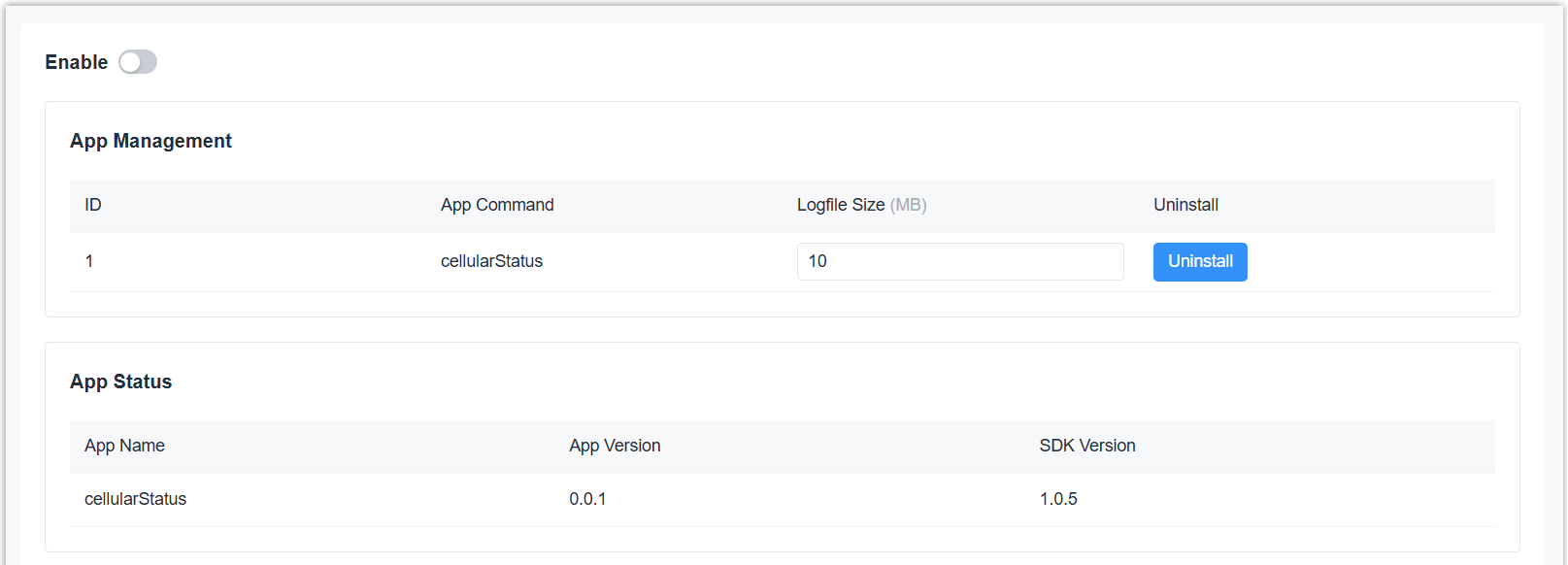
Run Python App
- On the top bar, select AppManager Configuration tab.
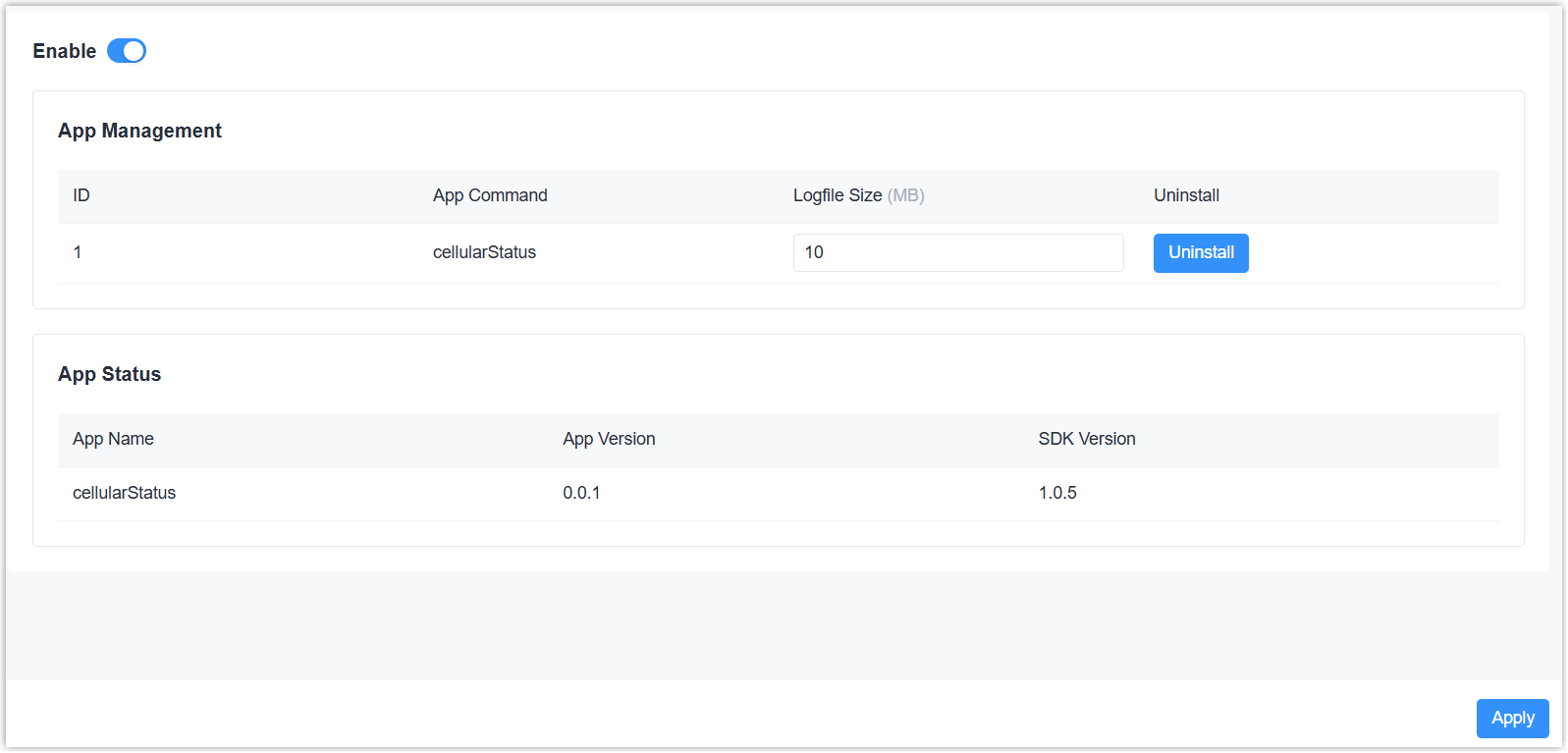
- Enable App Management feature, then click Apply to save the
setting.
- On the top bar, select Python tab.
- The Python status will display as Running. Click View to check
the running status and logs of the App.
