General
This chapter describes the general access settings and time settings.
General
This page is used to set up some basic parameters and access parameters.
Steps:
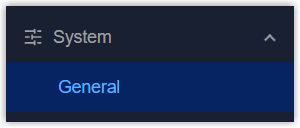
- On the left bar, select System > General page.
- On the top bar, select General tab.
- Configure the general parameters as required.
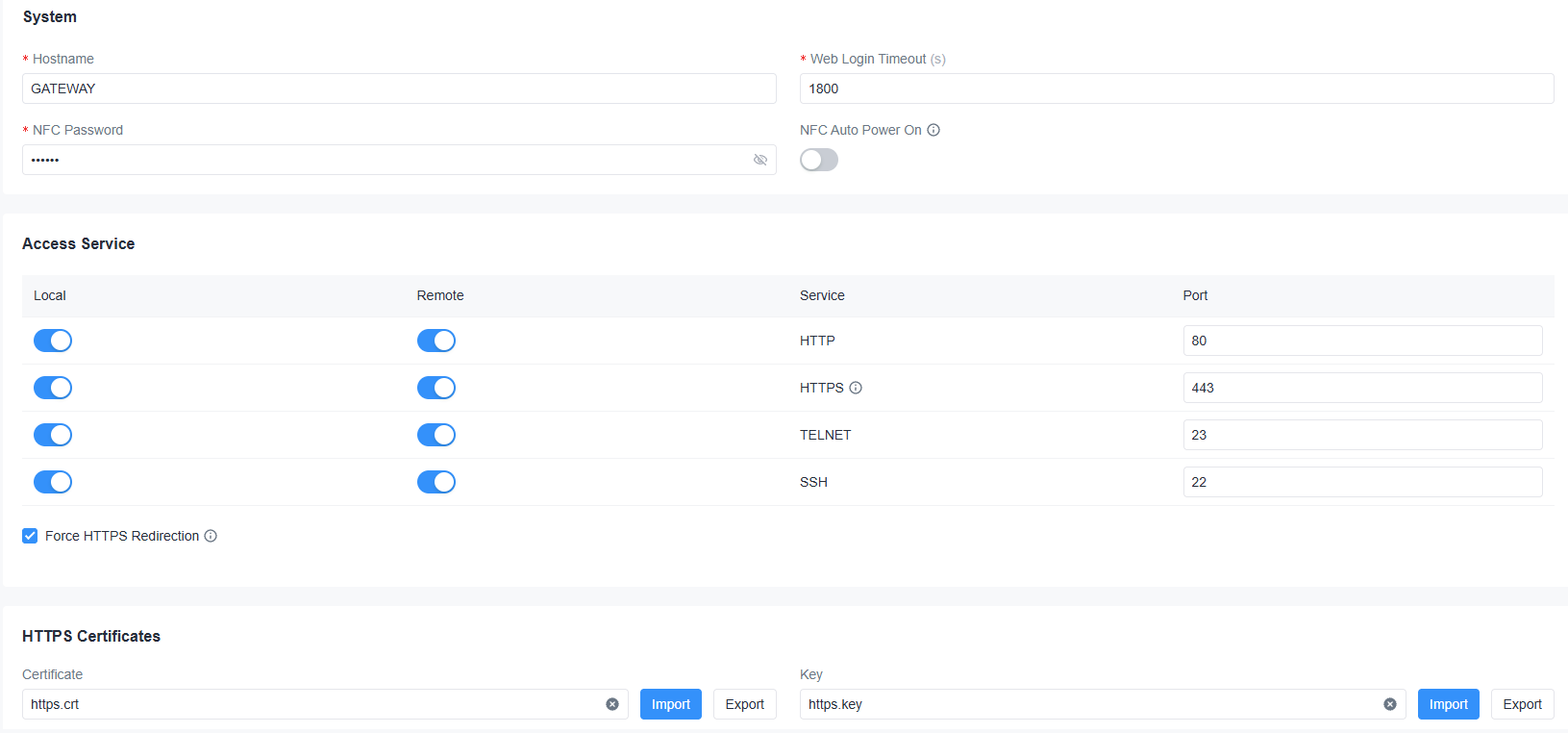
Parameter Description System Hostname Define a unique name to identify this device. Web Login Timeout After this timeout, the web GUI will log out automatically. Range: 100-3600s. NFC Password Define the password for writing configurations to Milesight LoRaWAN® end devices. NFC Auto Power On Enable or disable to automatic power-on when adding a device via NFC. Access Service Local Enable or disable the service to access the device locally. Remote Enable or disable the service to access the device remotely. Service The device supports web access via HTTP/HTTPS or CLI access via SSH/TELNET. Port Set the port number of the service. Each service must use a unique port. Force HTTPS Redirection Once enabled, when HTTPS access service is enabled, HTTP access will automatically redirect to HTTPS.
HTTPS Certificates Certificate The gateway has preloaded with certificate and key files for HTTPS access. Import: Click to import customized files.
Export: Click to export the files.Key - Click Apply to save the settings.
System Time
This page is used to configure the device system time parameters.
Steps:
- On the left bar, select System > General page.
- On the top bar, select System Time tab.
- Configure the general parameters as required.

Parameter Description Current Time Displays the current device time. Timezone Select the time zone of the device. Sync Type Select the time sync source among Sync with Browser, Sync with NTP server or Set up Manually. Sync with NTP Server NTP Server Address Set the NTP server address (domain name/IP) to synchronize the time. This requires the gateway to be able to access this server. Enable NTP Server After enabled, the device can work as an NTP server to provide time to other connected devices. - Click Apply to save the settings.