Event
This chapter describes the event settings to record device related events.
Event List
This section list events related to the device.
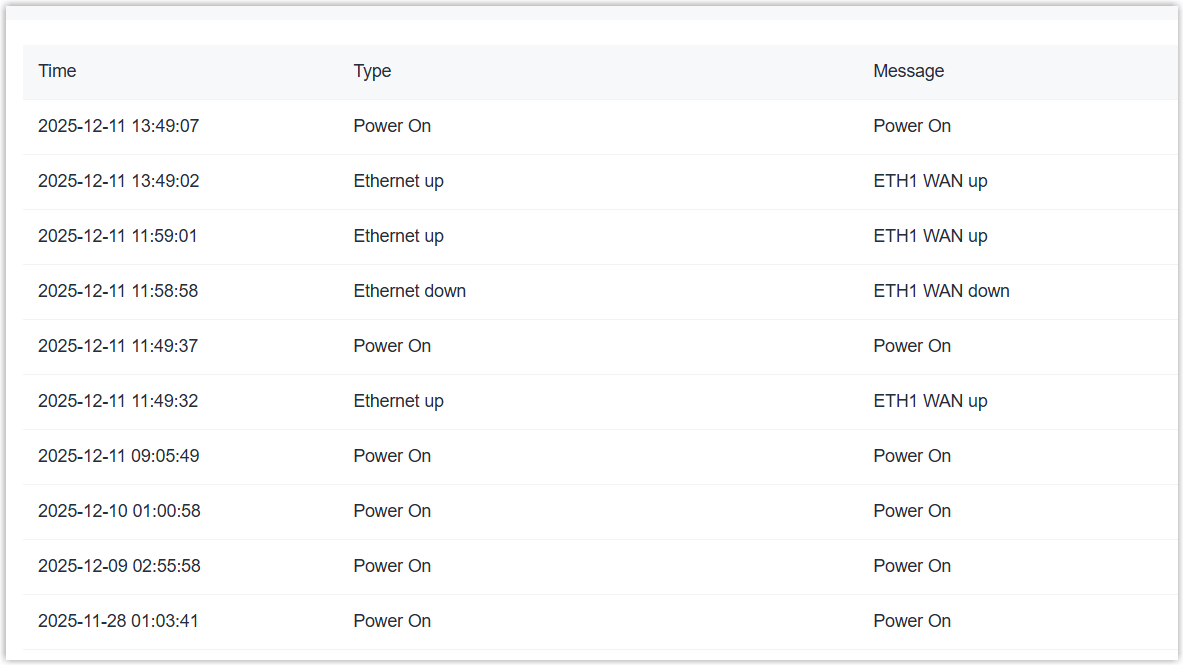
Prerequisites: The device system time is correct.
Steps:
- On the left bar, select System > Event page.
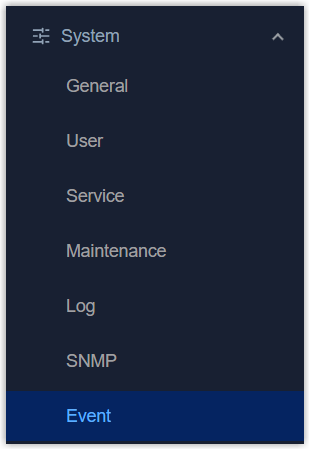
- On the top bar, select Event List tab. The list will display device related events.
Event Notification
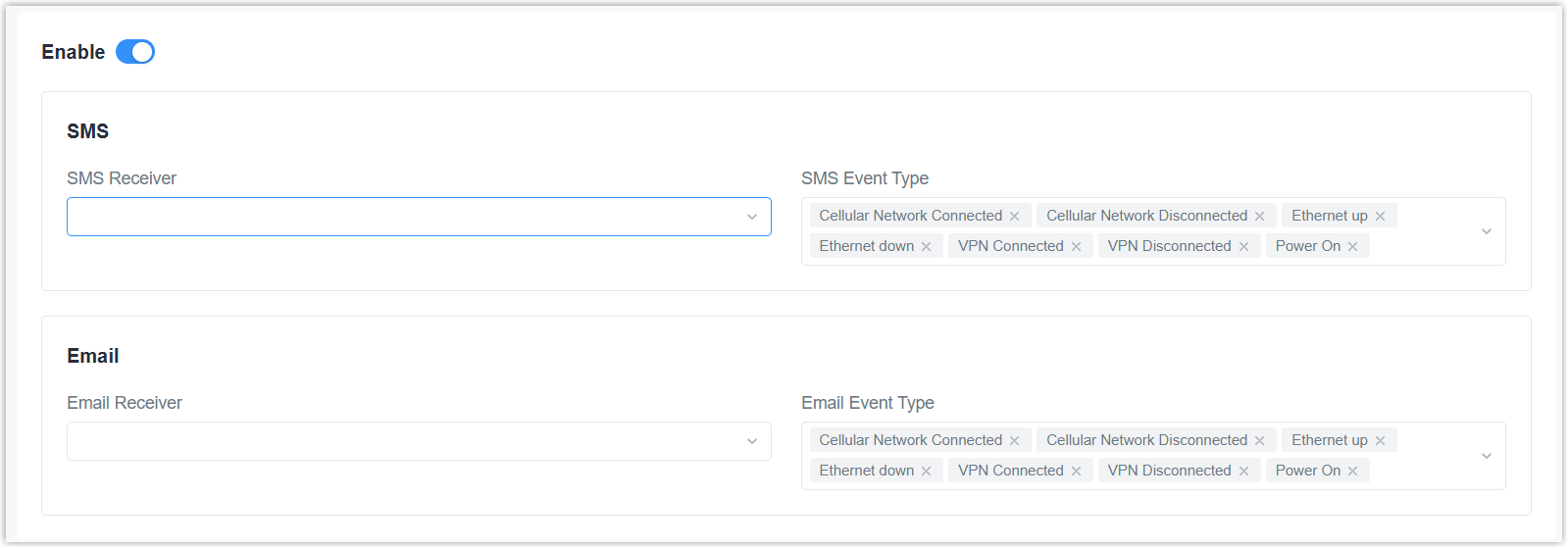
This section is used to configure the email or phone receivers to receive event
alarms.
Prerequisites: The email group or phone group is added.
Steps:
- On the left bar, select System > Event page.
- On the top bar, select Event Notification tab.
- Enable the event notification.
- Select the email group and event types to send the event emails as required.
- Select the phone group and event types to send the event SMS as required.
- Click Apply to save the settings.