Status
The Status page displays the device's basic information and operational status.
Overview
The top of the page displays the hostname, serial number, and wizard portal. Click
the widgets in the figure to learn more.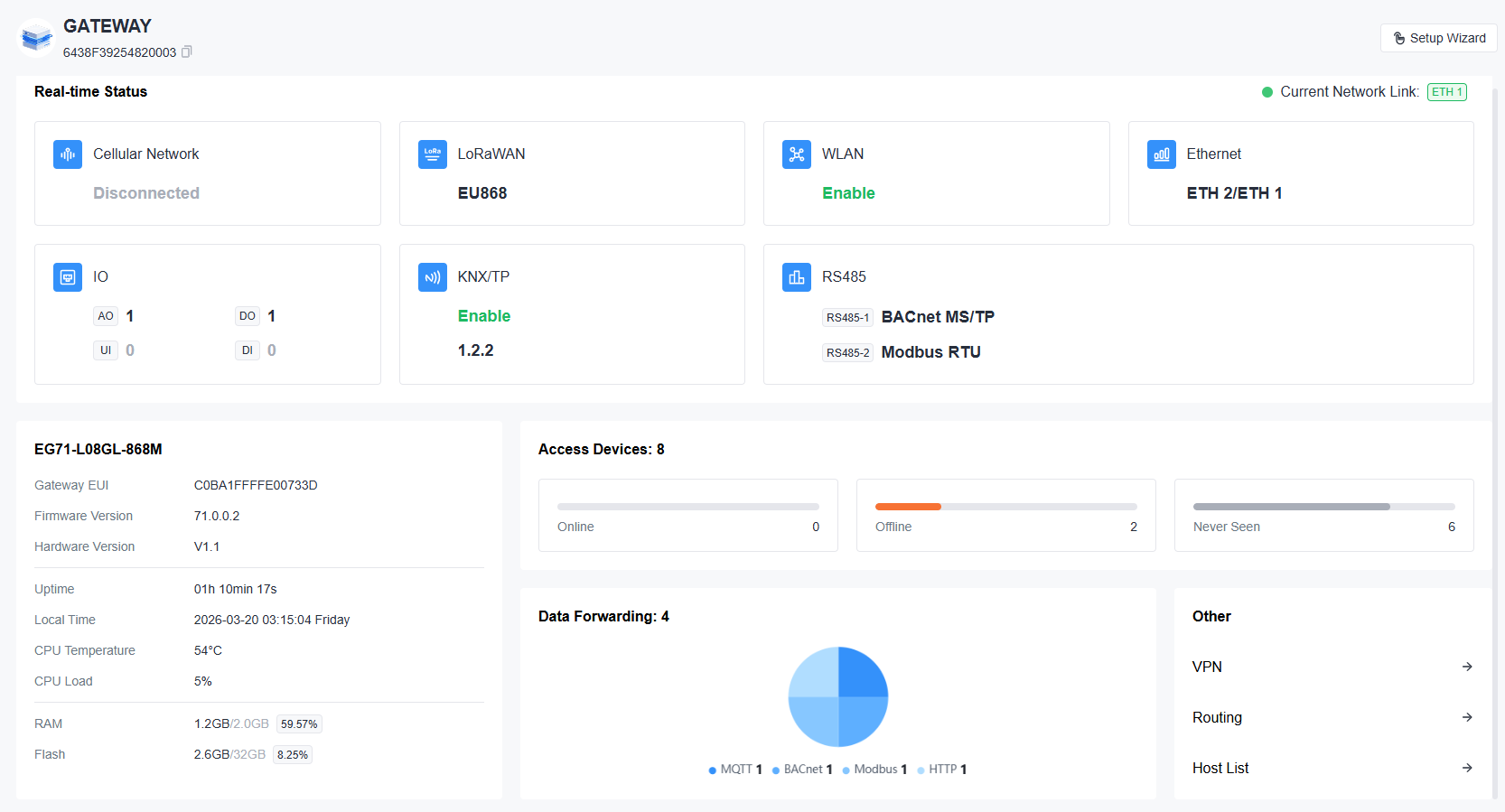
Real-time Status
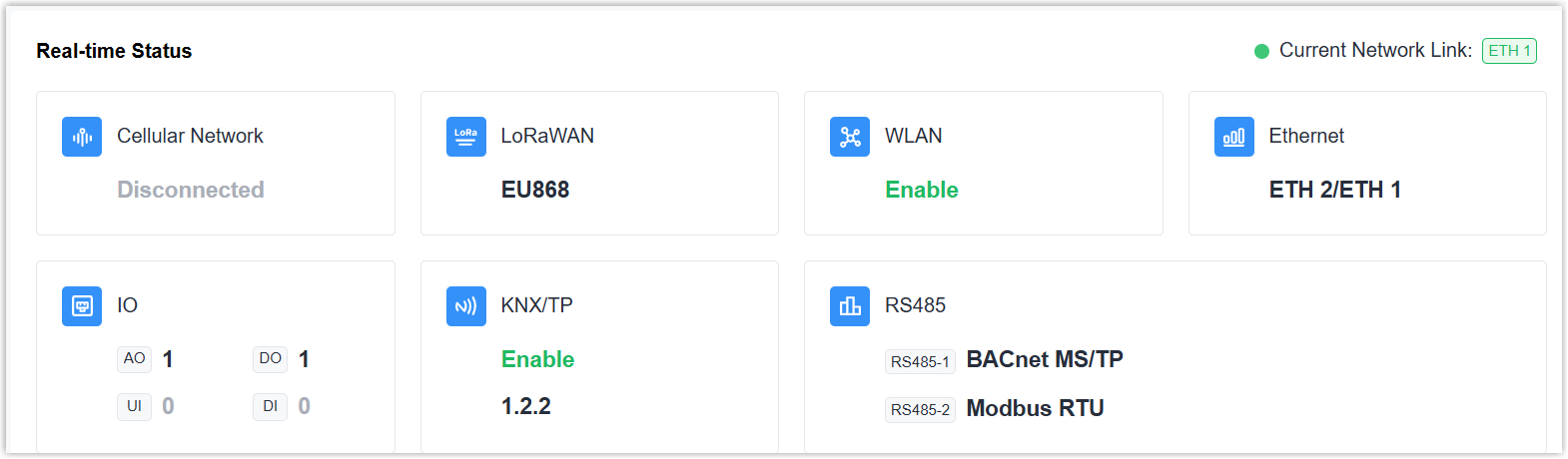
This widget displays the current network link, and includes seven small widgets to display the status of each interface. You can click every widget to check status details.
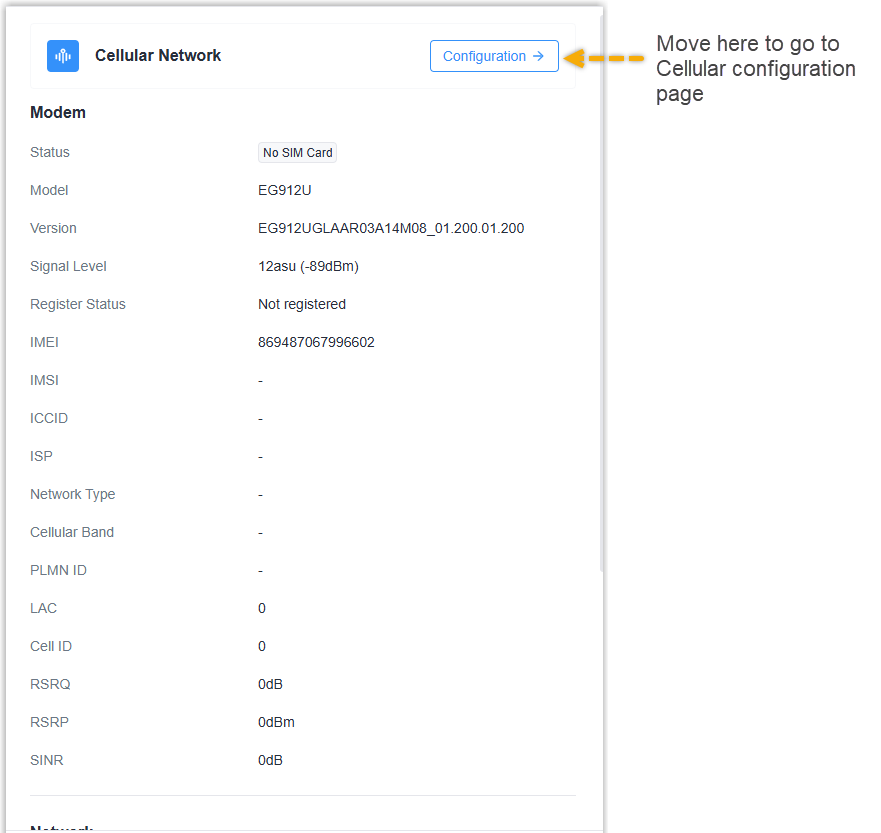
Cellular Network: Displays the cellular module status, network registration
status, and monthly cellular data usage.
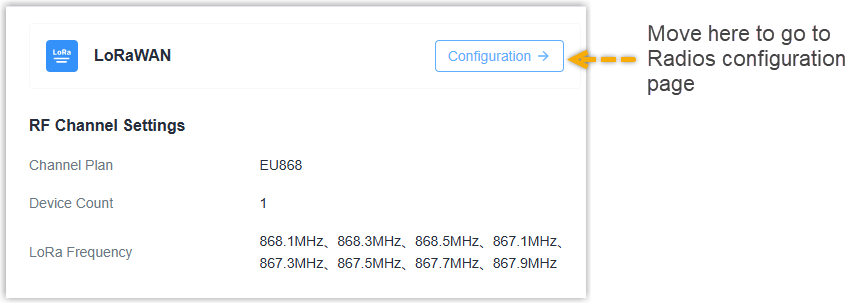
LoRaWAN: Displays the channel plan, frequencies, and the number of added
LoRaWAN® devices.
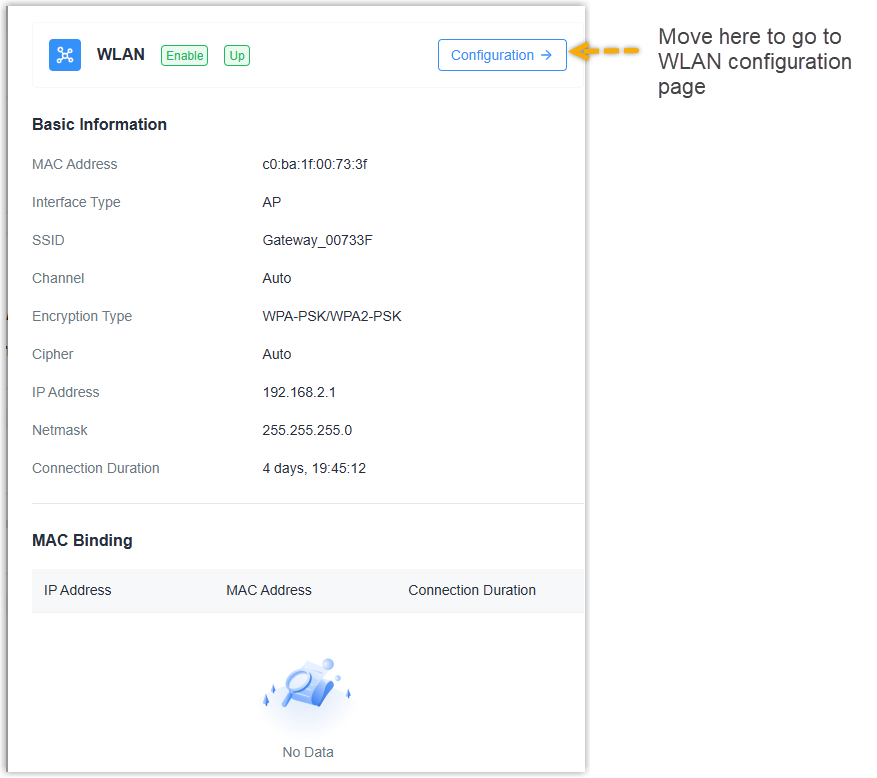
WLAN: Displays the WLAN enable status, up/down status, and information for
different modes.
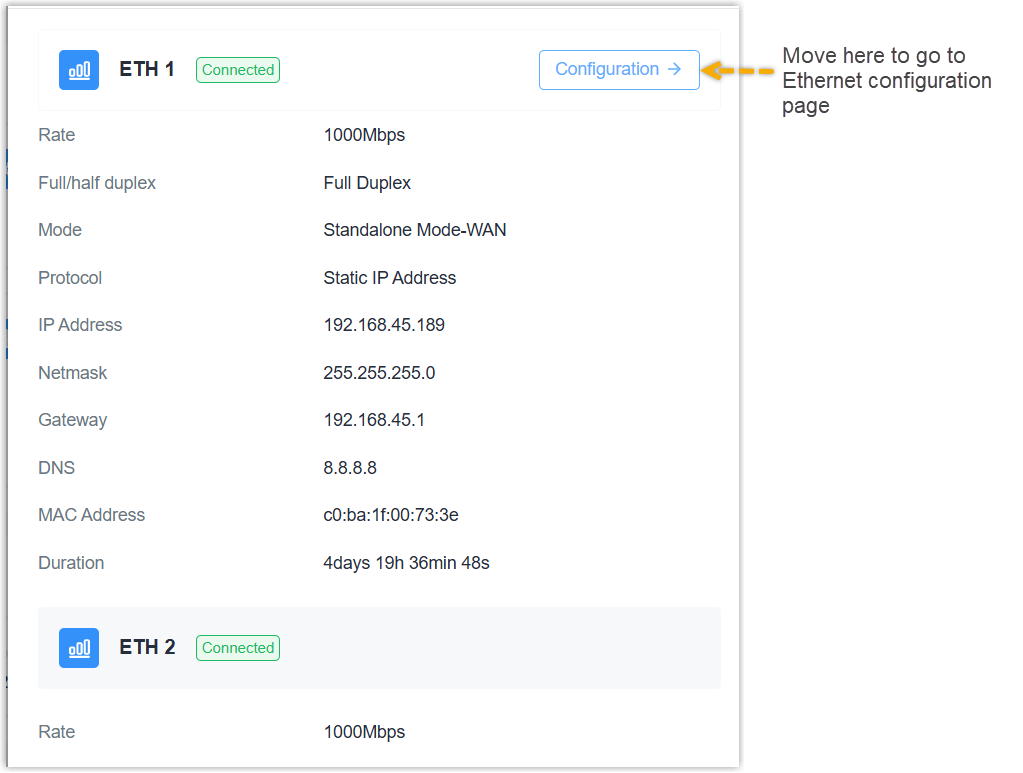
Ethernet: Displays the connection status and information of each Ethernet
port.
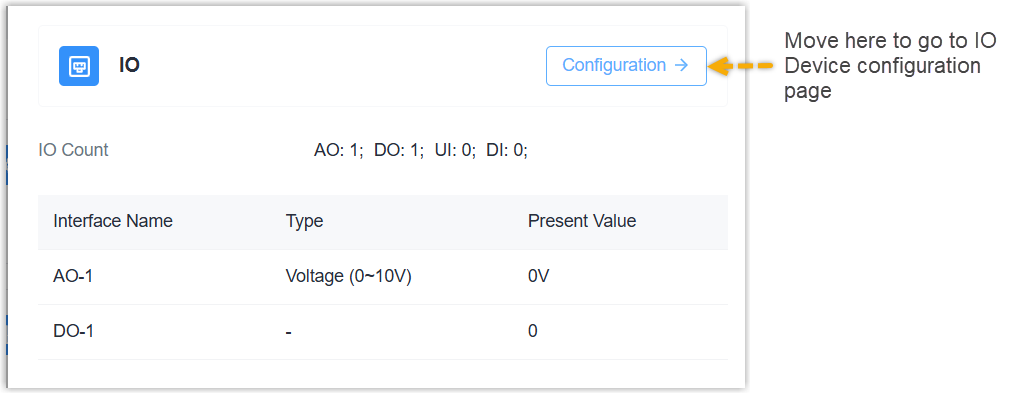
IO: Displays the number of enabled IO interfaces, their types, and present
values.
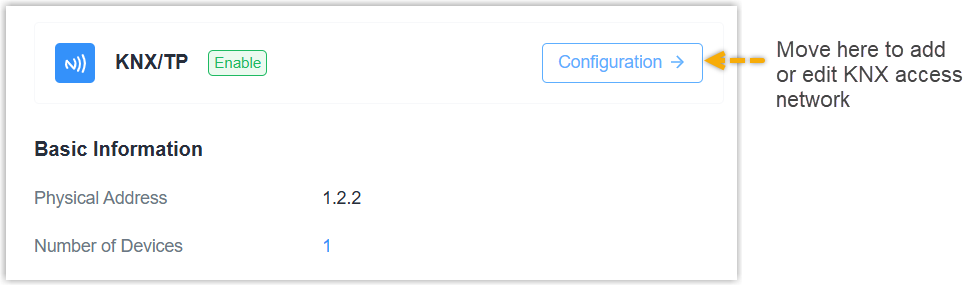
KNX/TP: Displays the physical address of this interface, and the number of
added KNX/TP devices.
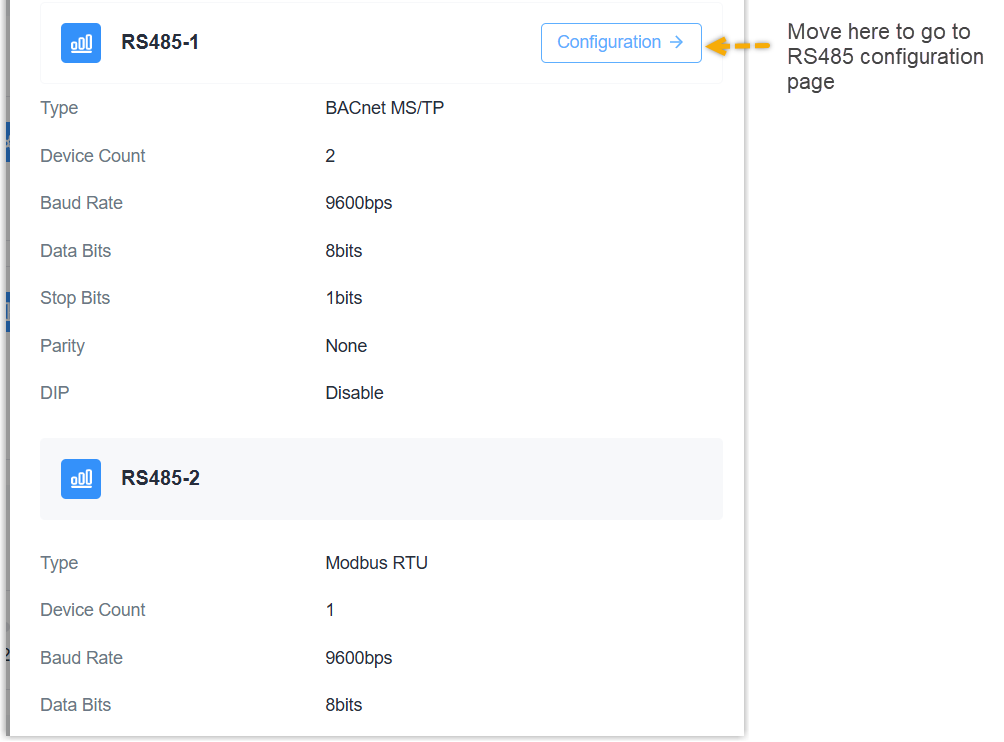
RS485: Displays the settings and protocol type used of each RS485
interface.
Basic Information
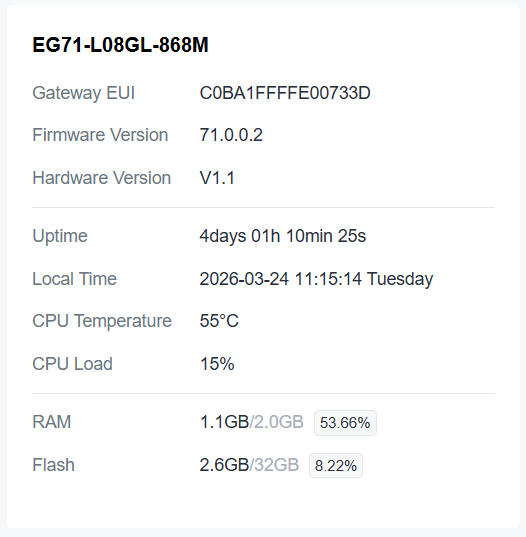
This widget displays the basic information, operational status, and storage status.
Access Devices

This widget displays the total number of added devices, as well as the number and proportion of devices in different statuses.
Data Forwarding
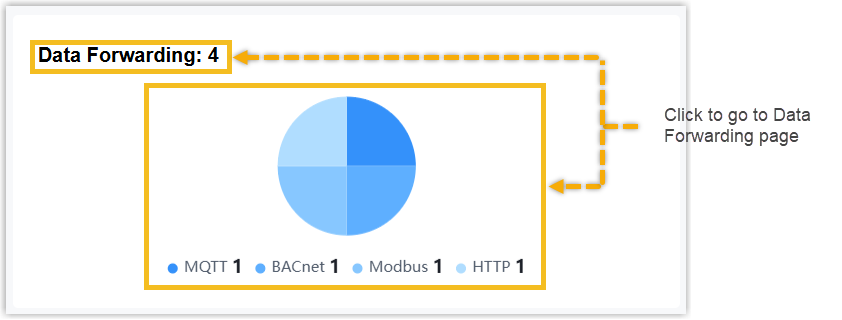
This widget displays the total number of added data forwarding rules, as well as the number and proportion of rules for different protocol types.
Other
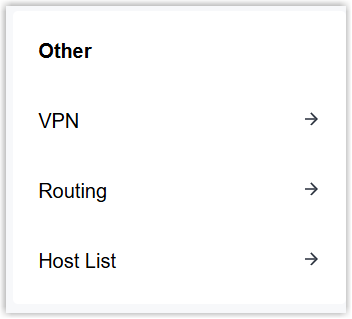
The widget displays the three menus:
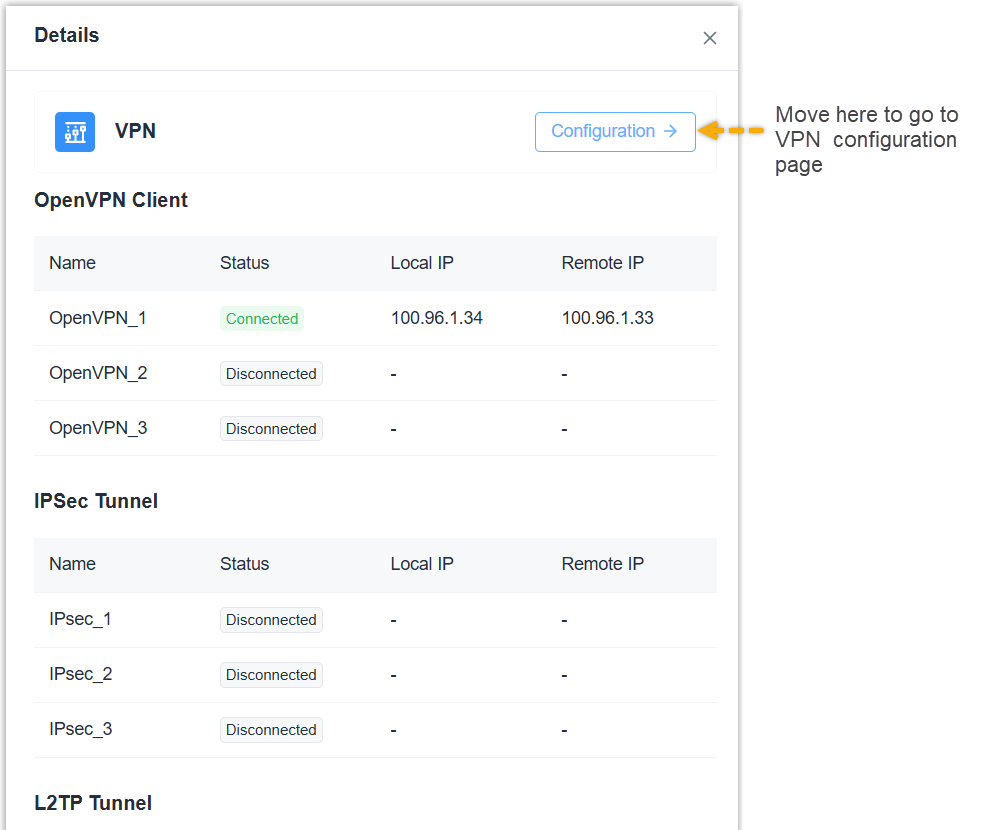
VPN: Displays the connection status of OpenVPN clients, IPsec tunnels, L2TP
tunnels, and PPTP tunnels.
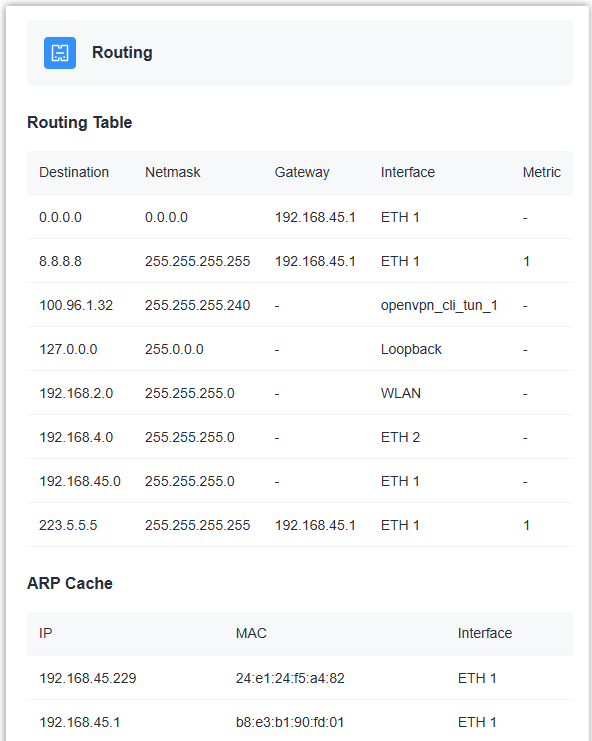
Routing: Displays the routing table and ARP cache.
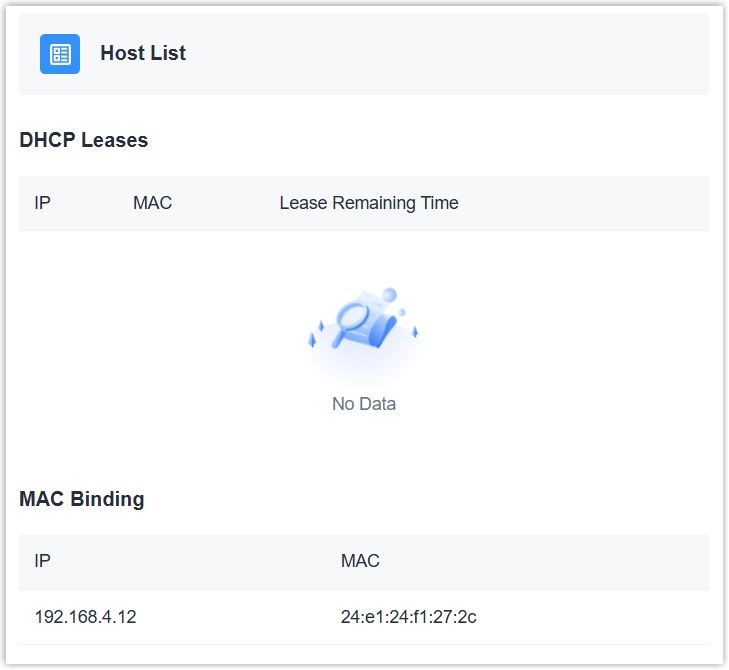
Host Leases: Displays the DHCP lease list and MAC binding list for the DHCP
server.