User
This chapter describes how to change the account info and add sub-users.
Account
This section is used to change current account info.
Steps:
- On the left bar, select System > User page.
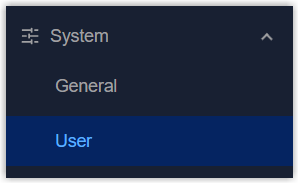
- On the top bar, select Account tab.
- Change the info of the current account as required.

Parameter Description Username Enter a new username. Only lowercase letters, digits, "-" and "_" are allowed, and the first character must be a letter or "_". Length limitation: 1-31 characters. Old Password Enter the old password. New Password Enter a new password. Only ASCII characters are allowed except spaces. The password must contain at least one letter and one number, and be 5 to 31 characters long. Confirm Password Enter the new password again. - Click Apply to save the settings.
User Management
This section is used to add and manage sub-accounts of the device.
- Prerequisites
- Current account is administrator account.
Steps:
- On the left bar, select System > User page.
- On the top bar, select User Management tab.
- Click Add to add a sub-account, and configure the account info.

Parameter Description Username Enter a new username. Only lowercase letters, digits, "-" and "_" are allowed, and the first character must be a letter or "_". Length limitation: 1-31. Password Enter a password. Only ASCII characters are allowed except spaces. The password must contain at least one letter and one number, and be 5 to 31 characters long. Permission Select the permission of this sub-account. Read-Write: Allows the users to read and write all configurations.
Read-Only: Allows the users to read all configurations and configure below settings:- User debug tools under System > Maintenance > Tools page.
- Download logs under System > Log page.
- Change current account info under System > User page.

Delete this sub-account. - Click Apply to save the settings.