Add User to Group
This topic describes how to add users to group or sub-nodes.
Restrictions
Confirm with your enterprise administrator whether current account role permits access to this feature.
Add New User to Group
To add an account that does not exist within this enterprise, follow the steps
below.
- Procedure
-
- Log in to Milesight Development Platform.
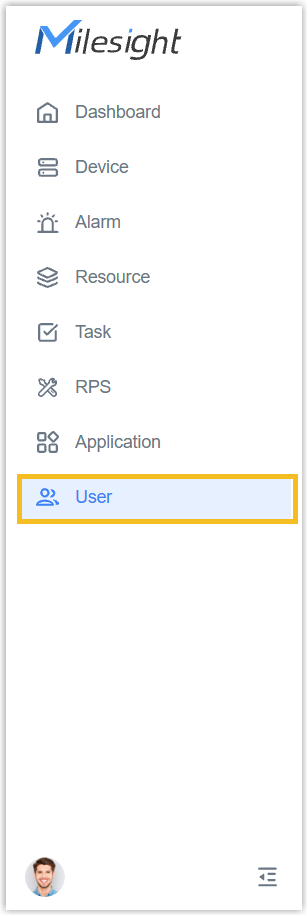
- On the left bar, select
User
tab.
- Select the desired group or sub-node from the list on the left.
- Move to Action button, select Invite New Users.
- In the pop-up window, fill in the information.
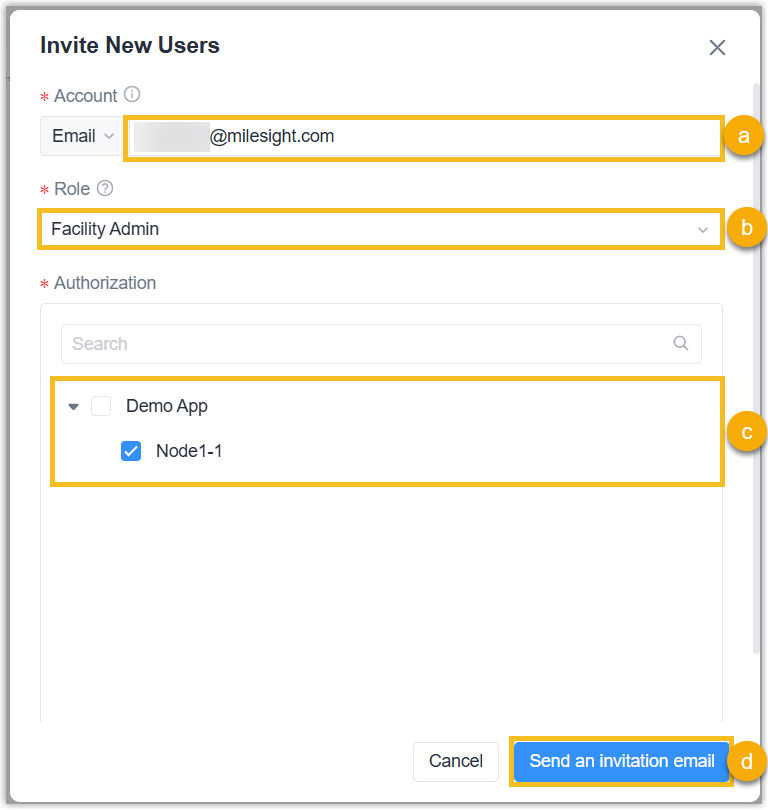
- Fill in the account email address.
- Select the account role.
- (Optional): Select the group or sub-node to which this account belongs.
- Click Send an invitation email.
- Result
- The user will be added to the user list of the group or sub-node, and an
invitation email will be sent to the account email address. When the account
joins the enterprise, the status will change to Activate.
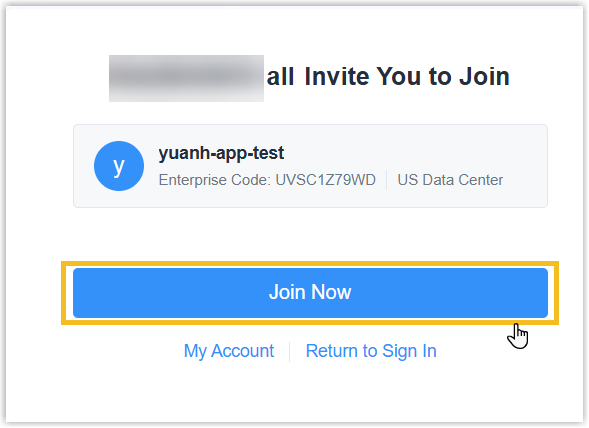
- If this email address has been registered the account, open the
invitation email to join the enterprise;
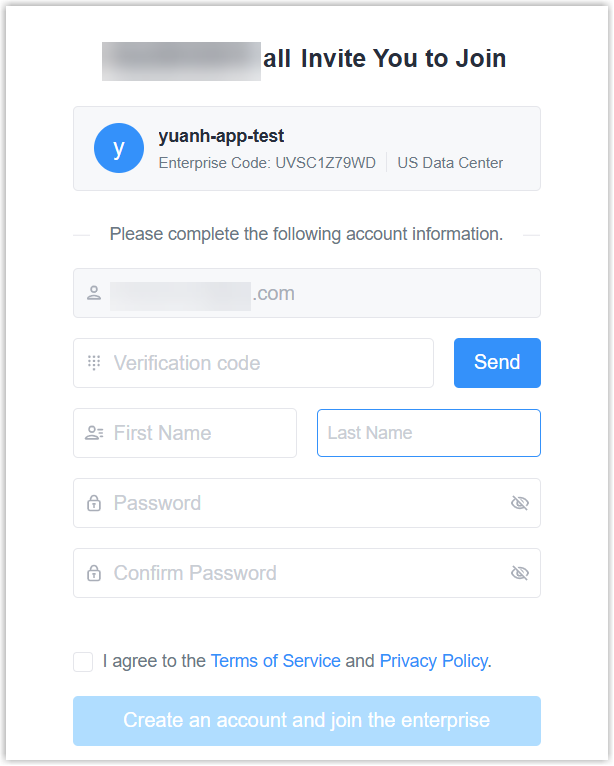
- If this email address is not registered an account, open the invitation
email to join the enterprise;
- If this email address does not receive the invitation email, click
Reinvite in the user list to copy the invitation link to user
directly or send an invitation email again.

- If this email address has been registered the account, open the
invitation email to join the enterprise;
Add Existed User to Group
To add an account that already exists within this enterprise, follow the steps
below.
- Procedure
-
- Log in to Milesight Development Platform.
- On the left bar, select
User
tab.
- Select the desired group or sub-node from the list on the left.
- Move to Action button, select Selecting Existing User.
- In the pop-up window, fill in the information.
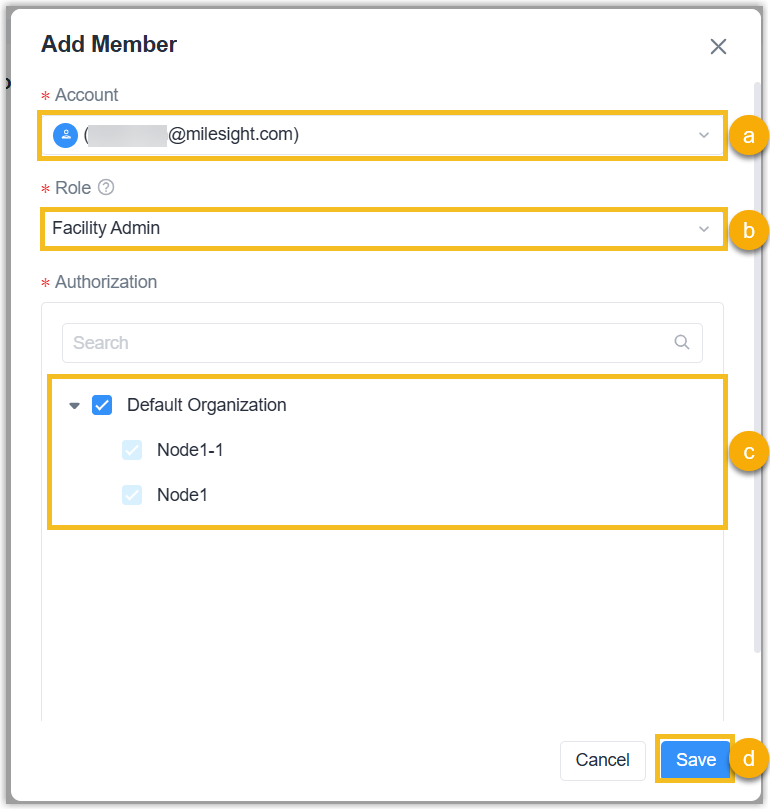
- Select the account from drop-down list.
- Select the account role. If this account is added to a sub-node at the same level or higher, the account role is not allowed to select.
- (Optional): Select the group or sub-node to which this account belongs.
- Click Save.
- Result
- The account is added to another group or sub-node.