Stop or Start OTA Task
This topic describes how to stop or start a total OTA task or a sub OTA task.
Stop or Start a Total OTA Task
You can stop an OTA task if the task status is Waiting, and start an OTA task
if the task status is Stopped.
- Procedure
-
- Log in to Milesight Development Platform.
- On
the
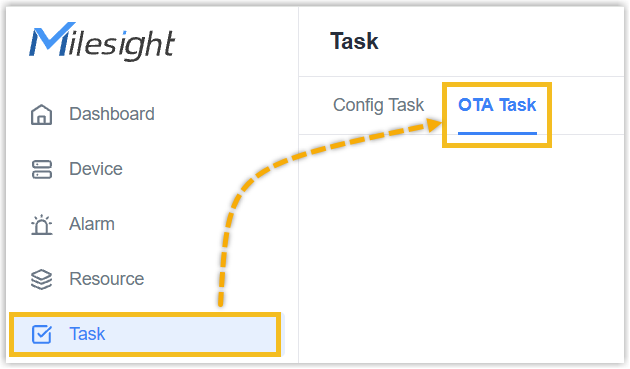
left bar, click Task, then select the
OTA Task
tab.
- In the
Action
column of the desired OTA task, click
Stop icon.

- In the Action column of the desired OTA
task, click Start icon.

- Result
- The firmware upgrade of all devices in this OTA task will be stopped or started.
Stop or Start a Sub OTA Task
You can stop a sub OTA task if the task status is Waiting or Preparing,
and start a sub OTA task if the task status is Stopped.
- Procedure
-
- Log in to Milesight Development Platform.
- On
the
left bar, click Task, then select the
OTA Task
tab.
- In the Action
column of the desired OTA task, click
 .
.
- In the Action column of the desired
device, click Stop icon.

- In the Action column of the desired
device, click Start icon.

- Result
- The firmware upgrade of the desired device will be stopped or started.