Configure Milesight D2D Parameters
Milesight D2D protocol is developed by Milesight and used for setting up transmission among Milesight devices without a gateway, which reduces the latency and enables quick control.
The controller can work as a D2D agent device to receive commands from D2D controller devices to trigger the system on/off or switch the schedules.
Configure by ToolBox
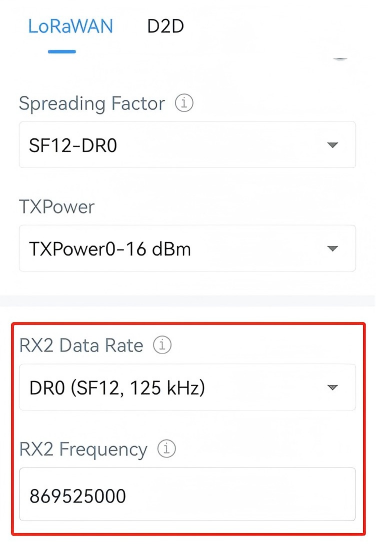
- Navigate to Network > LoRaWAN.
- In the LoRaWAN page, ensure the RX2 datarate and RX2 frequency are
the same as the D2D controller devices.
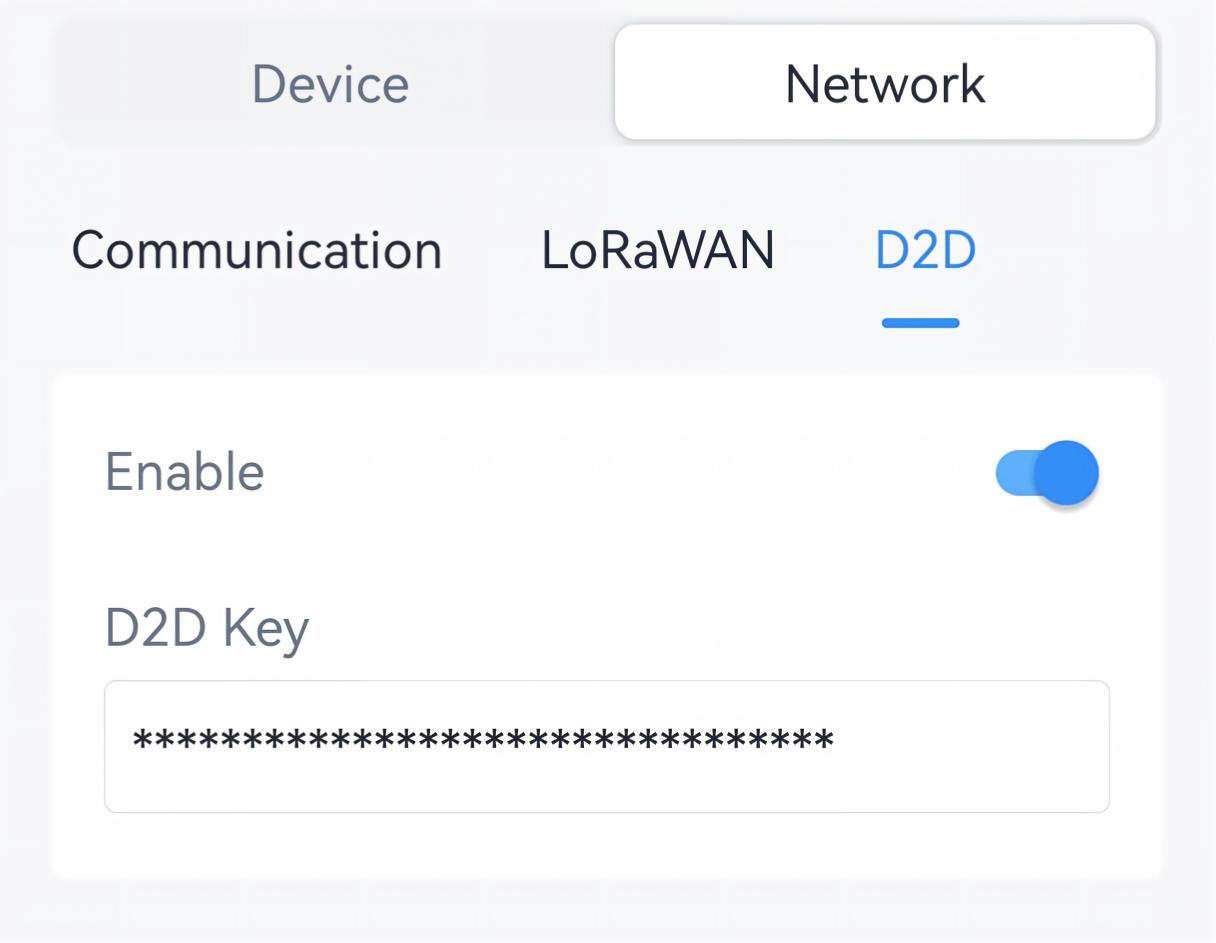
- Navigate to Network > D2D.
- Enable D2D function.
- Set the D2D key to be the same as the D2D controller devices. (Default D2D Key:
5572404C696E6B4C6F52613230313823)
- Click Add New to add a rule and configure the related parameters. The
device can add up to 8 rules.
Parameter Description Control Command Configure a 2-byte hexadecimal command to receive from D2D controller devices. Action Object Select the triggering action after receiving the control command. Insert an Event: Select the schedule to execute.
System Status: Switch air conditioner system on/off status.Action Status Select the status to execute. Example: When receiving a command 0001, the device will switch the air conditioner system on.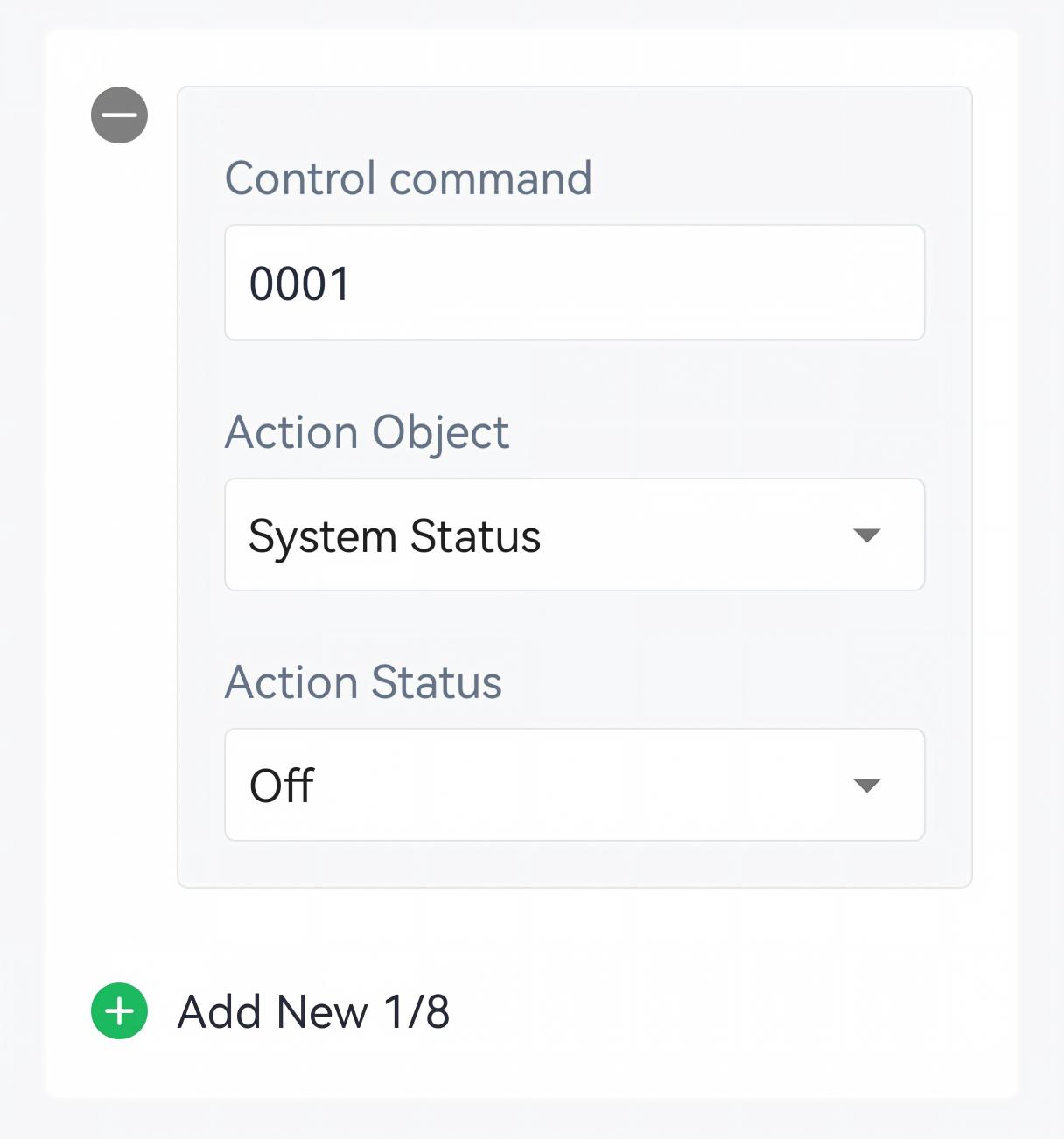
- Tap Write to apply the configuration.
Remote Configuration Reference
- JSON Command: See UC701 Payload Protocol (JSON), Configure D2D Parameters.
- LoRaWAN Hex Command: See UC701 Payload Protocol (HEX), Configure D2D Parameters.