Configure Sensor Parameters
This section describes how to configure the temperature & humidity sensor and current transformer parameters.
Configure Temperature Sensor Parameters
Configure by ToolBox
- Navigate to Device > Sensor.
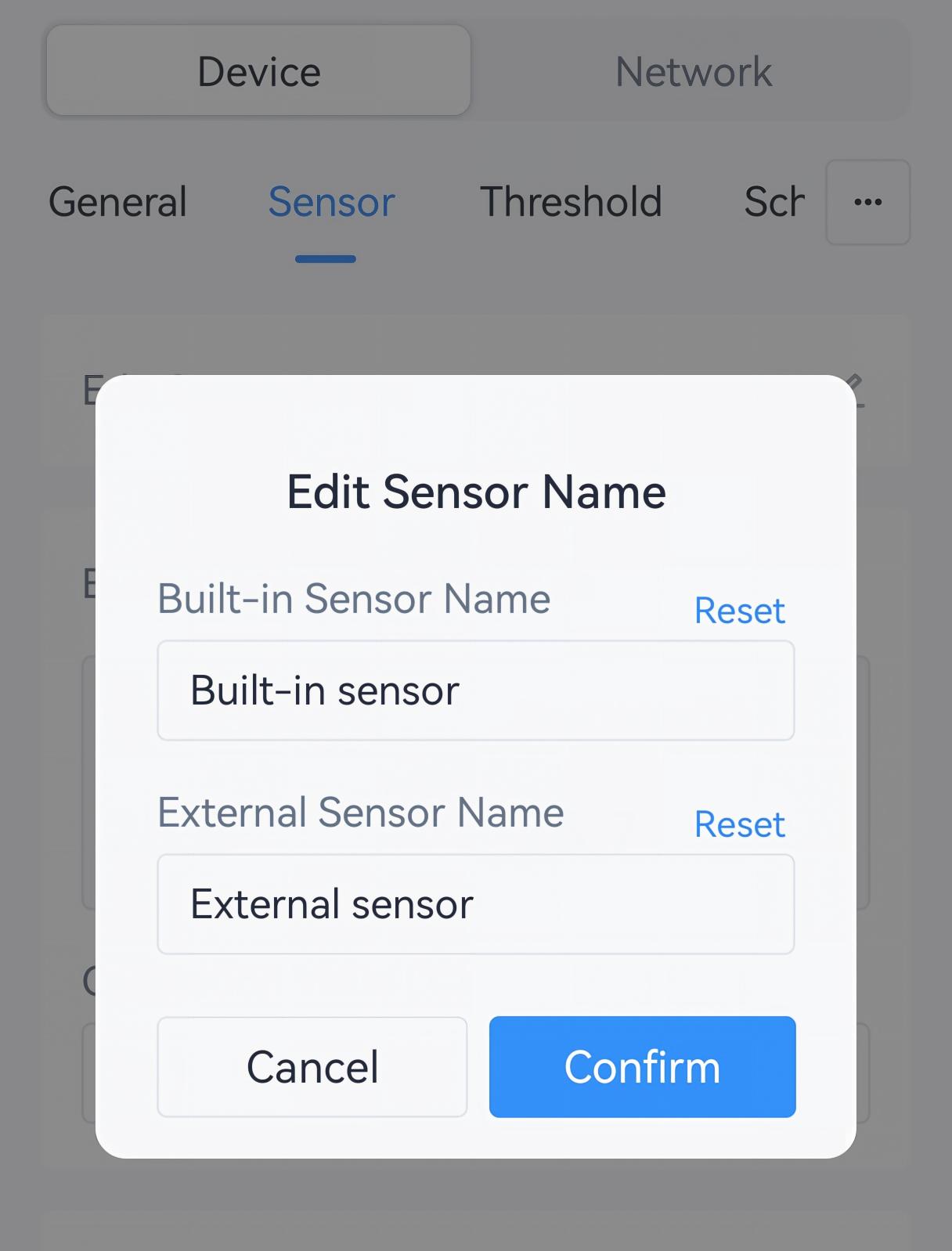
- Edit the sensor names to indicate the measuring target.
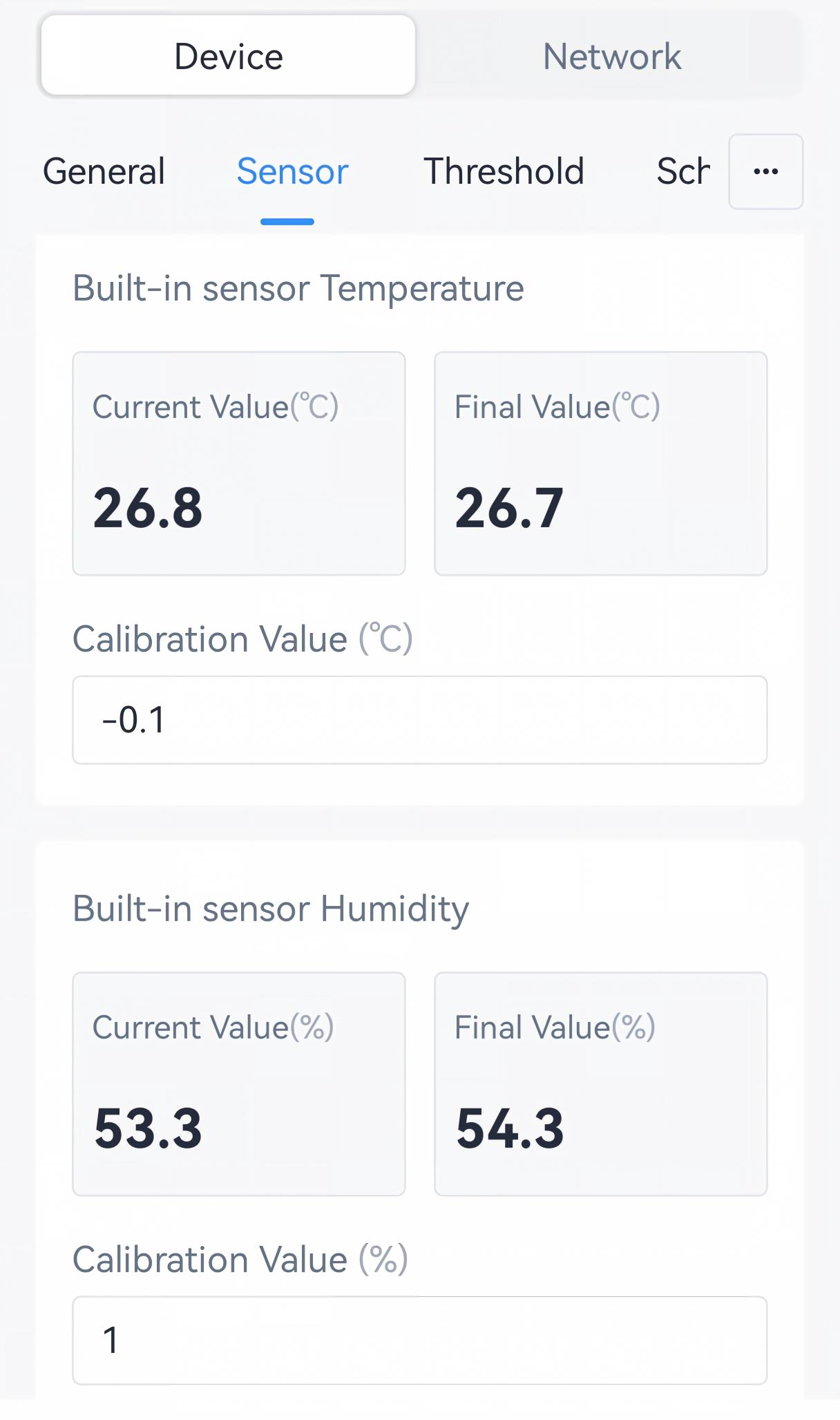
- Enter the applicable Calibration Value if the built-in sensors are
used.
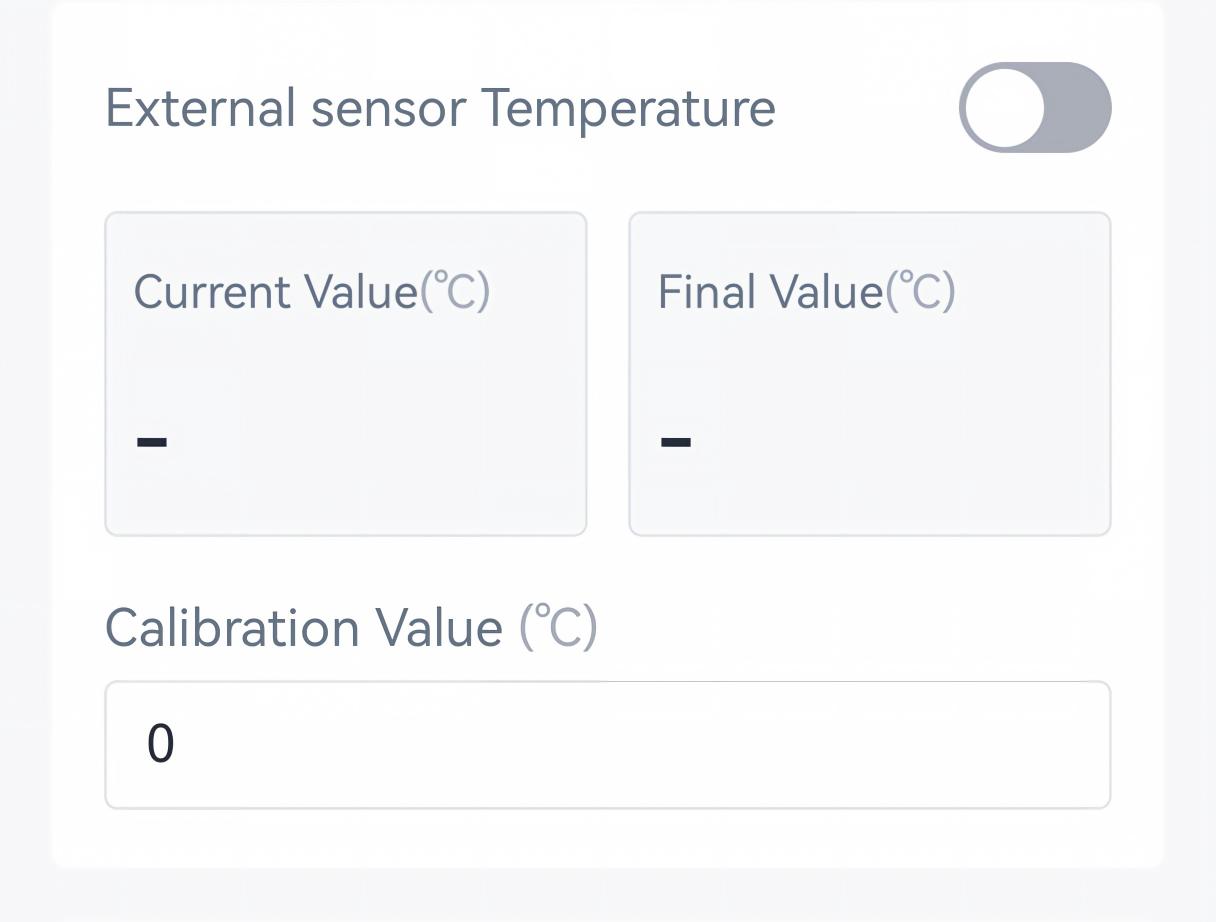
- Enable External Sensor Temperature if the NTC sensor is connected to
the controller, and enter the applicable Calibration Value.
- Configure the sampling interval to collect temperature and humidity data as required.
- Tap Write to apply the configuration.
Remote Configuration Reference
- BACnet: See UC701 BACnet Object List, Sensor Parameters.
- JSON Command: See UC701 Payload Protocol (JSON), Configure Sensor Parameters.
- LoRaWAN Hex Command: See UC701 Payload Protocol (HEX), Configure Sensor Parameters.
Configure Current Transformer Parameters
Prerequisites: The current transformer is connected to the controller.
Configure by ToolBox
- Navigate to Device > Sensor.
- Enable External CT and configure the related parameters.
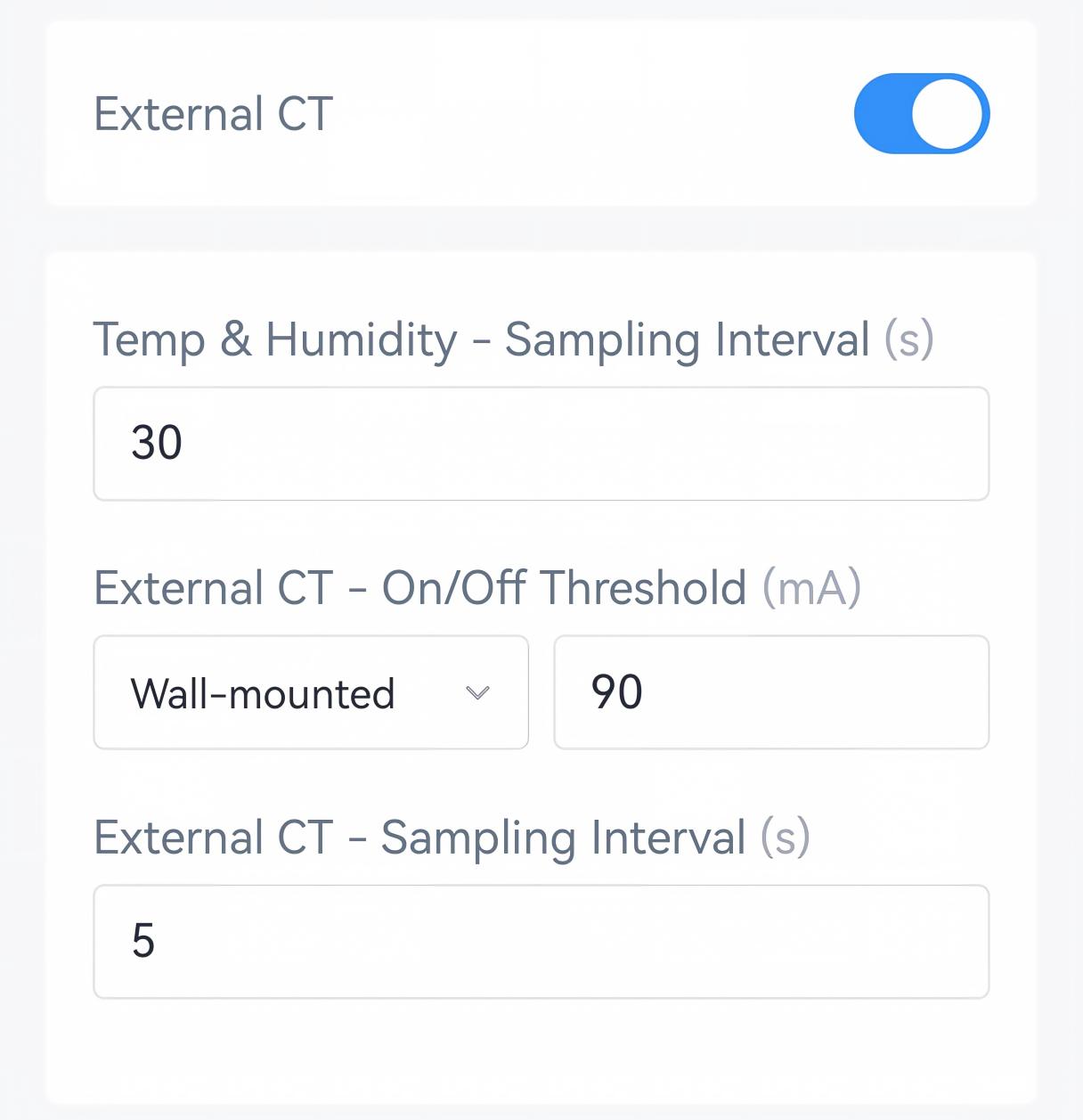
Parameter Description External CT When enabled, the controller can report the CT status in the periodic report. External CT - On/Off Threshold Select the air conditioner type and configure the on/off threshold. If the detected current is below this threshold, the air conditioner is considered as Off. External CT - Sampling Interval The interval to collect the current data. - Tap Write to apply the configuration.
Remote Configuration Reference
- BACnet: See UC701 BACnet Object List, Sensor Parameters.
- JSON Command: See UC701 Payload Protocol (JSON), Configure Sensor Parameters.
- LoRaWAN Hex Command: See UC701 Payload Protocol (HEX), Configure Sensor Parameters.