Configure Temperature Threshold Parameters
This section describes how to configure temperature threshold parameters.
Configure by ToolBox
Note: Before configuring the device through ToolBox, access it through
Bluetooth. For the navigation path and write operation conventions used in this guide,
see Configure the Devices in ToolBox.
- Navigate to Device > Threshold.
- Select the threshold alarm type to enable and configure the threshold
parameters.
Alarm Type Description Temperature When the ambient temperature is above or below the threshold value, report a threshold alarm packet instantly. Only when the threshold is released and re-triggered, will the device report the alarm again. 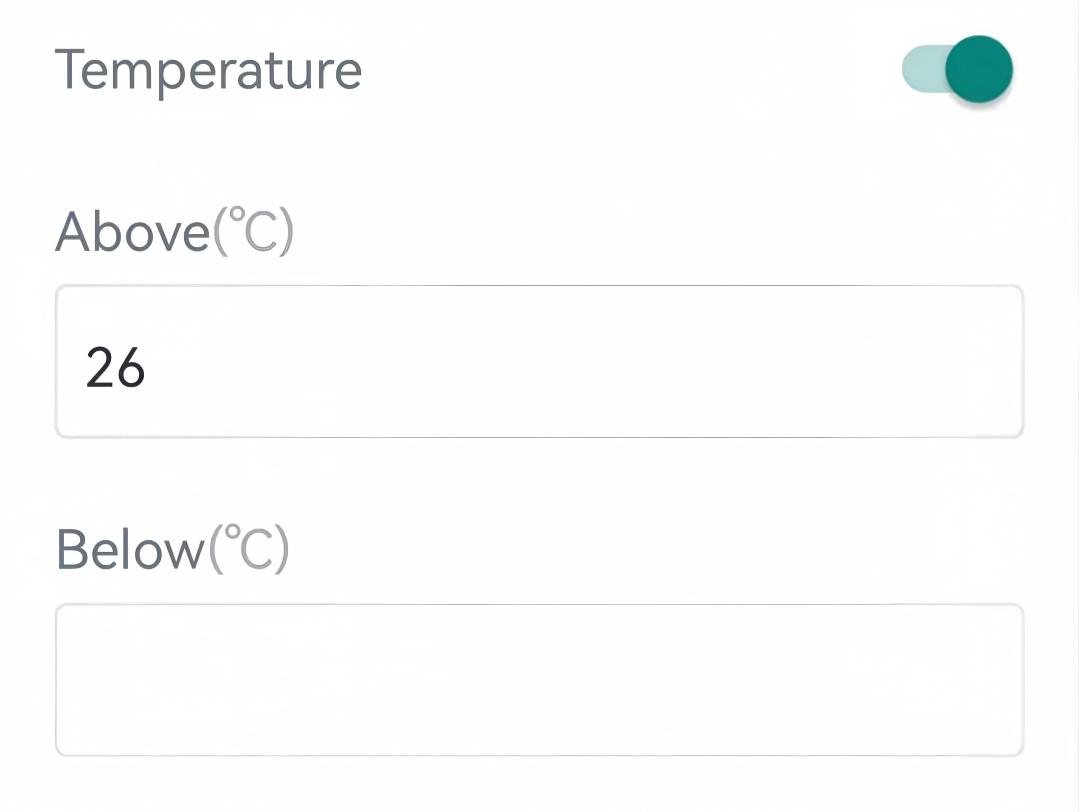
Persistent High Temperature When the ambient temperature is above the target temperature + target temperature tolerance by a difference value and lasts for a duration, report a threshold alarm packet instantly. When the threshold is released, report an alarm release packet. 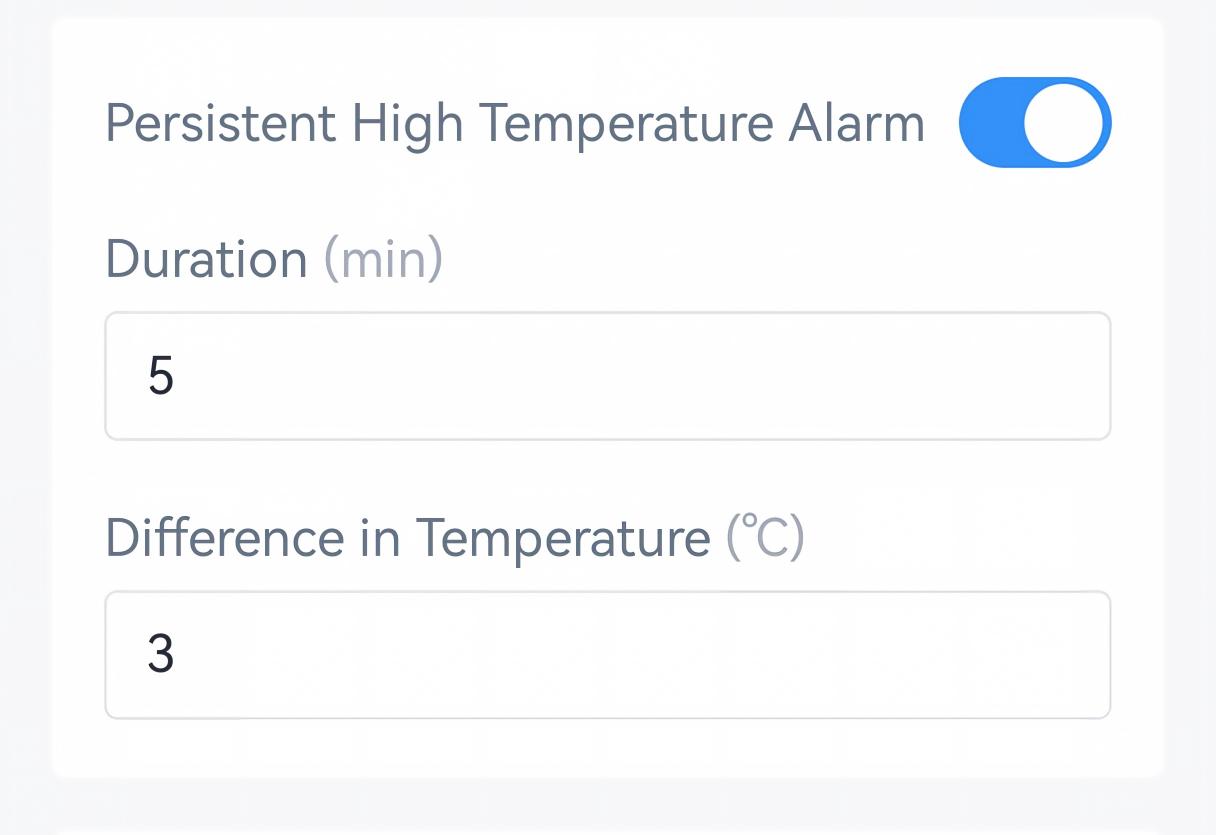
Persistent Low Temperature When the ambient temperature is below the target temperature - target temperature tolerance by a difference value and lasts for a duration, report a threshold alarm packet instantly. When the threshold is released, report an alarm release packet. 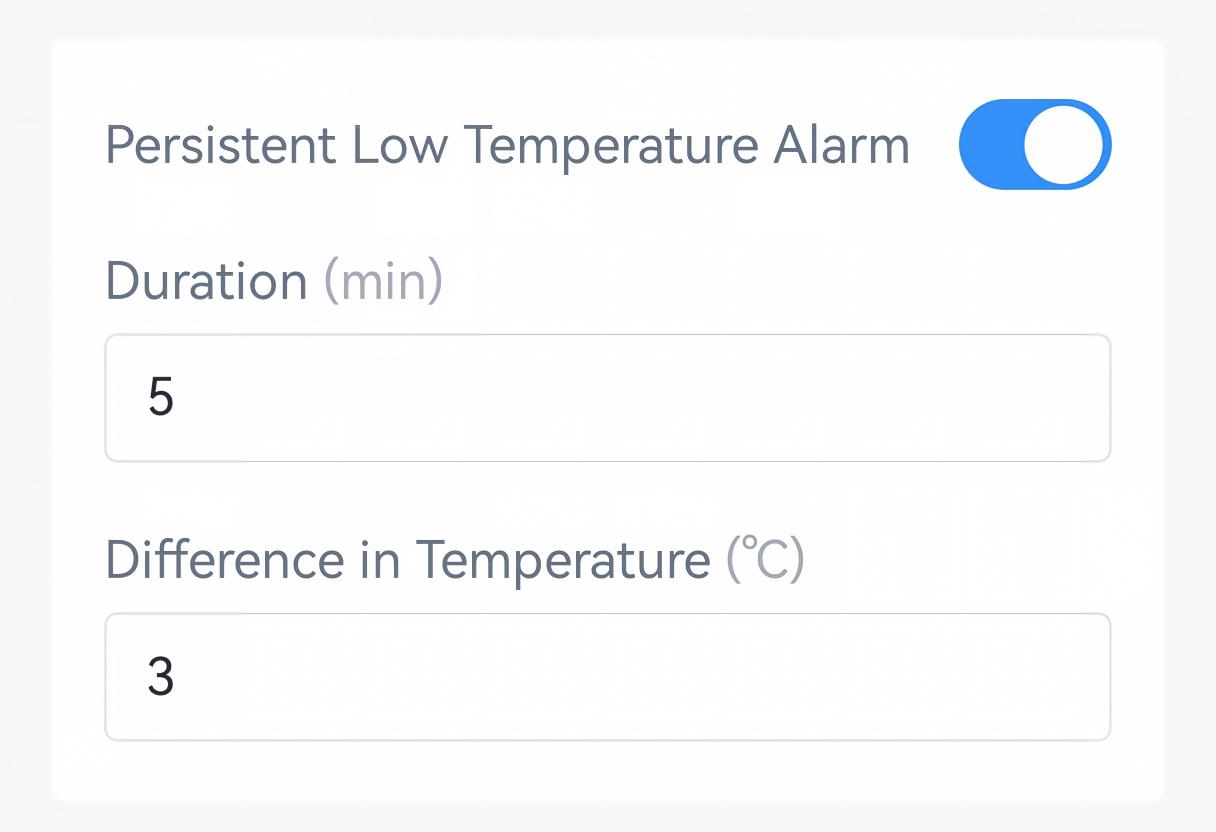
- Tap Write to apply the configuration.
Remote Configuration Reference
- JSON Command: See UC701 Payload Protocol (JSON), Configure Threshold Parameters.
- LoRaWAN Hex Command: See UC701 Payload Protocol (HEX), Configure Threshold Parameters.