Status
The Status page displays the device's basic information and operational status.
Overview
The top of the page displays the model, serial number, and EUI. Click the widgets in
the figure to learn more.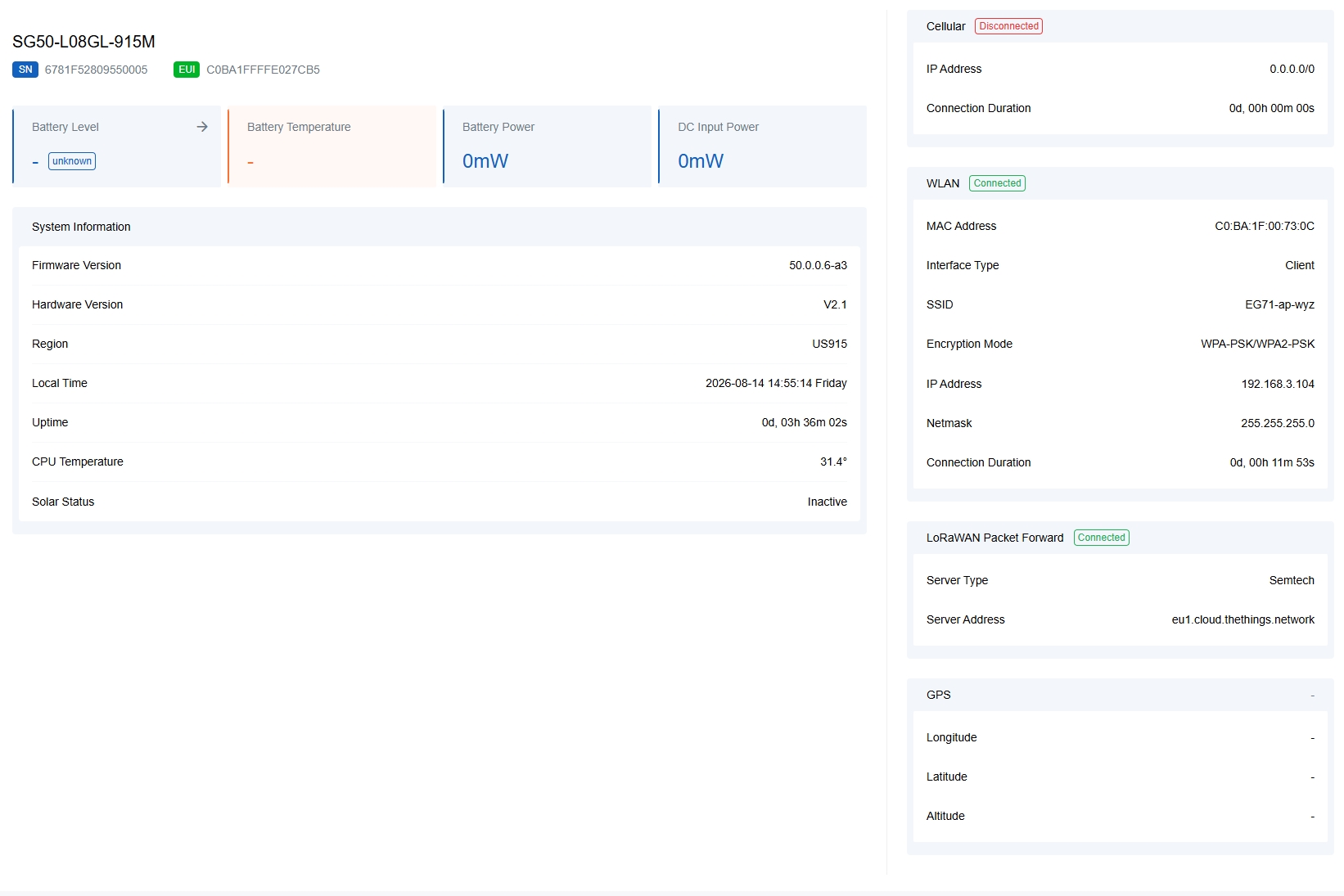
- Battery & Power Information
- The widget displays the current battery and power information.
 Battery Level: The level of the battery and charging status. Click this to check the power usage history and export the hourly history record as a CSV file. The history record can store data for up to 30 days.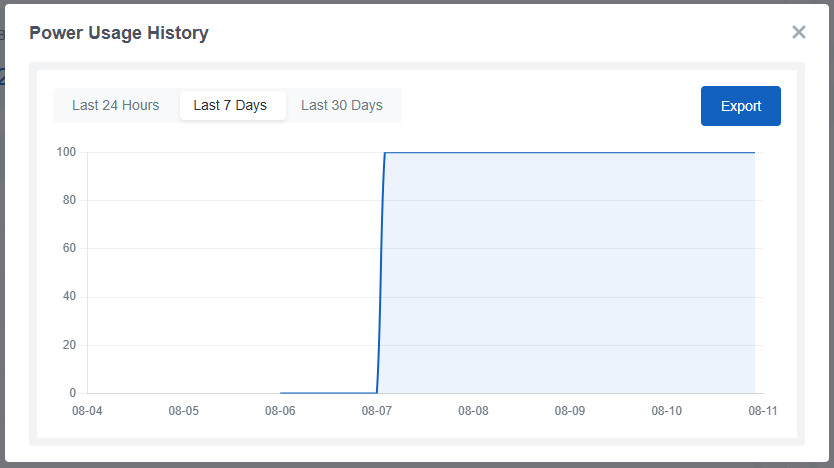
Battery Temperature: The temperature of the battery.
Battery Power: Battery input/output power. A positive value indicates charging, and a negative value indicates discharging.
DC Input Power: The input power when the gateway is connected to an external DC input or a solar panel.
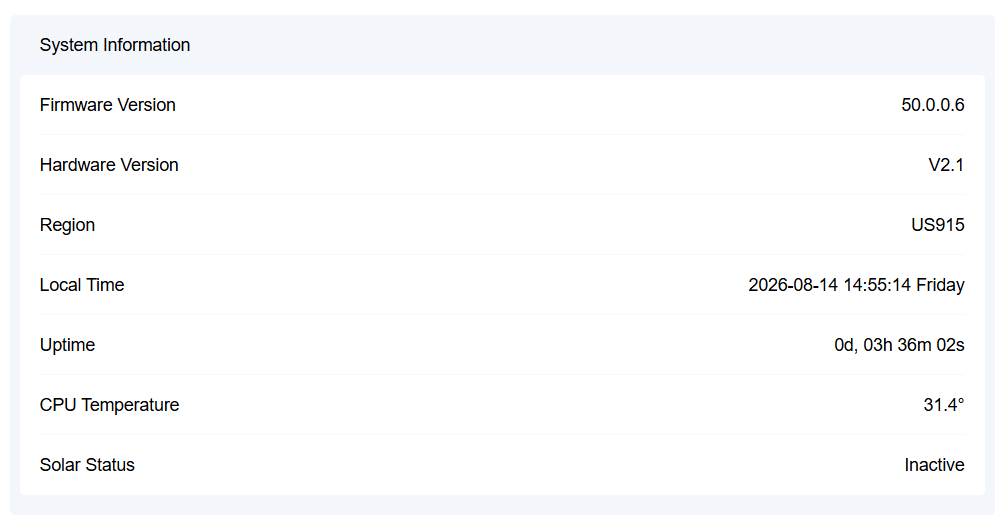
- System Information
- The widget displays the basic system information and
solar powering status.
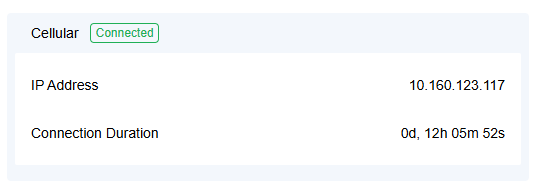
- Cellular
- The widget displays the cellular connection status, IP address and
connection duration.
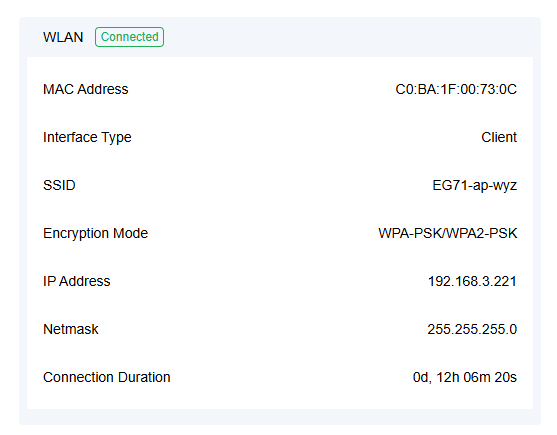
- WLAN
- The widget displays the WLAN MAC address, working status and
connection
information.
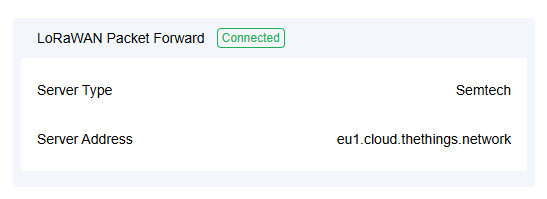
- LoRaWAN Packet Forward
- The widget displays the packet forwarder connection status, server type
and the server address.
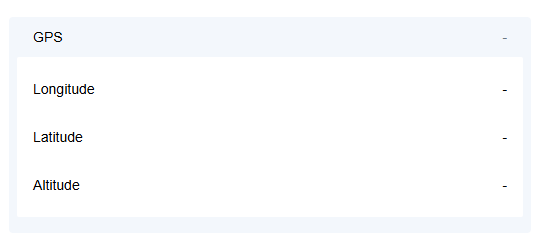
- GPS
- The widget displays the location of the gateway. The values are
displayed only when the gateway is outdoors.
Cellular
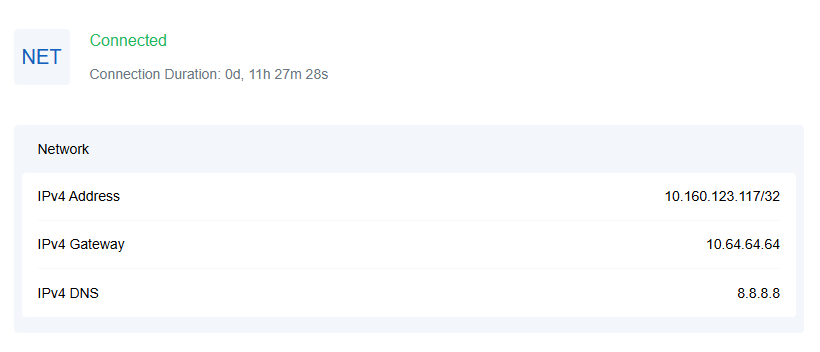
The page displays the cellular connection status and cellular network information.
Click the
widgets in the figure to learn more.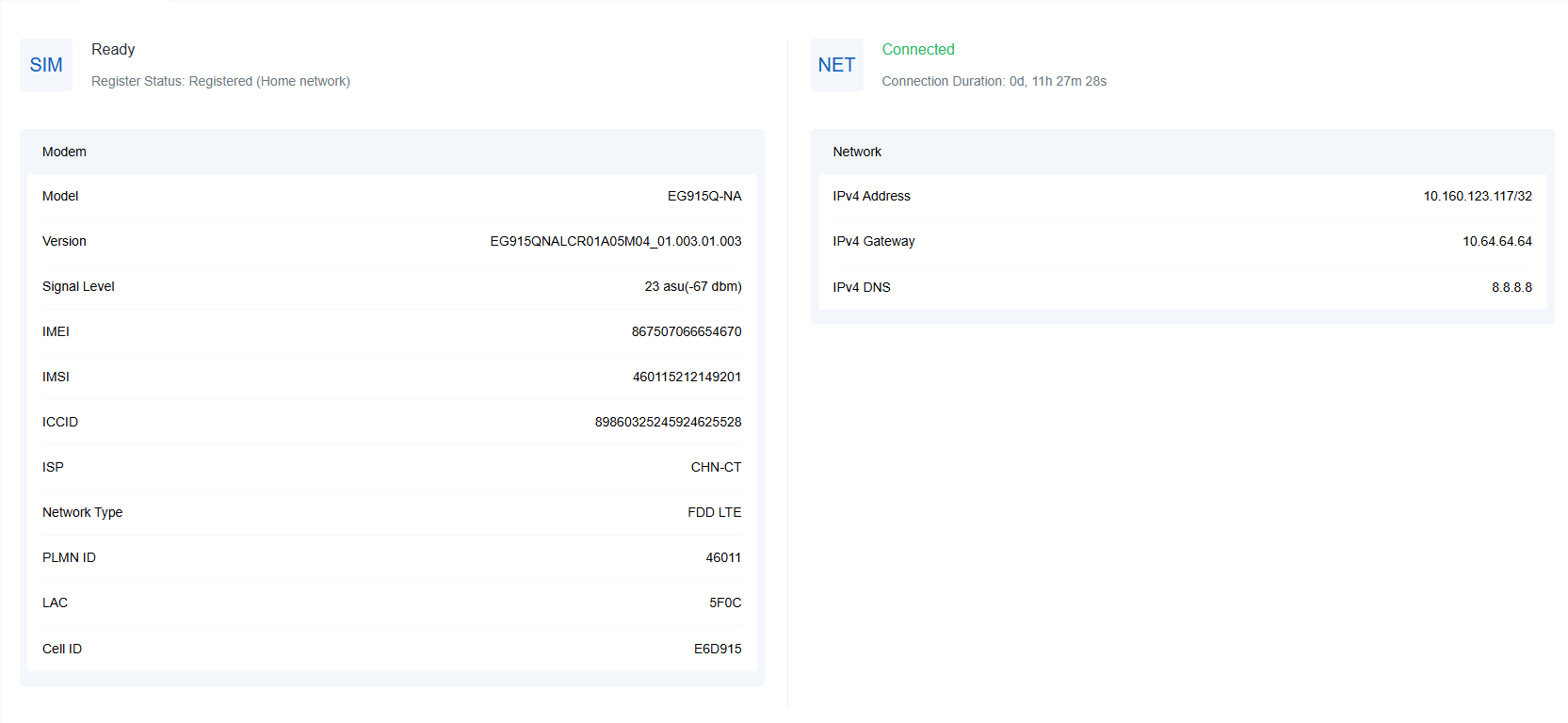
- Modem
- The widget displays the SIM registration status, SIM registration
information, and cellular module information.
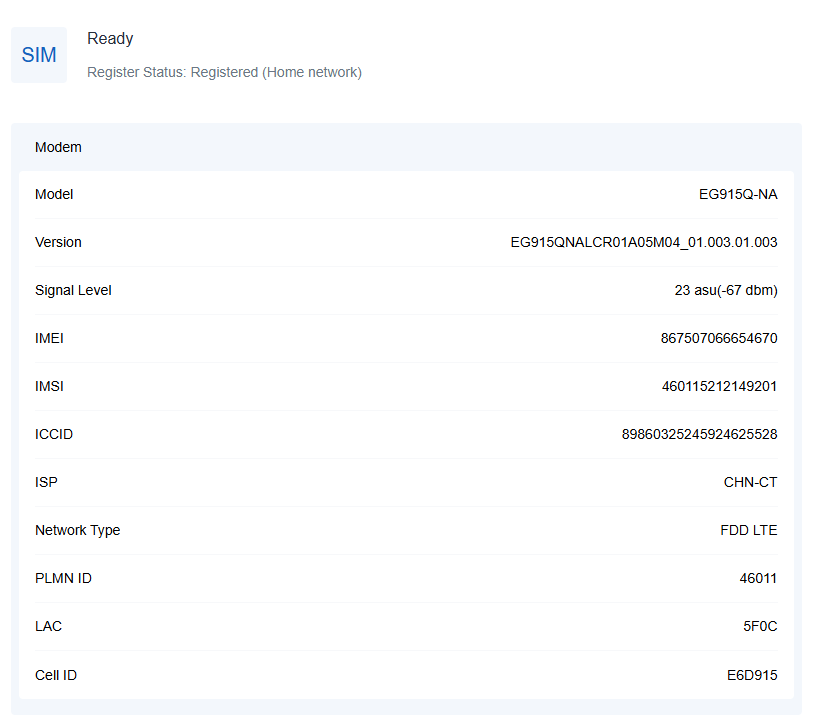
SIM status reference:- No SIM Card: the SIM card is not inserted
- SIM Card Error: the SIM card is error
- PIN Error: the PIN code is error
- PIN Required: the SIM card requires to type PIN code
- PUK Required: the SIM card requires to be unlocked by PUK code
- No Signal: no cellular signal
- Ready: the SIM card is inserted
- Down: the SIM card is deactivated
- Network
- This widget displays the cellular network connection status and the
connected IP information.