Configure Occlusion Alarm
This section describes how to configure Occlusion Alarm function.
Occlusion Alarm can be enabled to detect when the sensor is occluded. Alarms are issued when occlusion occurs, and notification of deactivation is given when occlusion is lifted.
Steps:
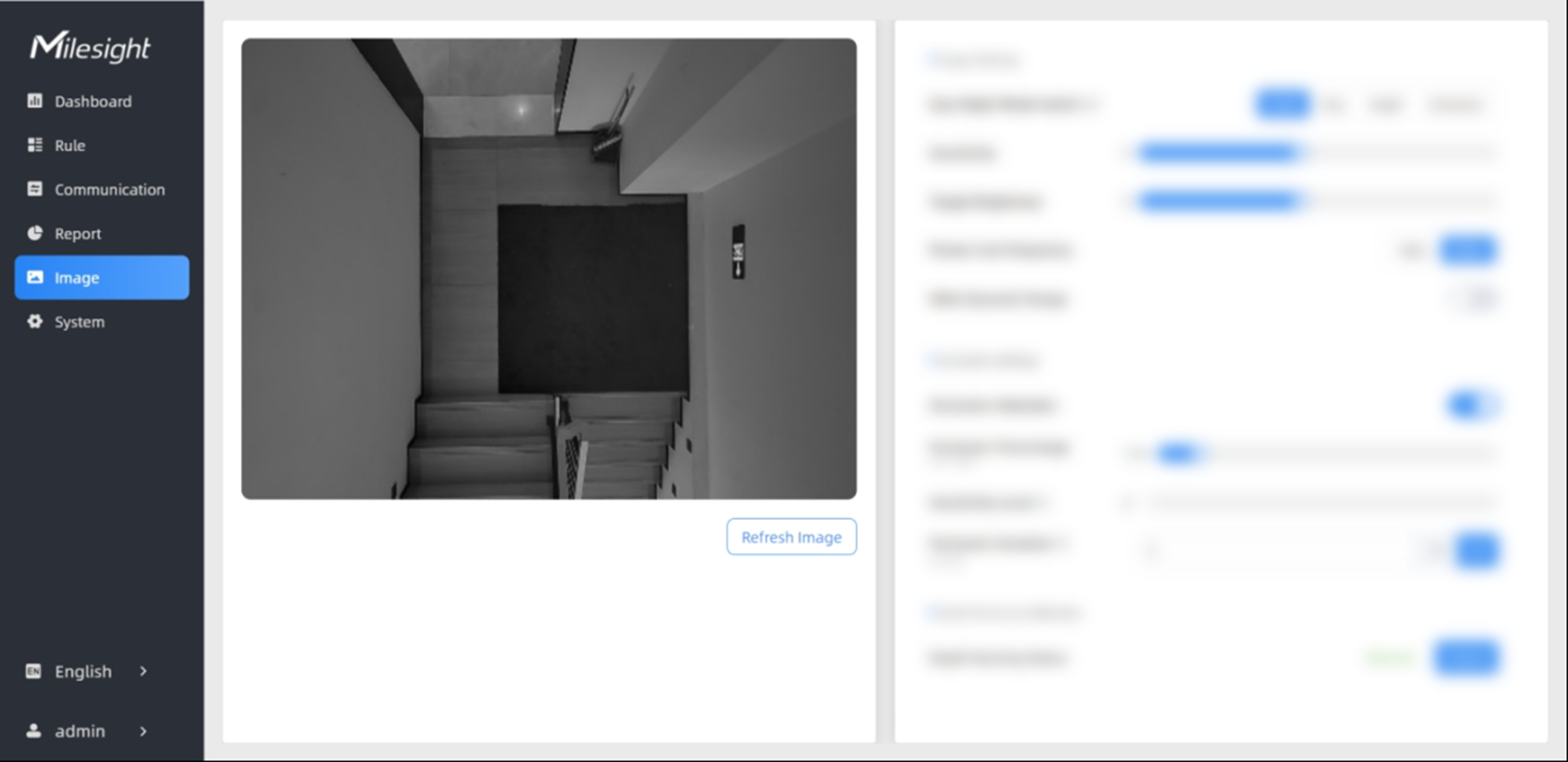
- In the main page, click Image from the left navigation tree.
-
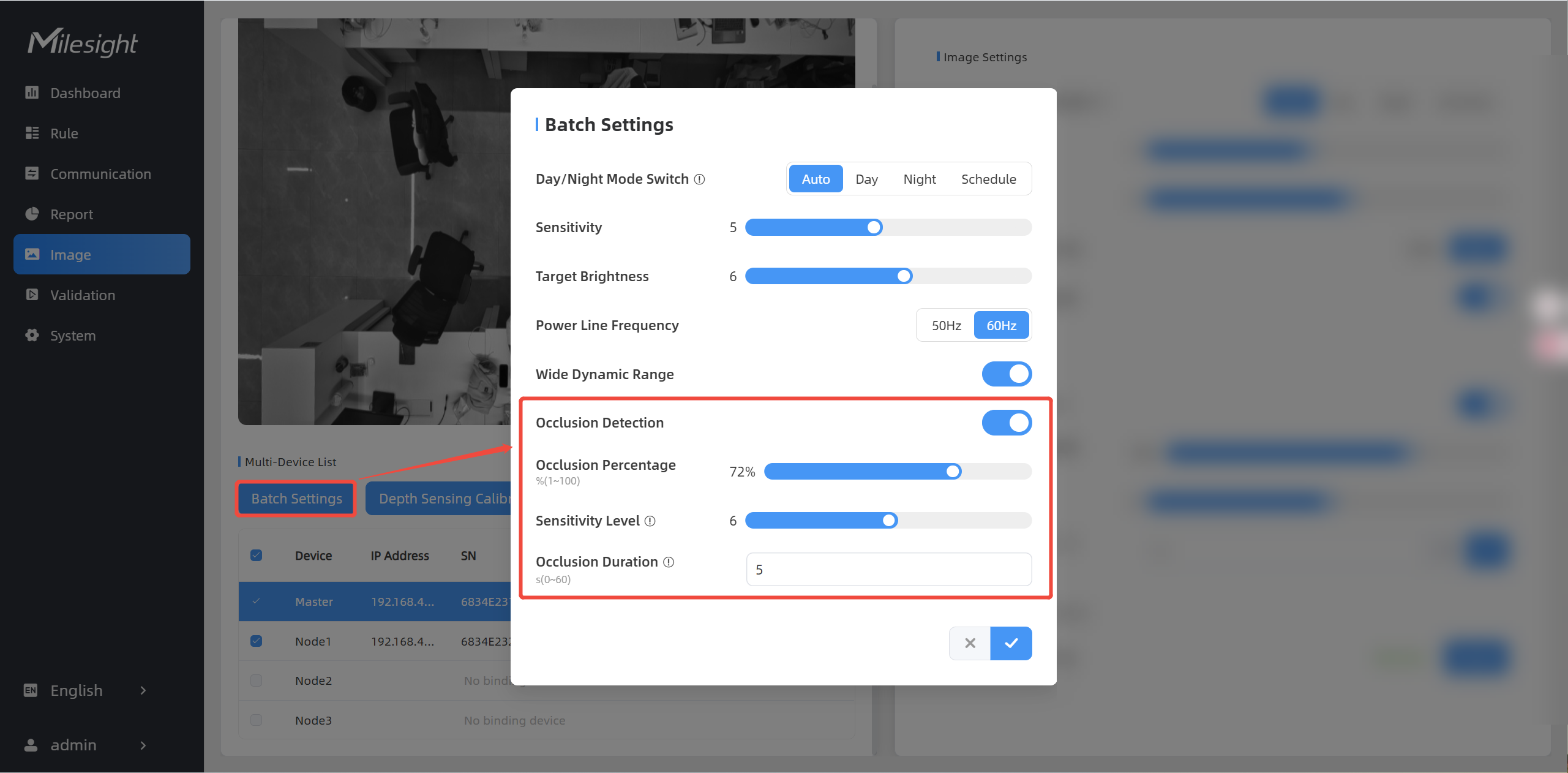
In the Occlusion Settings area, enable Occlusion Detection.
- Configure the following parameters as needed. When multi-device
stitching mode is enabled, the occlusion setting parameters of the master and
node devices are synchronized. Regardless of which device is masked, the master
device will trigger the alarm.
Parameters Description Occlusion Percentage Drag the progress bar, adjust the threshold for the percentage of the entire field of view that must be occluded to trigger an alarm. Default: 50%. Sensitivity Level Drag Sensitivity Level progress bar, adjust the sensitivity of the occlusion trigger. The higher the level, the easier it is to detect occlusion, but the false alarm rate increases. Default: 2. Occlusion Duration Fill in the value to set the duration that the sensor must be obscured. - (Optional) When multi-devices are stitched, you can select the
devices that need to be configured and perform batch operations.
- Click
 to complete the configuration.
 - Users can also view the data through Alarm Report.