Reset the Device
This section describes how to reset the device.
Steps:
- On the homepage of ToolBox, click Maintenance in the lower right corner.
The Maintenance page is displayed, see the following figure.
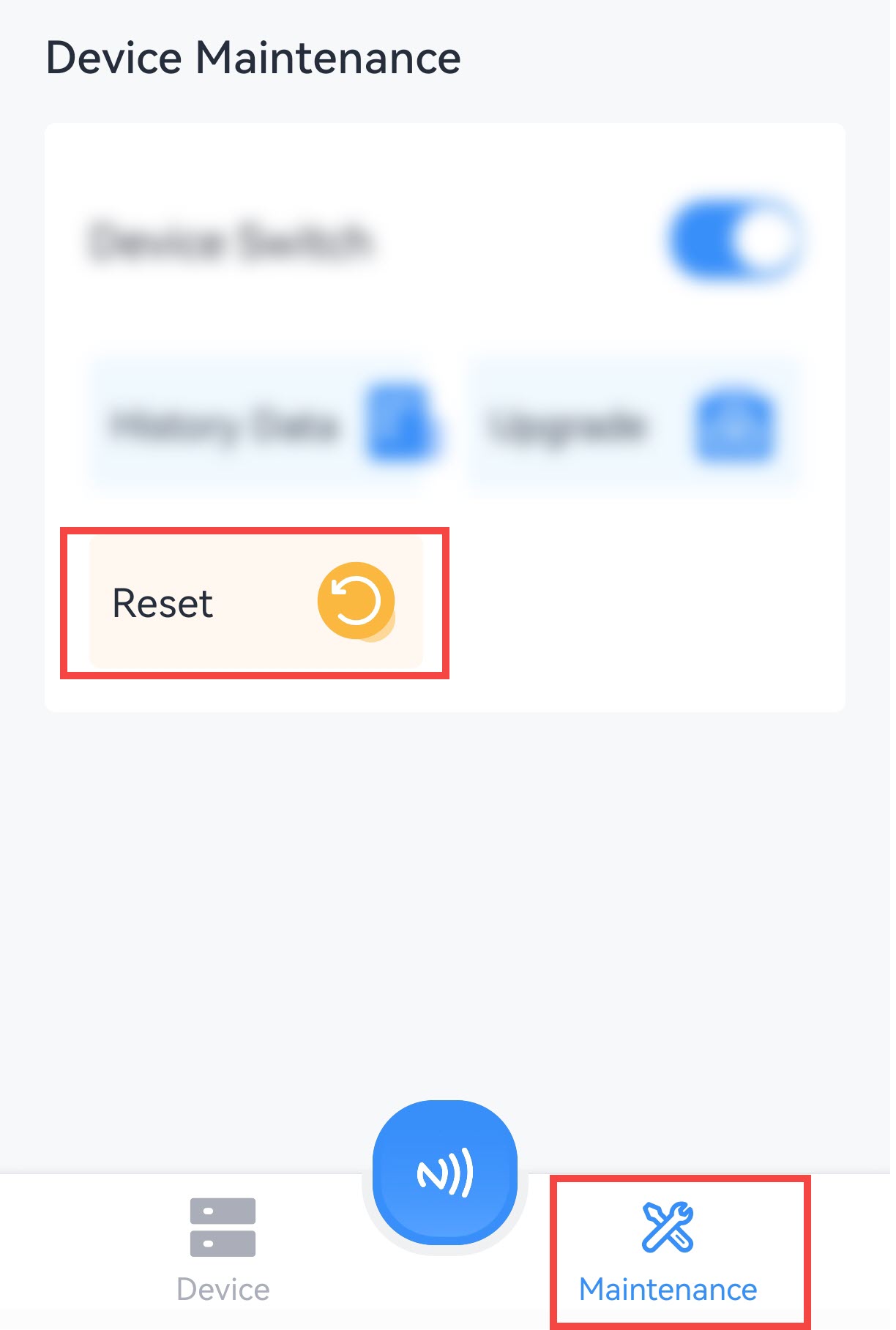
- Click Reset.
- In the displayed dialog box, click Confirm.
- Put the NFC detection area of the phone close to the NFC antenna of the device.
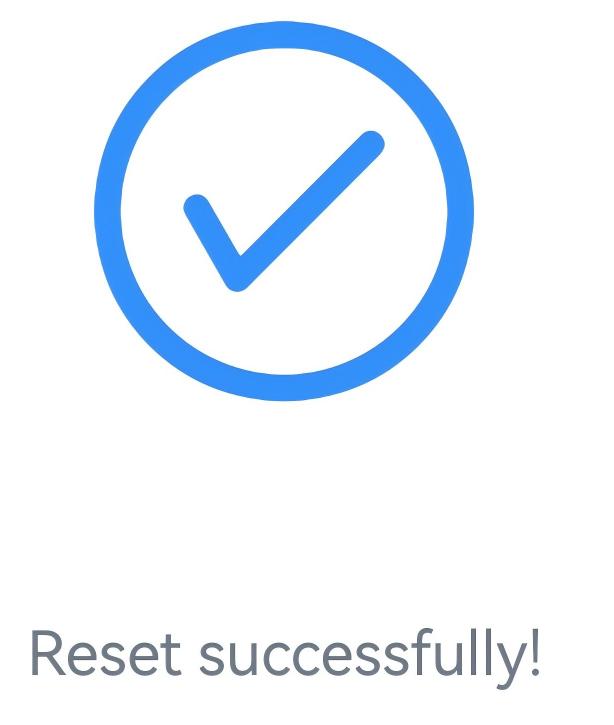
If the device is successfully reset, the following page is displayed.
Note: If unable to read or write devices normally using the ToolBox,
perform a hardware reset.