This topic describes how to web or SSH remote access Milesight network
devices.
Prerequisites
- You have upgrade the firmware version of device model to a supported
version.
- The devices are Internet accessible, with HTTPS and SSH remote services are
enabled.
- Connectivity status is Online.
- Not demo devices.
Procedure
- Log in to Milesight Development Platform.
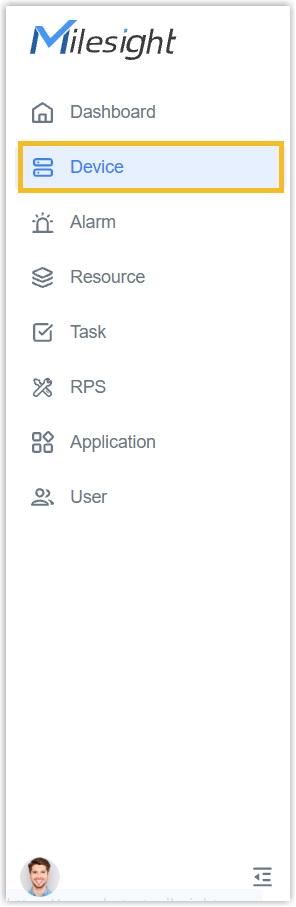
- On the left bar, select the Device
tab.
- Select the desired group or sub-node from
the list on the left.
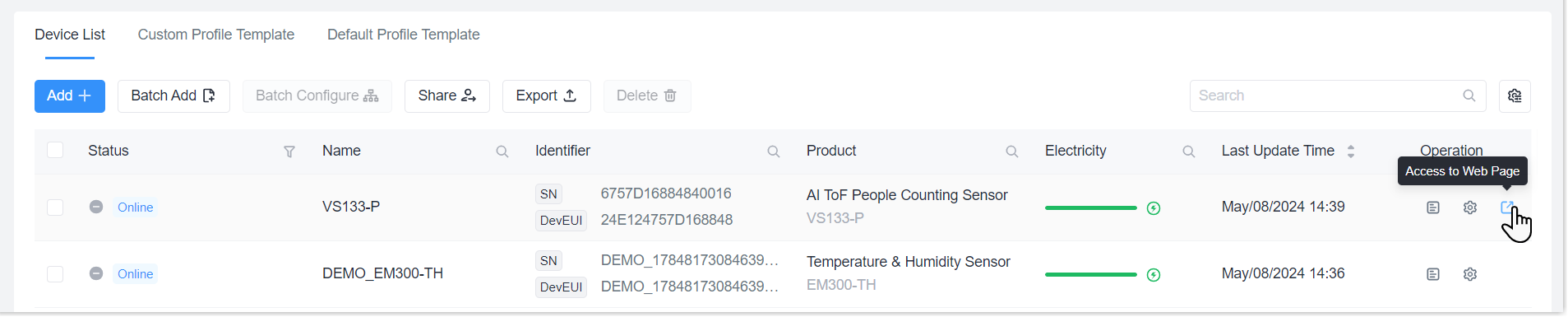
- Select the desire device, click Access to Web Page to generate remote
access links.
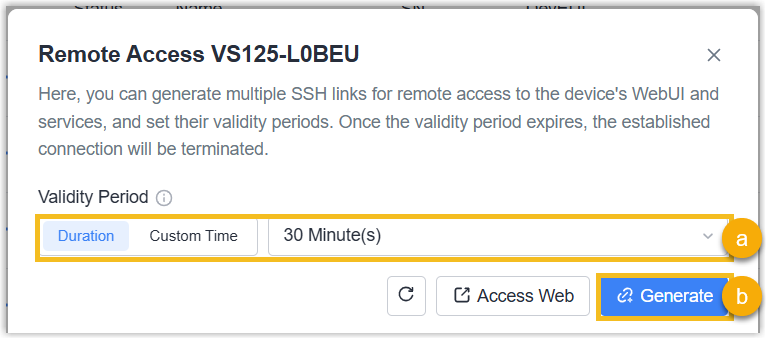
- Configure the Validity Period, click Generate to generate a
link.
Note: For some device
models, enable Passwordless Web Access to enable the remote access
link to access the device without
password.
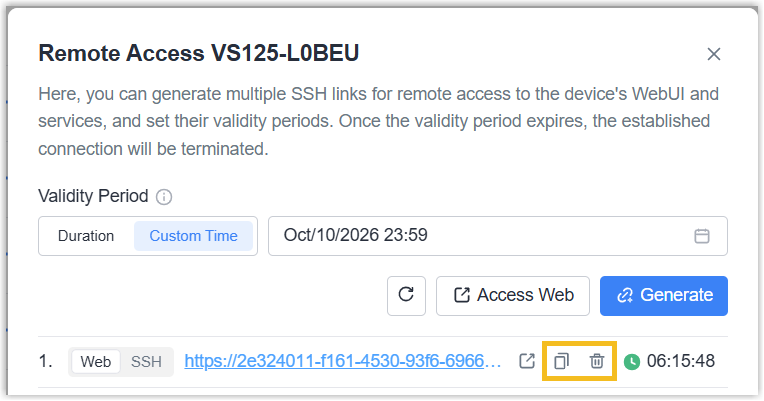
- Copy the link to someone to access the device without the platform login
requirements; or delete this link as needed.
Note: Once a
generated link expires or is deleted, any active access session established
through that link will be terminated immediately, and the link can no longer
be used.
- To generate more links, replicate the step 5.
Note: If a device is shared to you,
- The validity period of any link you create cannot extend beyond the sharing
period granted to you.
- If the sharer revokes the sharing permission, all remote access links
created will be deleted automatically.
Result
The platform can remote access the device for remote configuration or
trouble-shootings. If this device is shared, the recipient cannot see the links
generated by the sharer.
Remote Access Log
Double-click the
desired device to check remote access records under Log page.