Status
The Status page displays the device's basic information and operational status.
Overview
The top of the page displays the model, serial number, and EUI. Click the widgets in
the figure to learn more.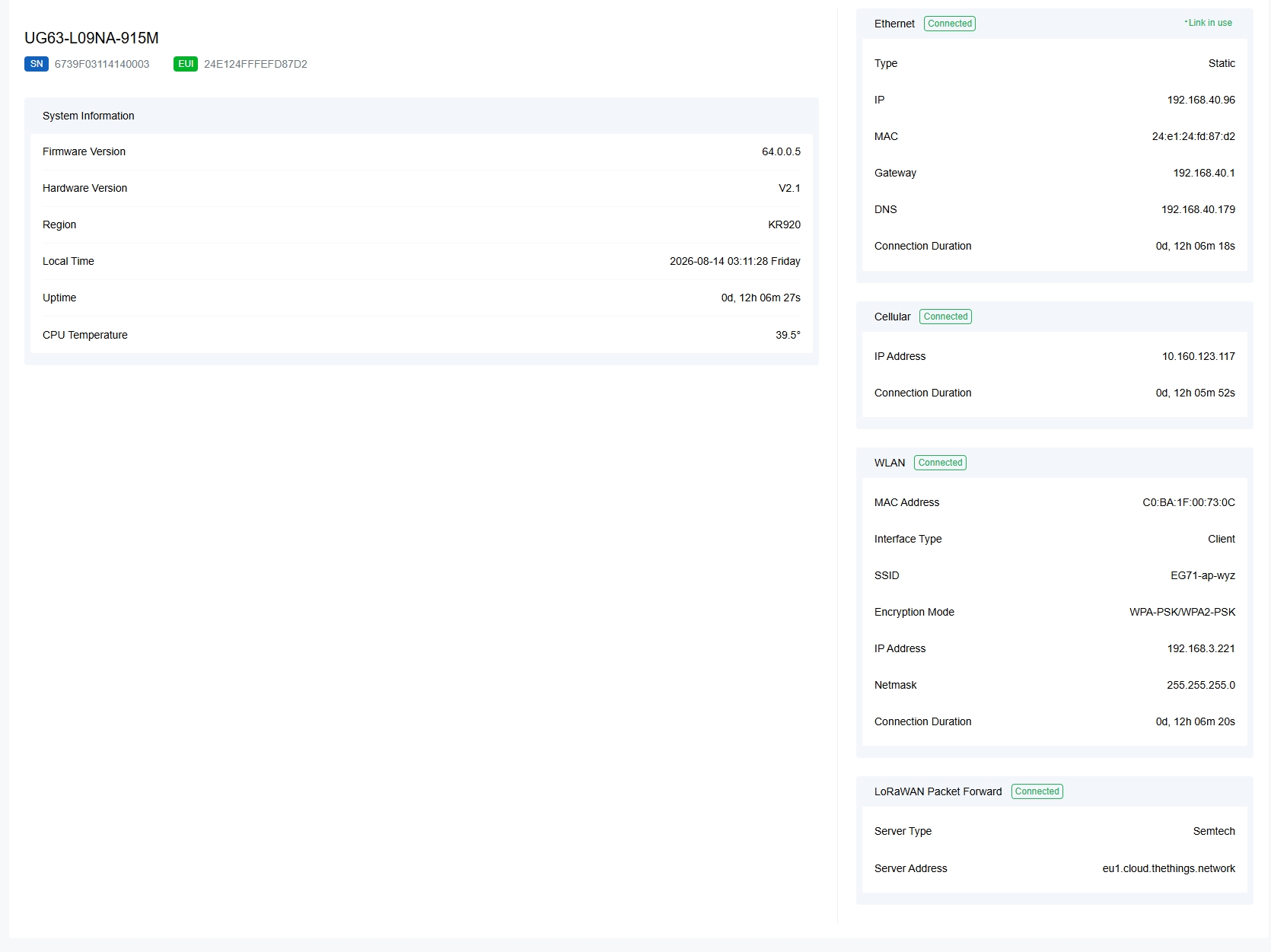
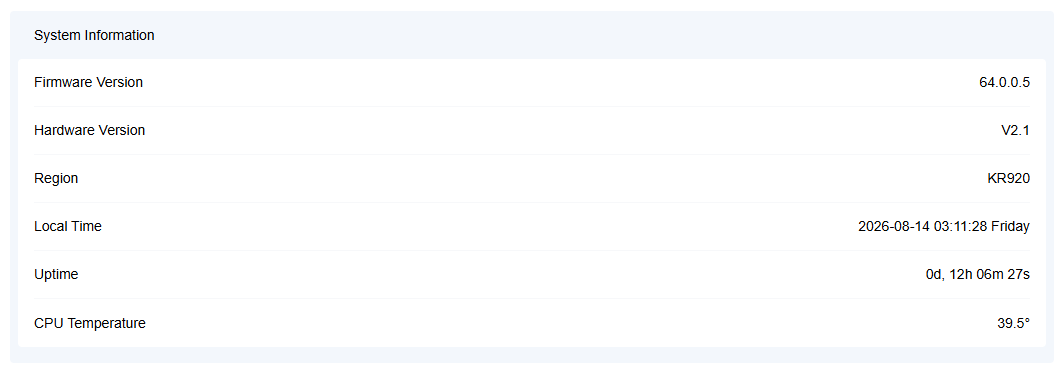
- System Information
- The widget displays the basic system information.
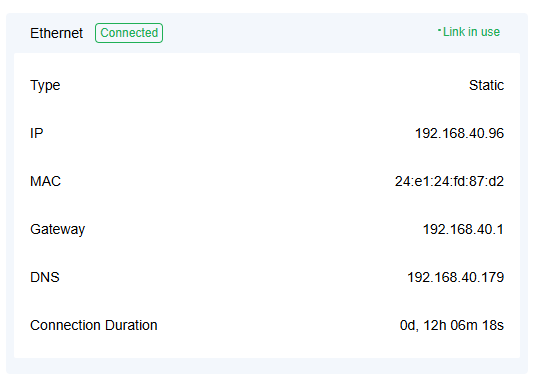
- Ethernet
- The widget displays the Ethernet connection status, connection type, MAC
address and connection information.
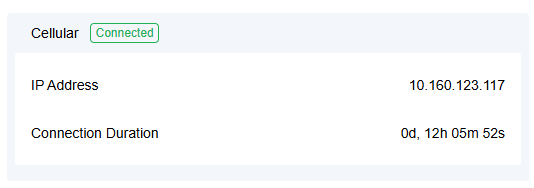
- Cellular
- The widget displays the cellular connection status, IP address and
connection duration.
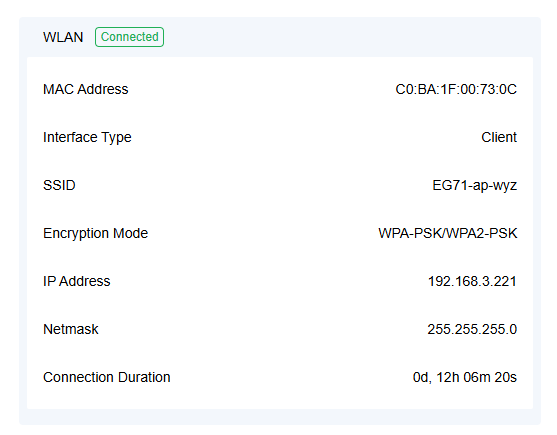
- WLAN
- The widget displays the WLAN MAC address, working status and
connection
information.
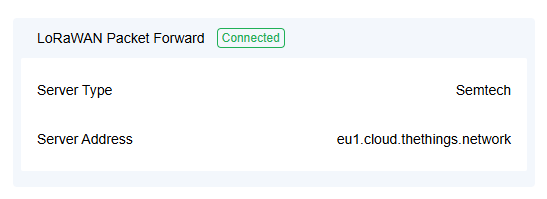
- LoRaWAN Packet Forward
- The widget displays the packet forwarder connection status, server type
and the server address.
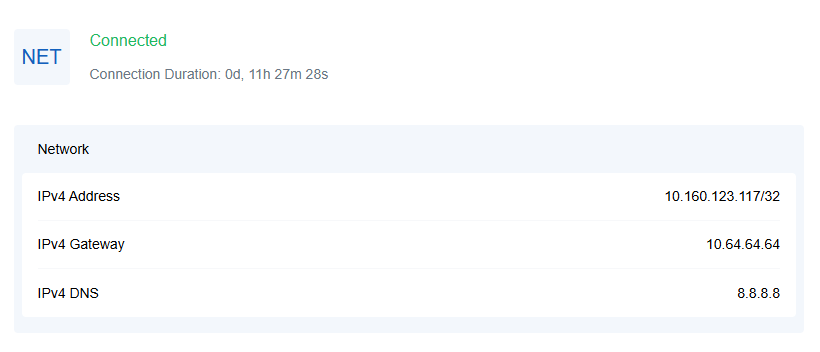
Cellular
The page displays the cellular connection status and cellular network information.
This page only exists on the cellular version. Click the
widgets in the figure to learn more.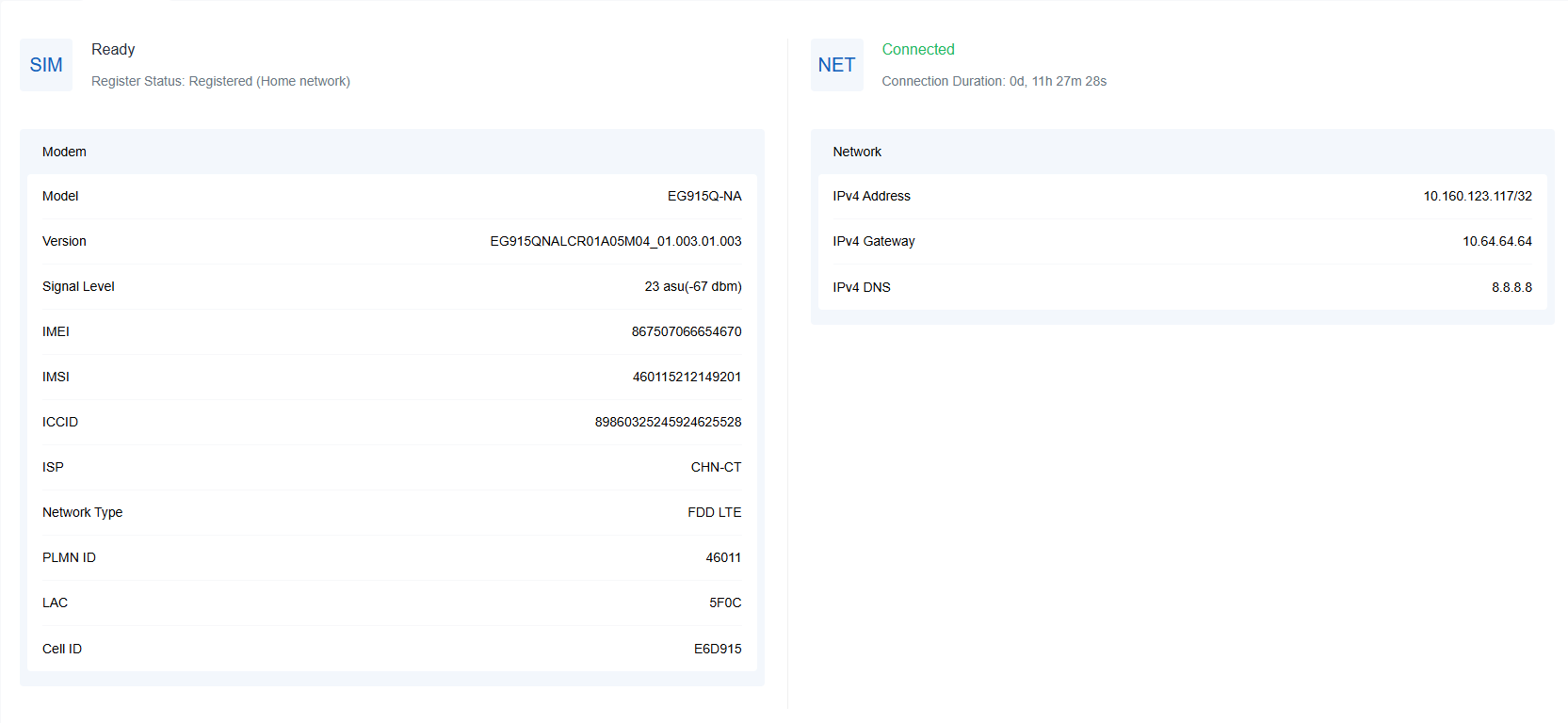
- Modem
- The widget displays the SIM registration status, SIM registration
information, and cellular module information.
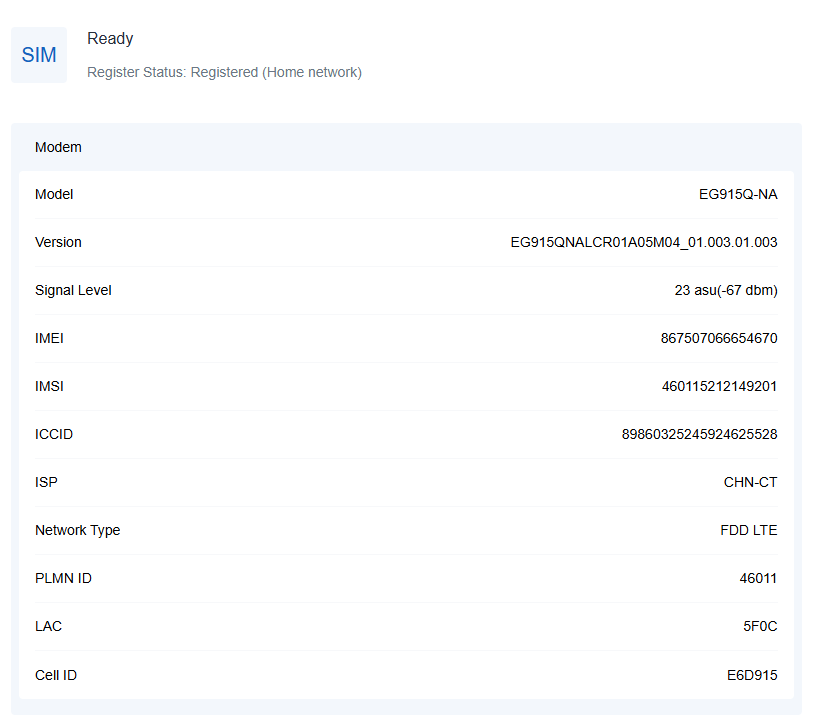
SIM status reference:- No SIM Card: the SIM card is not inserted
- SIM Card Error: the SIM card is error
- PIN Error: the PIN code is error
- PIN Required: the SIM card requires to type PIN code
- PUK Required: the SIM card requires to be unlocked by PUK code
- No Signal: no cellular signal
- Ready: the SIM card is inserted
- Down: the SIM card is deactivated
- Network
- This widget displays the cellular network connection status and the
connected IP information.