IR Code Learning
This section describes how to learn the IR code to be compatible with the target air conditioner.
Configure by ToolBox
Note: Before configuring the device through ToolBox, access it through
Bluetooth. For the navigation path and write operation conventions used in this guide,
see Configure the Devices in ToolBox.
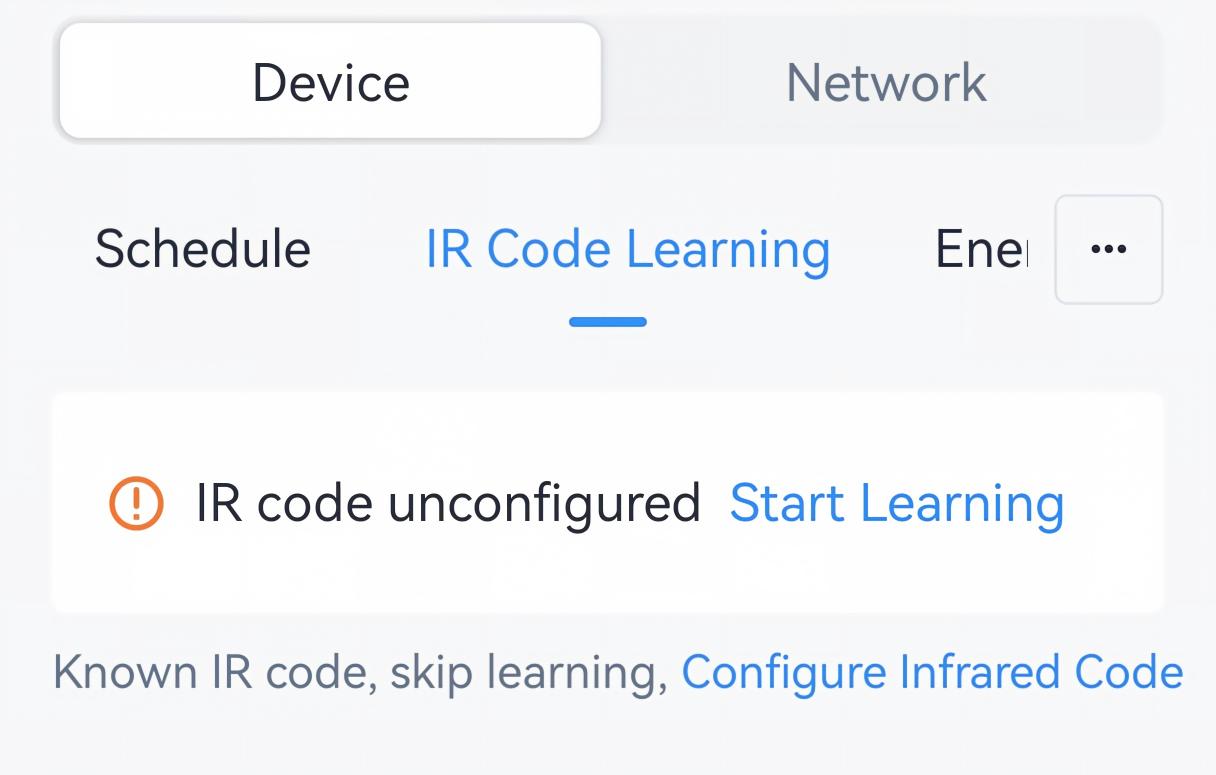
- Navigate to Device > IR Code Learning. Click Start Learning.
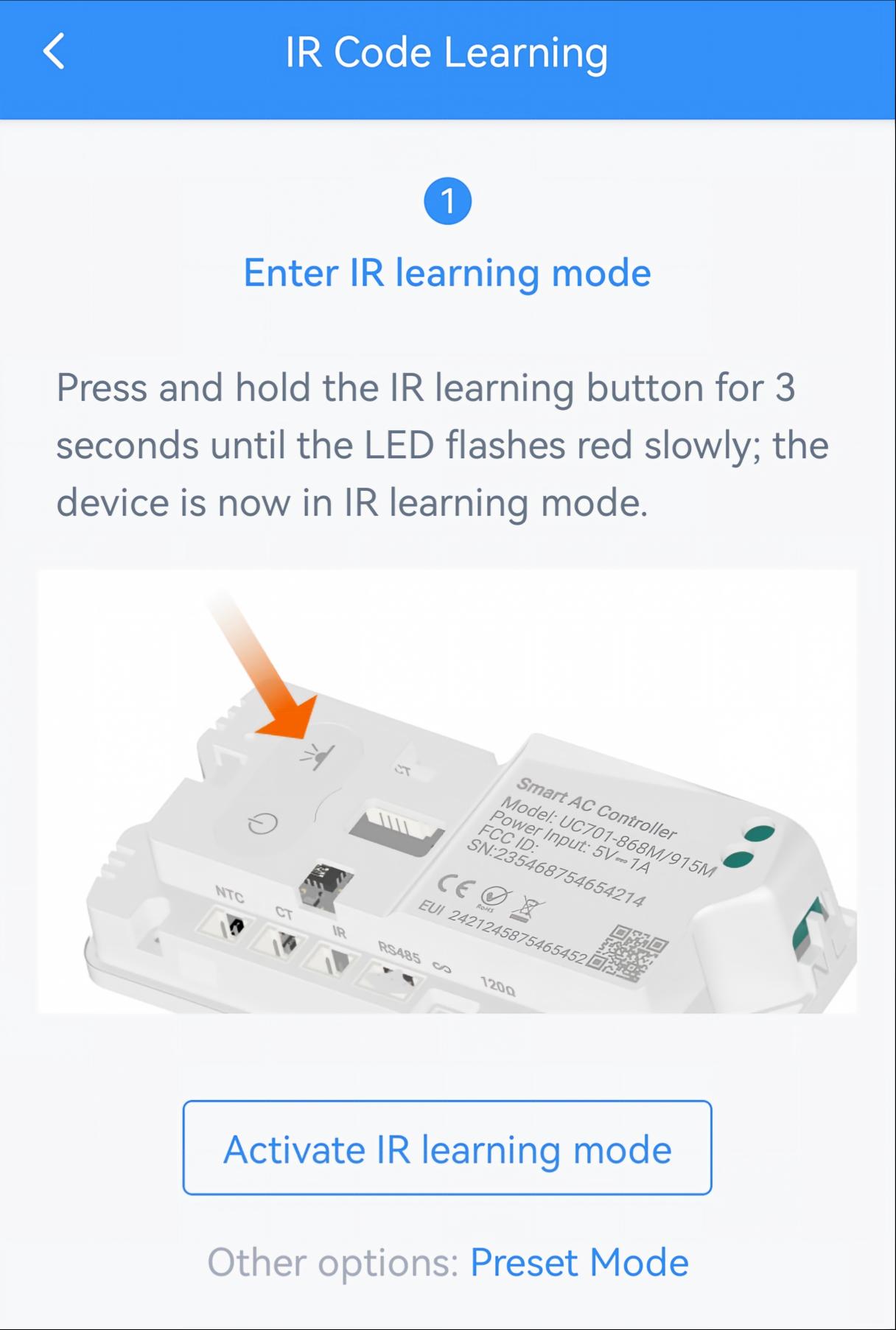
- Click Activate IR learning mode, or press and hold the IR learning button
for 3s until the LED flashes red slowly.
- Use AC remote control to set to Cool 25 °C (78°F), then aim at the UC701
controller and press Fan Speed button.
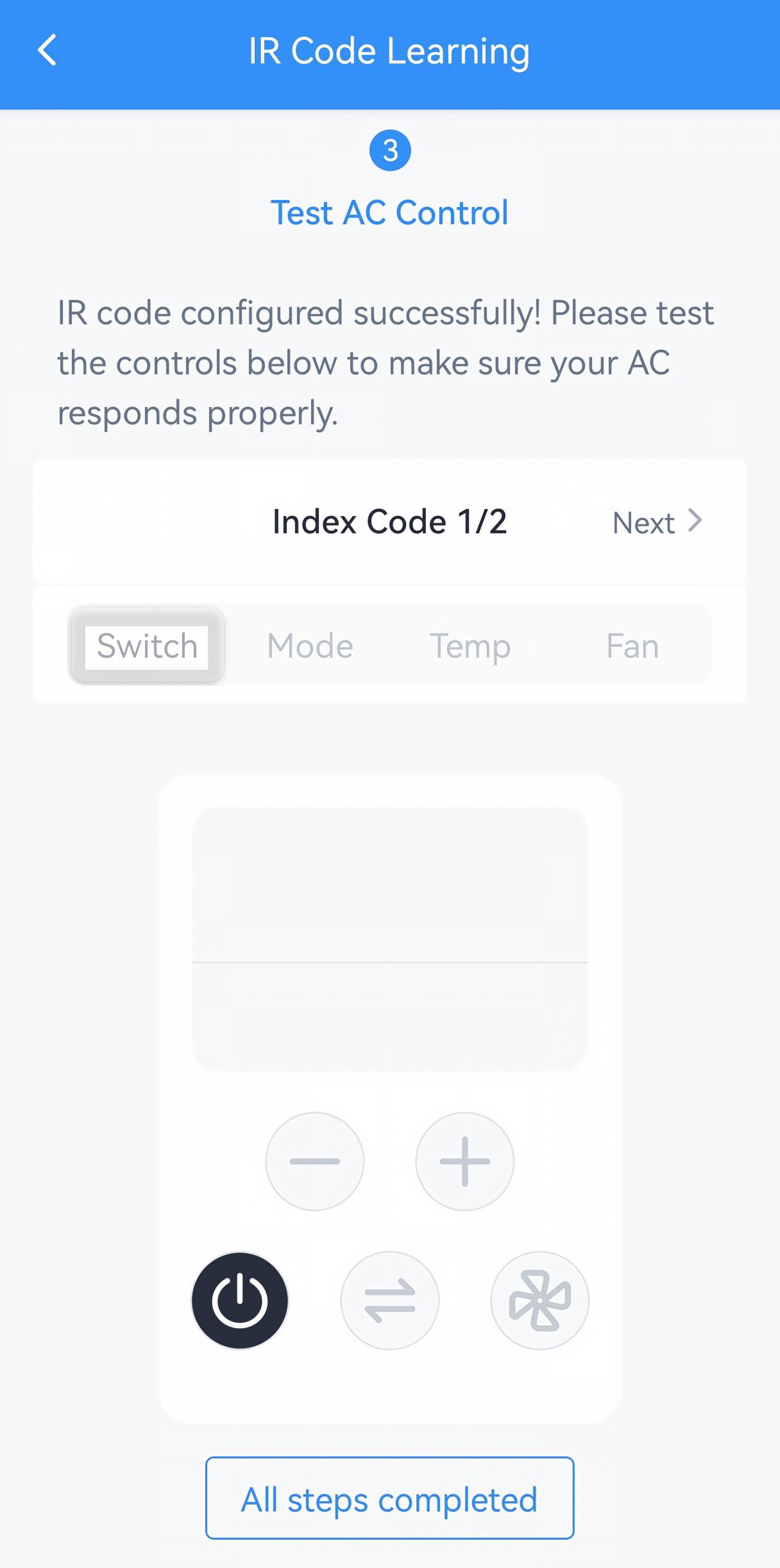
- If pairing is successful, the controller LED will stay red for 5s, and
the ToolBox will switch to the test page. Tap the buttons on the page
that shows the image of a remote control and aim at the air conditioner
to verify that the air conditioner responds correctly. If there are
multiple index codes, it is necessary to test every code. If yes, click
All steps Completed.
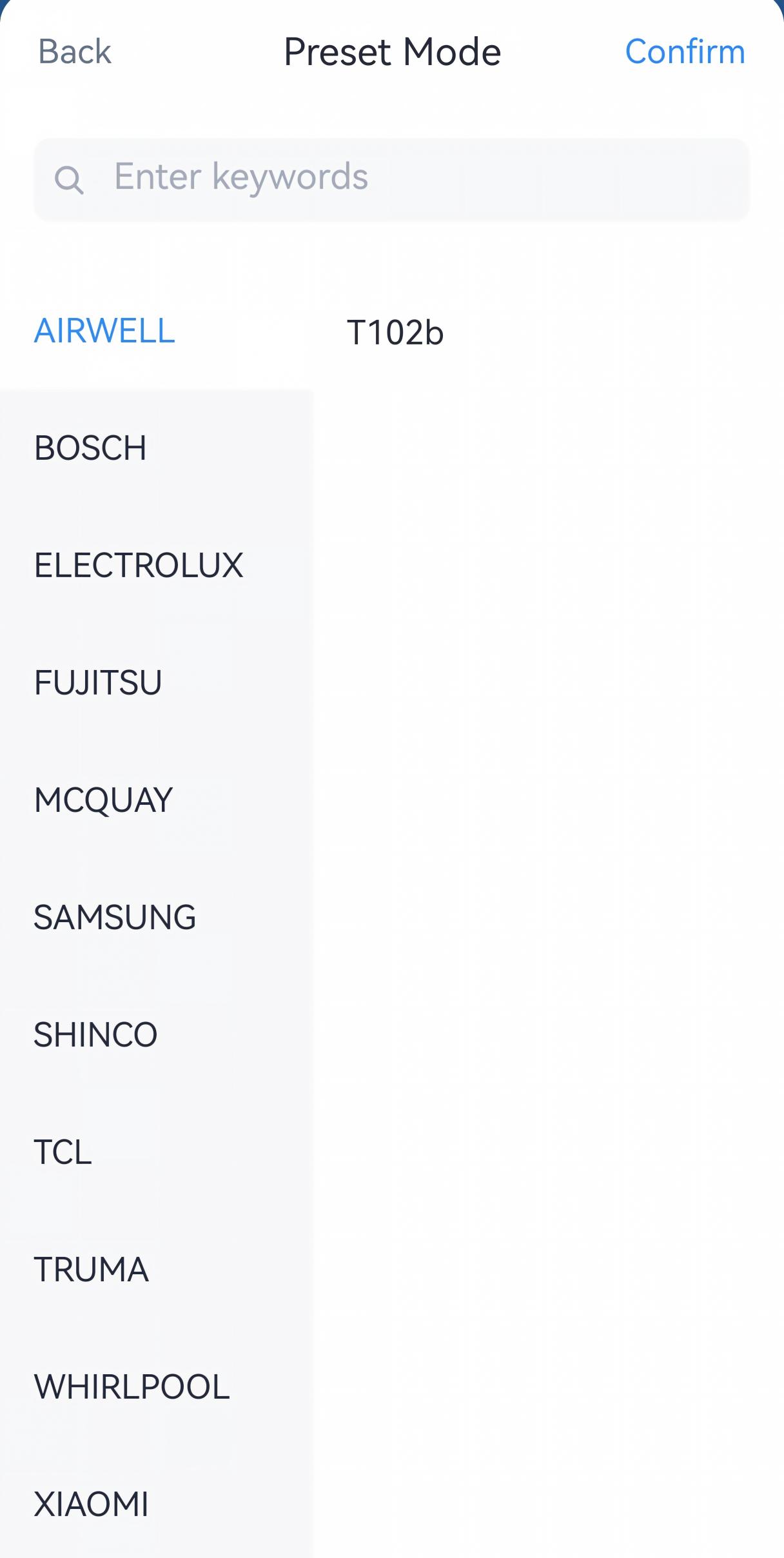
- If pairing fails, click Preset Mode to select the air conditioner
brand and its preset IR code.
Tip: For batch deployment of identical AC units, the learned IR code can be copied to other UC701 controllers via ToolBox or downlink.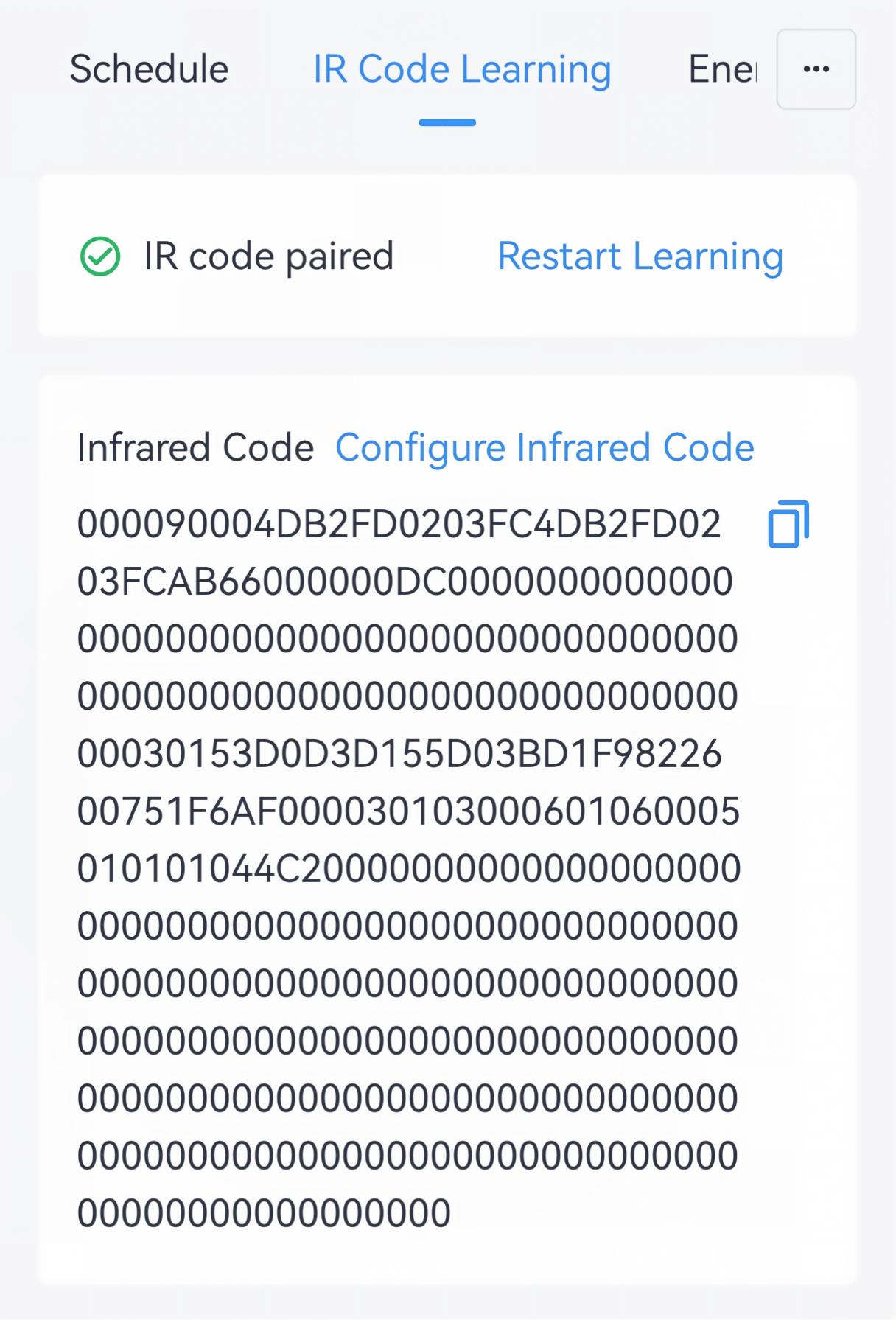
- If pairing is successful, the controller LED will stay red for 5s, and
the ToolBox will switch to the test page. Tap the buttons on the page
that shows the image of a remote control and aim at the air conditioner
to verify that the air conditioner responds correctly. If there are
multiple index codes, it is necessary to test every code. If yes, click
All steps Completed.
Remote Configuration Reference
- BACnet: See UC701 BACnet Object List, IR Code Learning.
- JSON Command: See UC701 Payload Protocol (JSON), IR Code Learning.
- LoRaWAN Hex Command: See UC701 Payload Protocol (HEX), IR Code Learning.