Configure MQTT API Parameters (Cellular Version Only)
The device provides an MQTT API that receives downlink commands for retrieving people counting data. This section describes how to configure MQTT API parameters. It applies for the cellular version only.
Steps:
- In the main page, click Communication from the left
navigation tree, then click
 in
the lower right corner.
in
the lower right corner.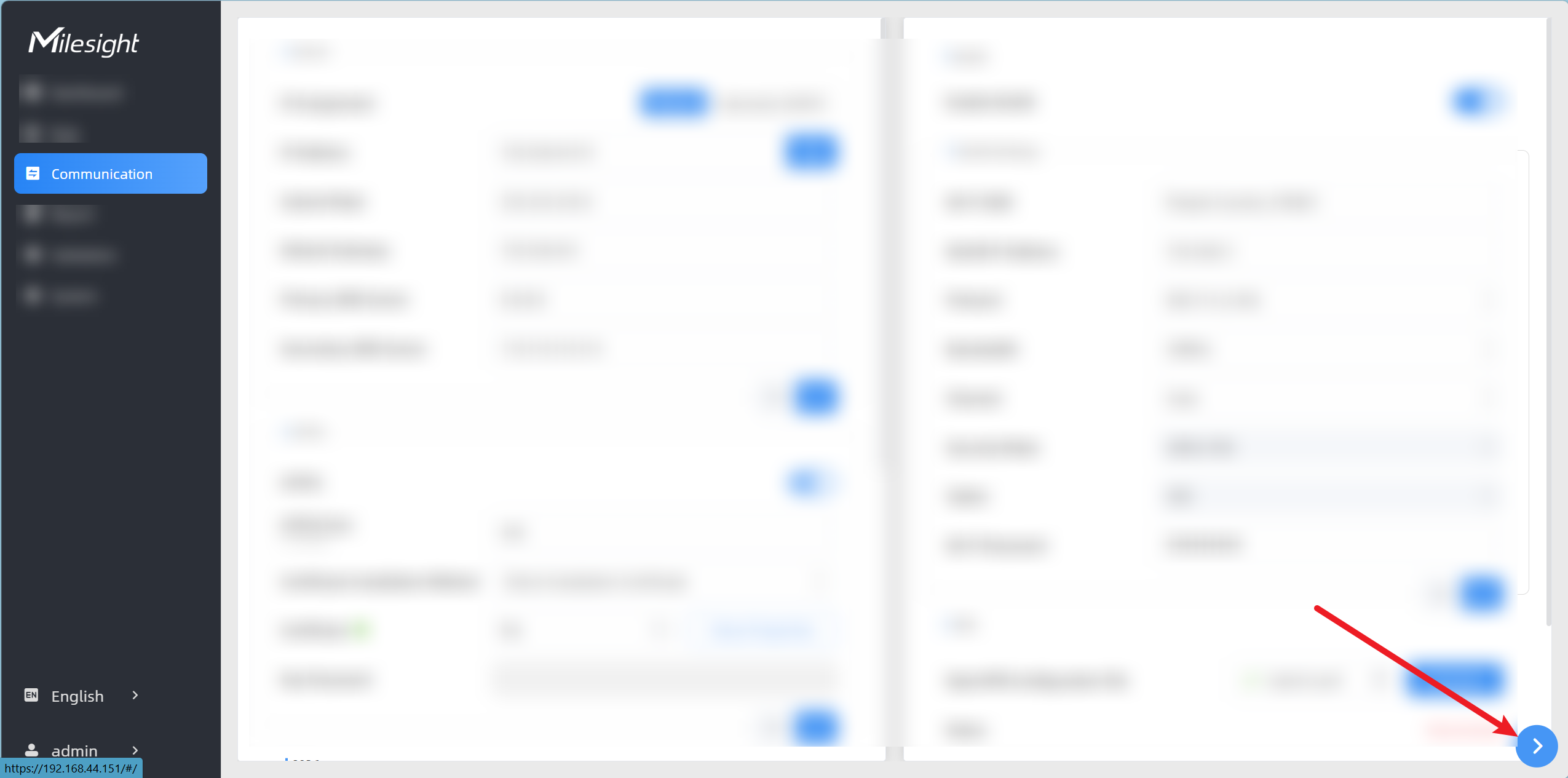
- Click
 in the lower right corner. The MQTT
API page is displayed.
in the lower right corner. The MQTT
API page is displayed.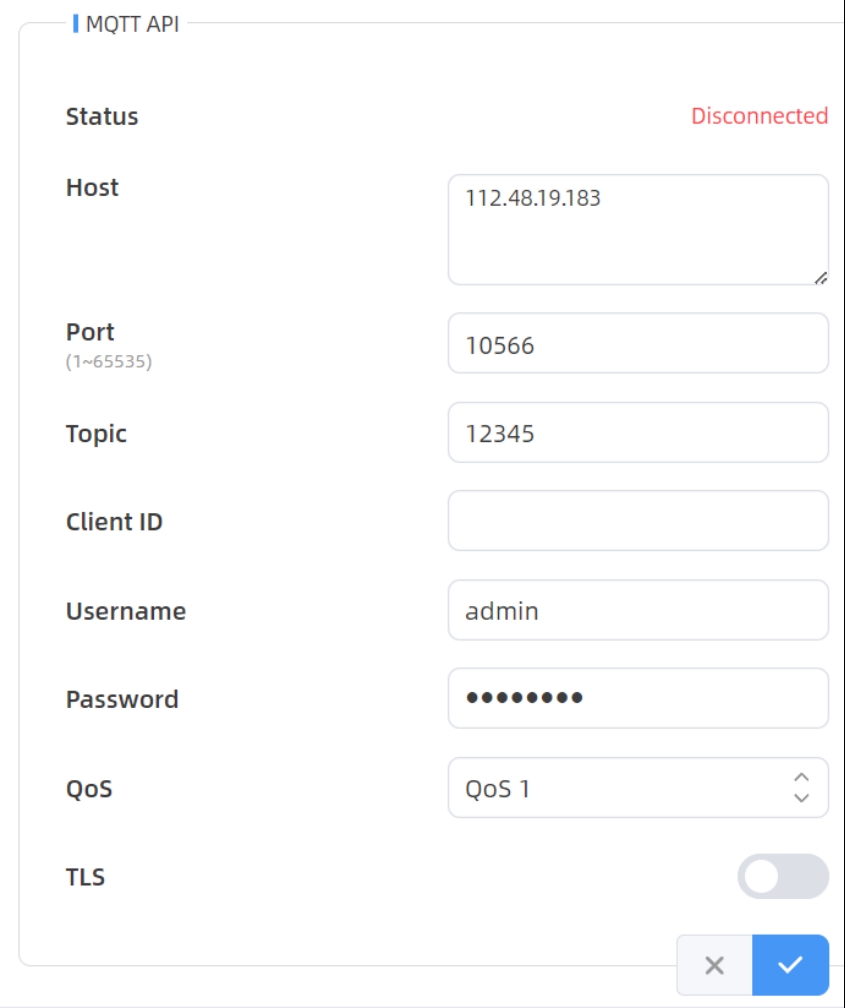
- Configure the following parameters as needed. For parameter descriptions, refer to
the following table.
Parameters Description Status Connection status between the device and the MQTT broker. Host Address of the MQTT broker to receive data. This device supports multiple third-party platforms. For the supported platforms, refer to Milesight official website.
Port Port of the MQTT broker used to receive data. Topic Topic name used for publishing messages. An example topic name is as follows:  The following placeholders are dynamically replaced with device information upon subscription.
- - $devsn: Device SN
- - $prdmd: Product model
- - $devid: Customized device ID
- - $siteid: Customized site ID
Client ID Unique client identifier for the MQTT server. It must be unique across all connections to the same server and is essential for managing message delivery at QoS levels 1 and 2. Username User name for MQTT broker authentication. Password Password for MQTT broker authentication. QoS Options: QoS 0, QoS 1, and QoS 2. TLS Enables TLS encryption for MQTT communication. Certificate Type Options: CA Signed Server or Self Signed. - If Certificate Type is set to CA Signed Server, server verification is performed using a CA certificate that is pre-installed on the device.
- If Certificate Type is set to Self
Signed, click
 in the CA File,
Client Certificate File, and Client Key
File areas to upload the corresponding files
for identity verification.
in the CA File,
Client Certificate File, and Client Key
File areas to upload the corresponding files
for identity verification.
- Click
 to save the configuration.