System Settings
Device
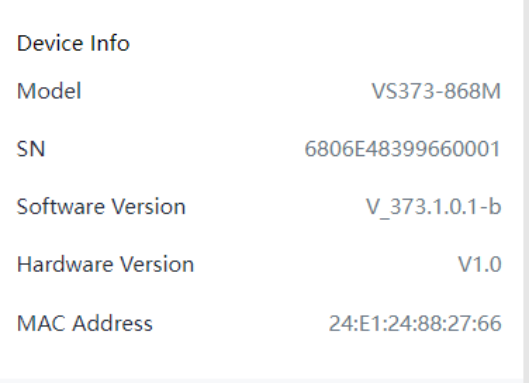
- Device Info
-
All information about the hardware and software can be checked on this page.
- Synchronize Time
-
| Parameters | Description |
|---|---|
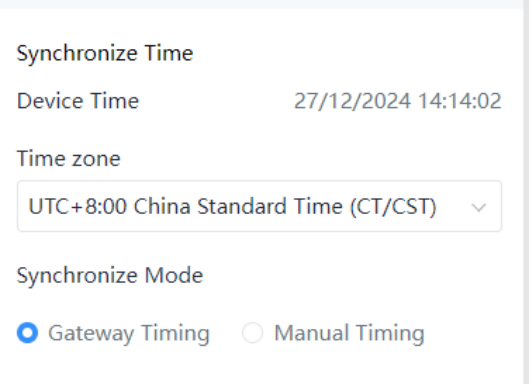
| Device Time | Display the current time. |
| Time Zone | Choose the current time zone. |
| Synchronize Mode |
Gateway Timing: Synchronize the system time with embedded network server of Milesight gateway when LoRaWAN® version is 1.0.3. The device will sync the time with gateway once per day or every time re-joining the network. Manual Timing: Choose to automatically synchronize with the browser time or manually set the time. NTP Timing: Synchronize the system time with NTP server. Fill in NTP server address and set the interval to sync time. |
User
| Parameters | Description |
|---|---|
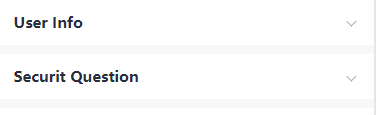
| User Info | You can change the login password of this device.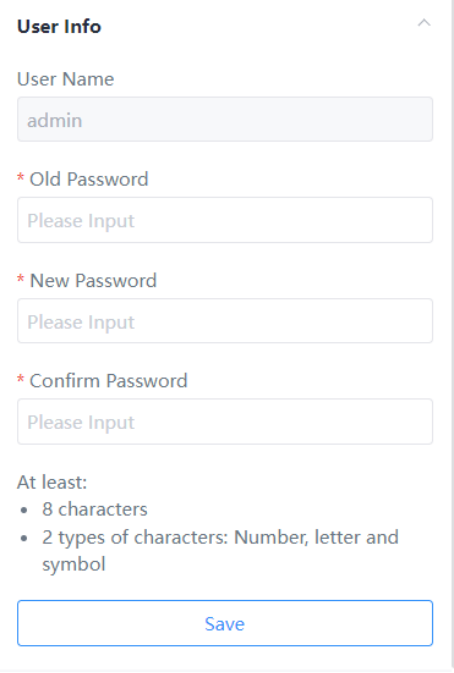 |
| Security Question | Click to set three security questions for your device. In case
that you forget the password, you can click Forget Password
button on login page to reset the password by correctly answering
three security questions correctly.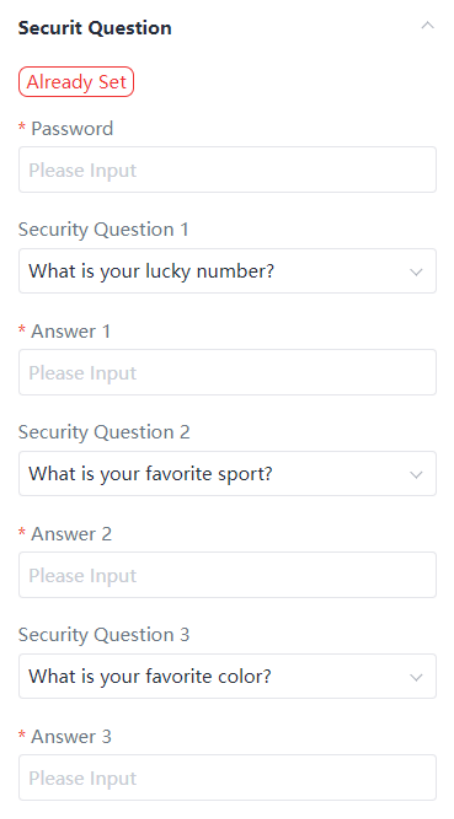 |
Maintenance
| Parameters | Description |
|---|---|
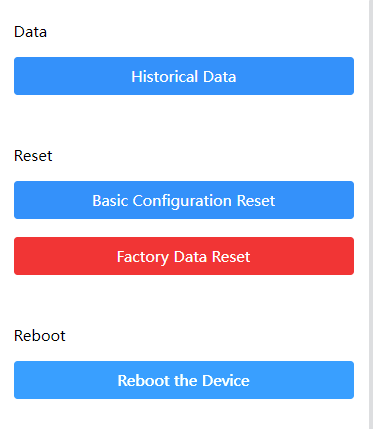
| Data | Click to select the data time range and view the historical data.
Choose Export to export data. The maximum export data period
is 14 days.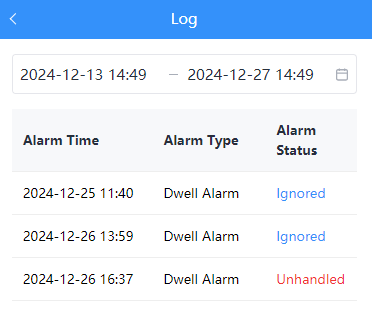 |
| Reset | Basic Configuration Reset: keep the IP settings and user information when resetting. |
| Factory Data Reset: reset device to factory default, requiring admin password verification | |
| Reboot | Restart the device immediately. |
| Upgrade | Click Browse and select the upgrading file, then click the
Upgrade button to upgrade. The update will be done when
the system reboots successfully. Note: The
upgrade process takes about 1-3 minutes. Do not turn off the
power and complete automatic restart after the
upgrade. |
| Backup and Restore | Export Config File: Export configuration file. |
| Import Config File: Click Browse and select the configuration file, click Import button to import configuration file. | |
| Custom Sensitivity | Used to import custom sensitivity files given by Milesight technical support. |
| Diagnostics | Download log files for troubleshooting. |