Role Management
Roles are managed in the Role Management page. The Administrator can’t be deleted by default. Also, you can add or delete customized roles.
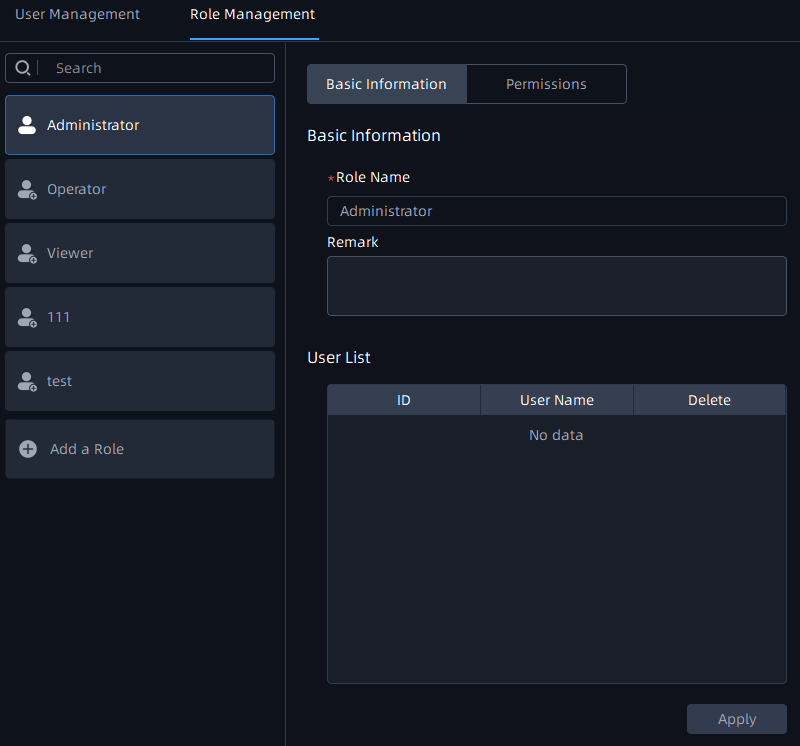
Basic Information Page
You can create multiple users under a role, then all users under the role will be listed in the User List as shown below:
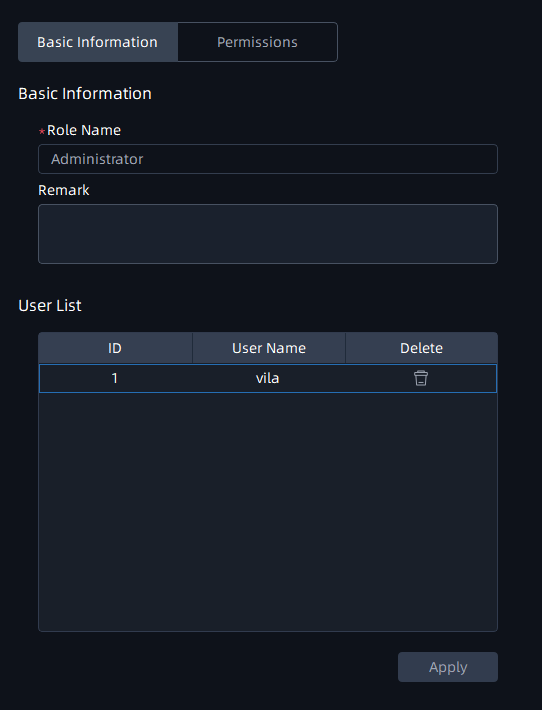
Note: If you click the  button to delete the user, a window will pop up as below to
inform you “This user will be deleted” . If you check the checkbox to keep user history
data and even if click “OK” button to delete the user, then tag or locked recording
video files added by user can still be kept.
button to delete the user, a window will pop up as below to
inform you “This user will be deleted” . If you check the checkbox to keep user history
data and even if click “OK” button to delete the user, then tag or locked recording
video files added by user can still be kept.
button to delete the user, a window will pop up as below to
inform you “This user will be deleted” . If you check the checkbox to keep user history
data and even if click “OK” button to delete the user, then tag or locked recording
video files added by user can still be kept.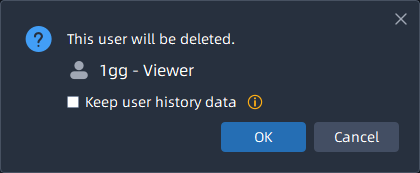
Permissions Page
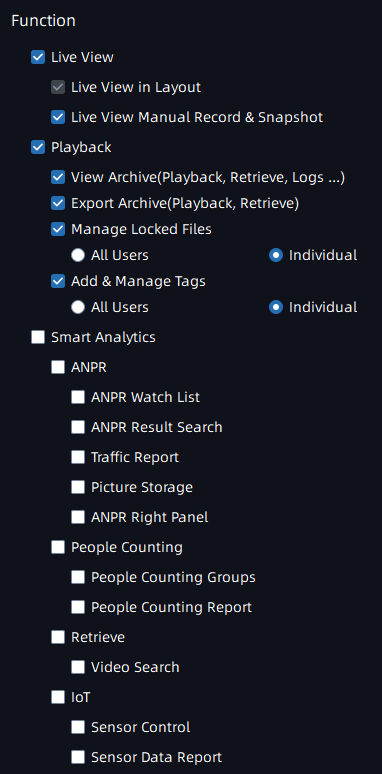
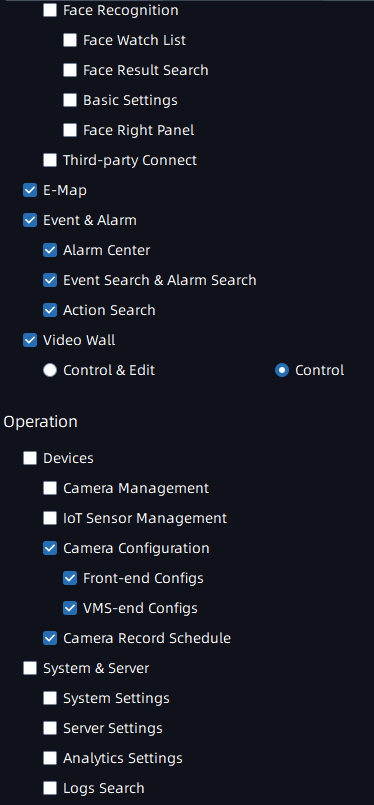
Different roles have different functions and operation permissions, resource access to Smart Analytics.
- Administrator: Own full access to function and operation permissions, resource access to Smart Analytics.

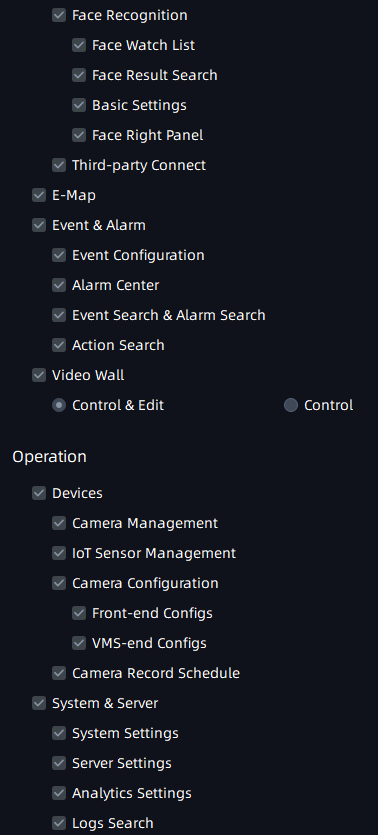
• Customized role: You can customize the role permissions.
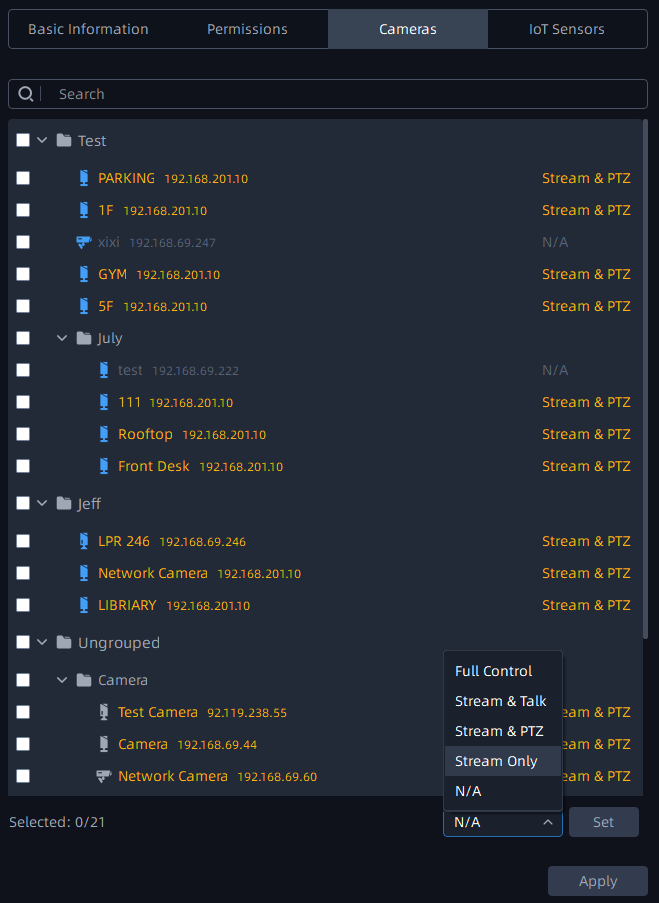
Cameras Page
Here you can configure cameras for each role on individual channels, such as Stream Only , Stream & PTZ options, etc.
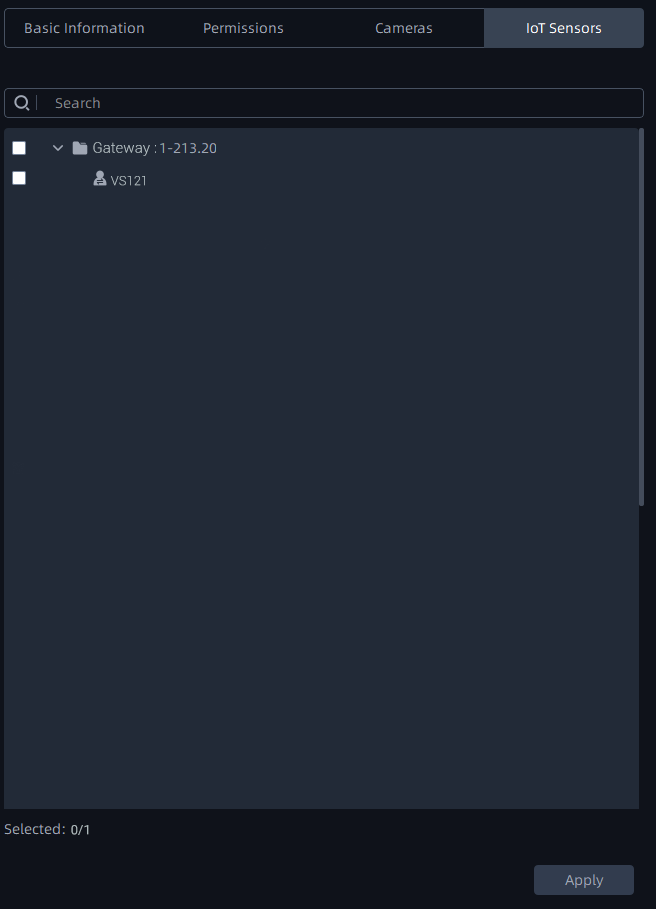
IOT Sensor Page
Here you can configure IoT Sensors for the customized roles.
Note: After setting all the configuration, please remember to click "Apply” button.
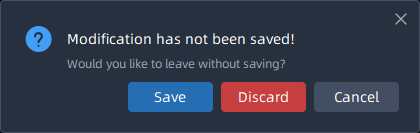
Otherwise, when you click other buttons outside the control panel, a window will pop up
to inform you ”Configuration is not saved, discard changes?”