Low Power Mode
The gateway supports low power mode to save battery power and extend the battery life. This chapter describes how to enable the low power mode.
Prerequisites: The battery is installed and operating normally.
Steps:
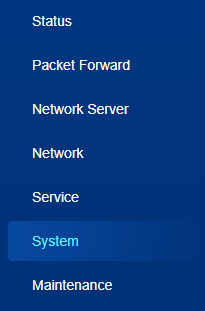
- On the left bar, select System page.
- On the top bar, select Low Power Mode tab.
- Enable or disable the Low Power Mode option. When enabled, the gateway
will only turn on LoRa, communication, data storage and retransmission programs.
Cellular, WLAN, GPS and web access will be disabled.

- Click Save & Apply to save the settings.