5.4.3 Configure Child Lock Parameters
This section introduces the child lock settings.
Child Lock
The thermostat supports a child lock feature to lock the buttons to prevent accidental touch. When the button is locked, the corresponding feature can only be controlled by ToolBox or downlink commands.
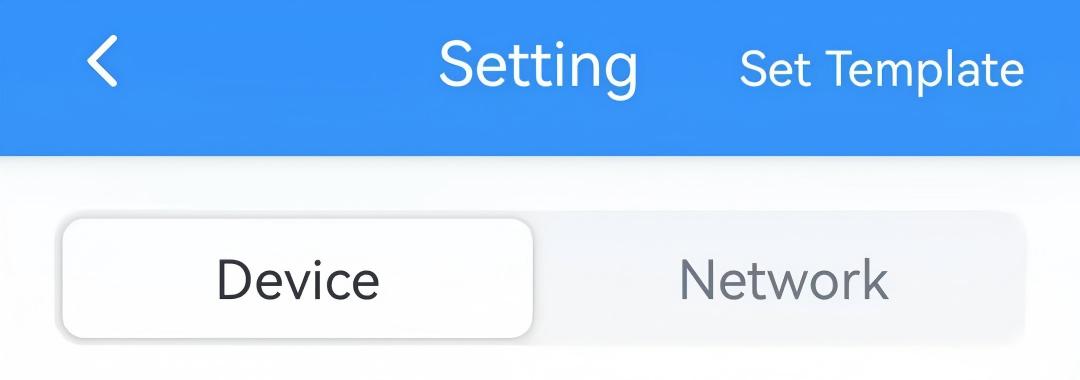
- On the homepage of ToolBox, click Setting to enter the Setting page.
- On the top bar, select Device tab.
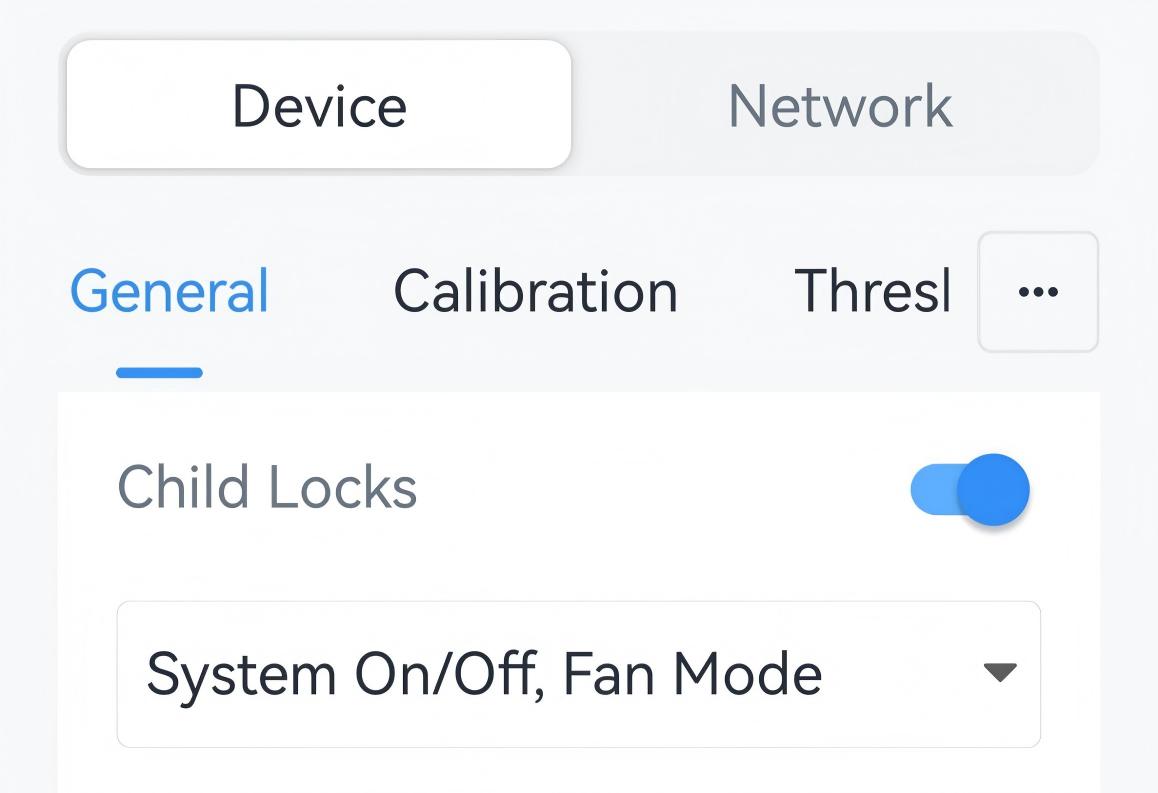
- On the General page, enable Child Locks and select the
features to lock.
- Click Write in the lower right corner, and
put the NFC detection area of the phone close to the NFC antenna of device.
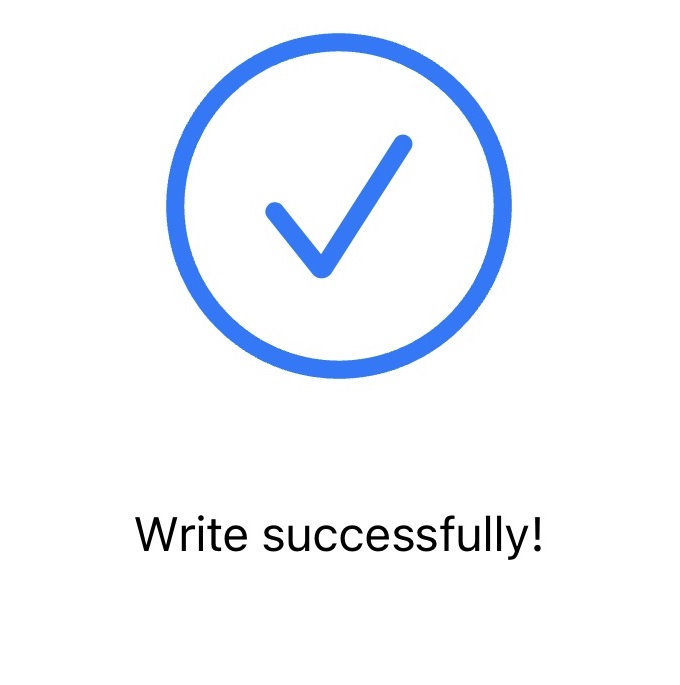
If the configuration succeeds, the following page is displayed.
- JSON Command: child_lock_config, children_locks_enable
- BACnet: Children Locks Enable
- Raw Hex Command: Child Lock Setting, Child Lock Enable
Temporary Unlock
The thermostat supports configuring 2-5 button combinations to release the child locks temporarily for professional debugging. When this feature is configured, users can press the combination buttons to release the lock for a short time.
- JSON Command: unlock_config
- BACnet: Temporary Unlock Settings
- Raw Hex Command: Temporary Unlock
Offline Unlock
The thermostat supports receiving heartbeat packets from the server regularly to check connectivity. If it does not receive heartbeat packets within an offline timeout, the child lock will not work, and the thermostat can be controlled via the buttons. This feature is disabled by default.
- JSON Command: heartbeat, offline_timeout
- BACnet: Heartbeat, Offline Timeout
- Hex Command: Offline Unlock Heartbeat, Offline Timeout