5.4.4 Configure Screen Parameters
This section introduces the screen related settings.
Screen Display
By default, the screen display is enabled and screen content can be referred here. The device supports disabling the display of all contents, schedule plan name or time.
Configure by Downlink
- JSON Command: screen_display_mode, screen_time_enable
- Raw Hex Command: Screen Display, Screen Time Display
Time Display Mode
When the system is on, the screen will display the time according to the time mode.
Prerequisites: Sync the time for the device.
Configure by ToolBox
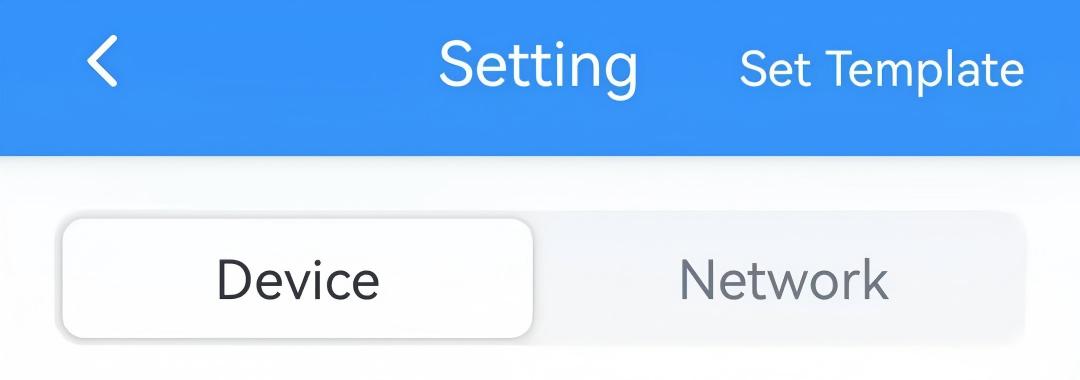
- On the homepage of ToolBox, click Setting to enter the Setting page.
- On the top bar, select Device tab.
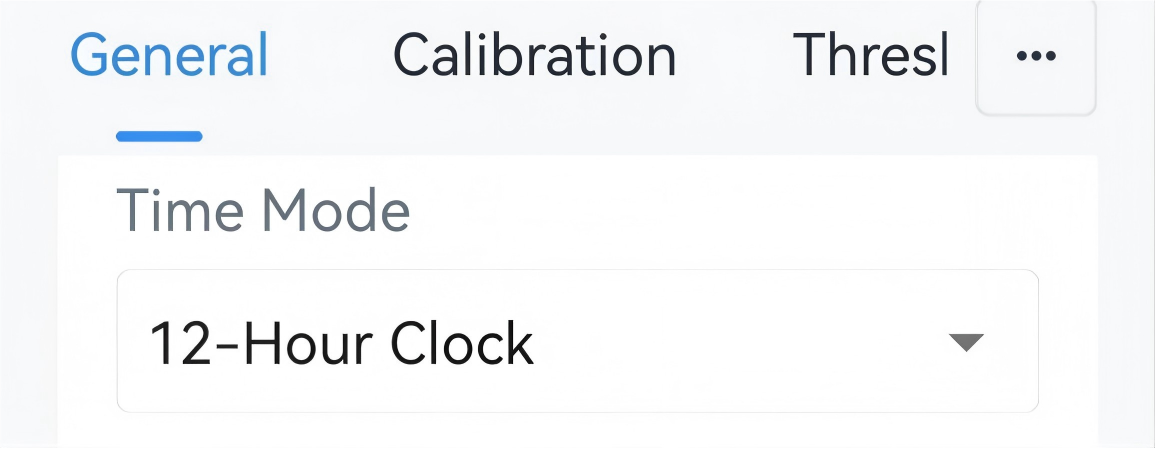
- In the Calibration page, select Time Mode as 12-Hour
Clock or 24-Hour Clock.
- Click Write in the lower right corner, and
put the NFC detection area of the phone close to the NFC antenna of device.
If the configuration succeeds, the following page is displayed.

Configure by Downlink
- JSON Command: time_format
- BACnet: Time Format
- Raw Hex Command: Time Mode