5.4.8 Configure Room Card Parameters
This section describes the parameters when the DI interface is connected to a room card switch.
Prerequisites
- A room card switch is connected to the thermostat according to the wiring diagram.
- The control permission is selected.
Configure by ToolBox
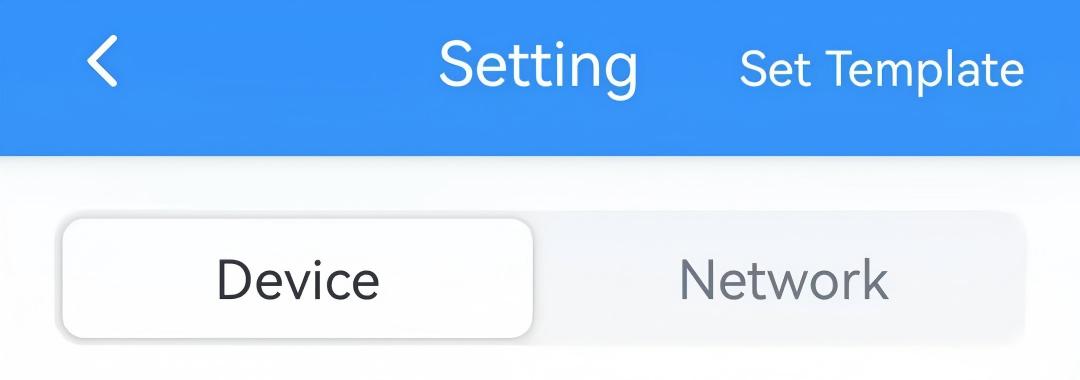
- On the homepage of ToolBox, click Setting to enter the Setting page.
- On the top bar, select Device tab.
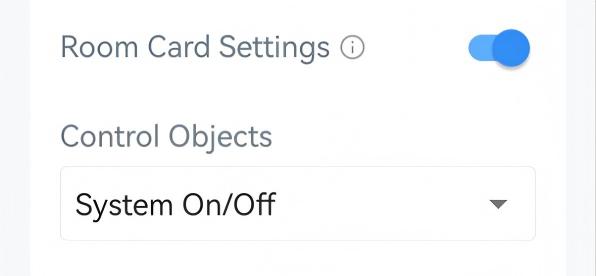
- Enable Room Card Settings and configure the related parameters.
 If control permission is Thermostat:
- On the Installation page, enable DI in Wiring Settings.
- Enable Room Card Settings.
- Select the control object. The default settings for these control
objects are as follows:
System On/Off: Insert card=System On, Remove card=System Off
Insert an Event: Insert card=Home schedule, Remove card=Away schedule
If control permission is Remote Control:- On the General page, enable Room Card Settings. The
default settings for this control object are as follows:
System On/Off: Insert card=System On, Remove card=System Off
Configure by Downlink
- JSON Command: card_config
- Raw Hex Command: Configure Room Card Parameters