5.4.1 Configure General Parameters
This section describes the general parameters.
Configure by ToolBox
- On the homepage of ToolBox, click Setting to enter the Setting page.
- On the top bar, select Device tab.
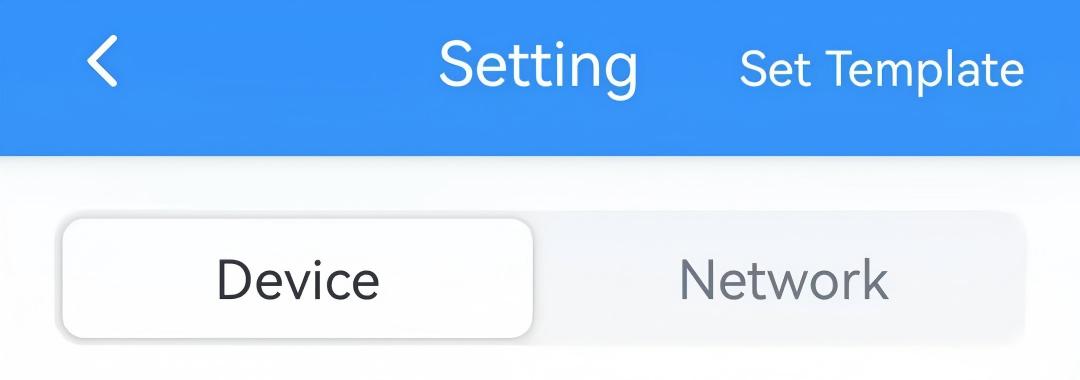
- In the General page, configure the following parameters.
Parameter Description Reporting Interval The interval to report data to the network server. Range: 1~1440 min, Default: 10 min. Temperature Unit Select the temperature unit displayed on the ToolBox and the screen. Default: °F. Note: After changing the unit, it is necessary modify the temperature-related settings.Control Permissions Refer to Configure Control Permission. System On/Off Turn on or off the system. For more details refer to Configure System Status. If control permission is Thermostat, refer to Configure Temperature Control and Fan Parameters to check the parameters after system on. Child Locks Refer to Configure Child Lock Parameters. Time Mode Refer to Configure Screen Parameters. Time Zone Refer to Configure Time Parameters. Daylight Saving Time Data Storage Refer to Configure Data Storage & Retransmission. Change Password Change the password for ToolBox App to write this device. - Click Write in the lower right corner, and
put the NFC detection area of the phone close to the NFC antenna of device.
If the configuration succeeds, the following page is displayed.
Configure by Downlink
| Configuration | Report Interval | Temperature Unit |
|---|---|---|
| JSON Command | report_interval | temperature_unit |
| BACnet | Report Interval | Temperature Unit |
| Raw Hex Command | Reporting Interval | Temperature Unit |