Configure Device Parameters
The device hardware and software information can be checked on the System page. Besides, users can customize the device name, the device ID and the site ID for multi-device management.
Steps:
- In the main page, click System from the left
navigation tree.
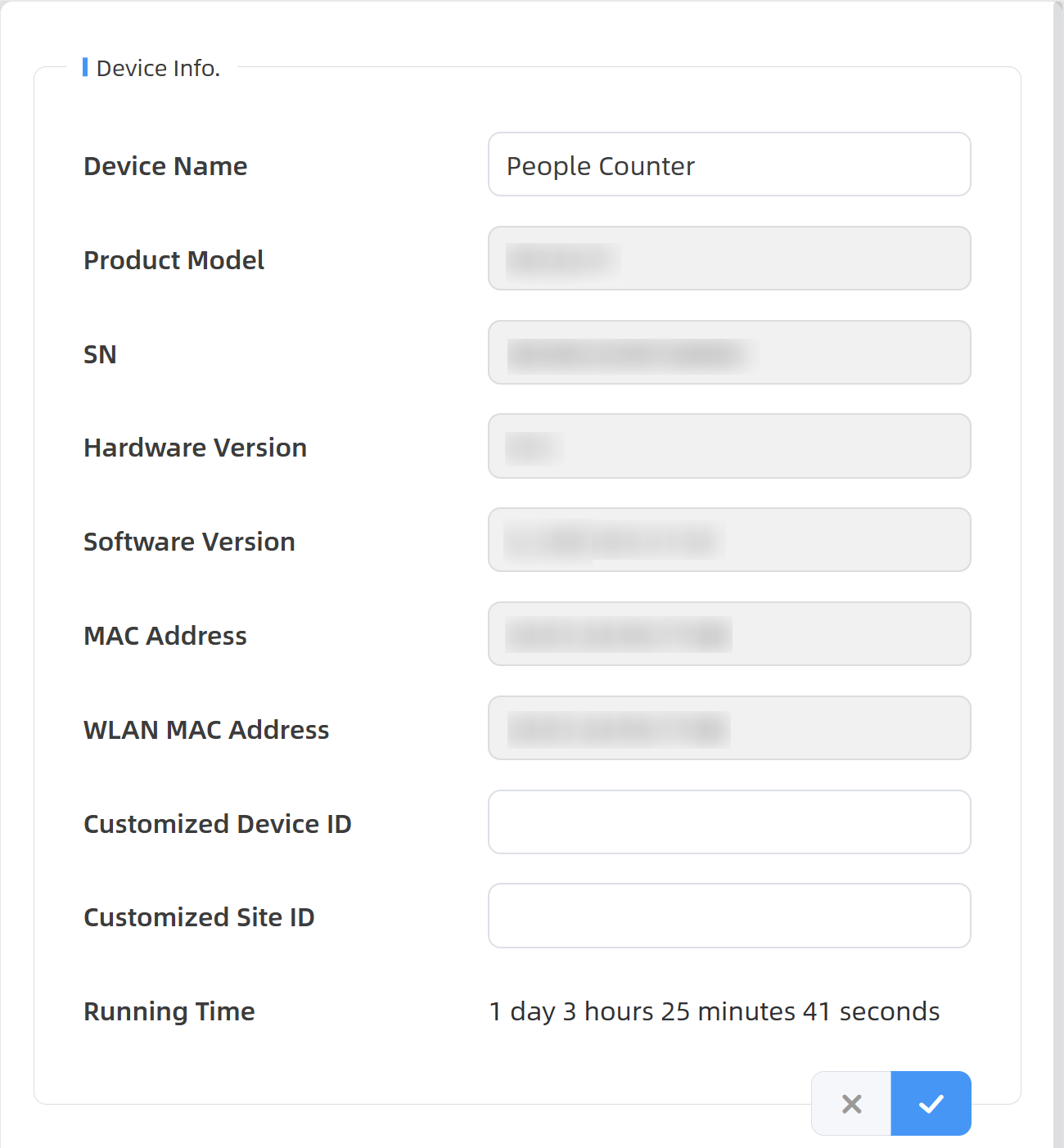
- In the Device Info. area, check device information and configure the device name, the device ID and the site ID as needed.
- Click
 to save the configuration.