Change the Device Password
It is recommended to change the device password upon initial configuration for security purposes. This section describes how to change the device password.
Steps:
- On the homepage of ToolBox, click Setting to enter the Setting page.
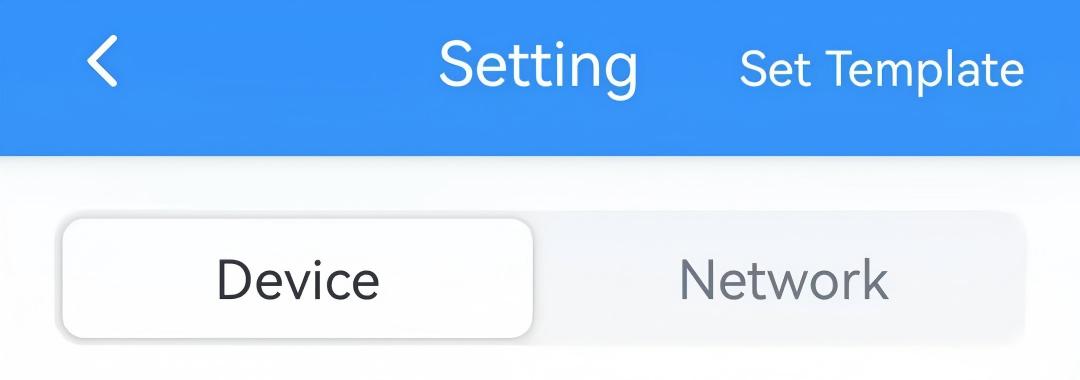
- On the top bar, select Device tab.
- In the General page, enable Change Password and
enter the new password.
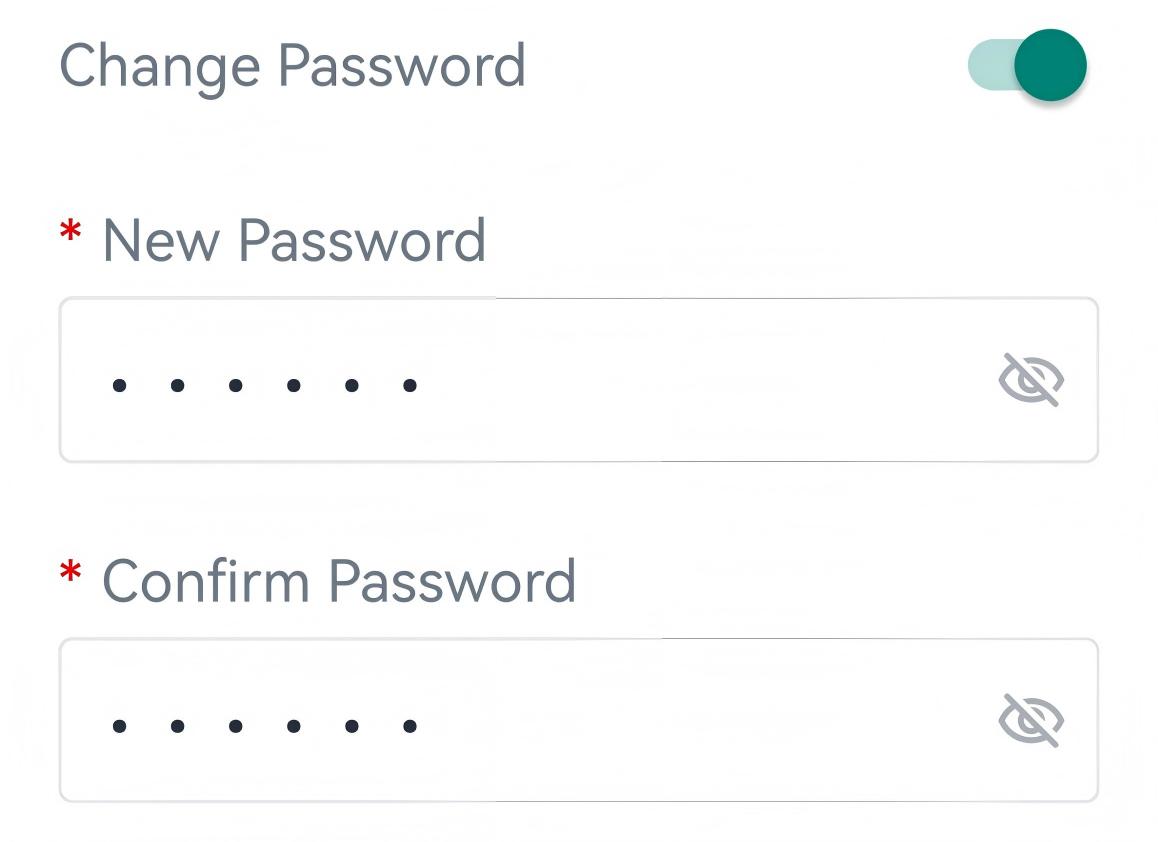
Parameter Description New Password Enter a new password of 6 characters. Only letters, digits, and underscores are allowed. Confirm Password Enter the password again. - Click Write in the lower right corner, and put the NFC detection area of the
phone close to the NFC antenna of device. If the password was changed successfully,
the following page is displayed.