Configure Temperature Control Parameters
This section describes how to configure the temperature control related parameters of the device, which includes:
- Temperature Control
- Open Window Detection
- Freeze Protection
- Force Heating
Configure Temperature Control Parameters
The device supports controlling the temperature during the heating period.
Prerequisites: Motor Stroke Calibration is successful.
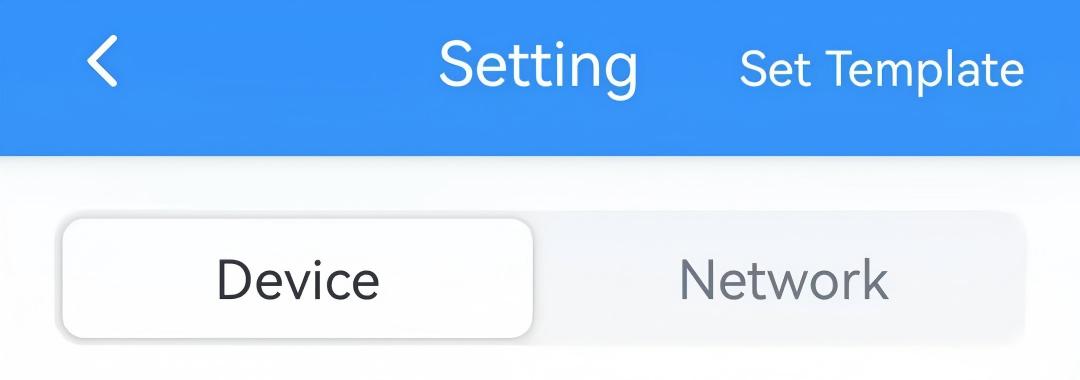
- On the homepage of ToolBox, click Setting to enter the Setting page.
- On the top bar, select Device tab.
- In the General page, enable Temperature
Control.
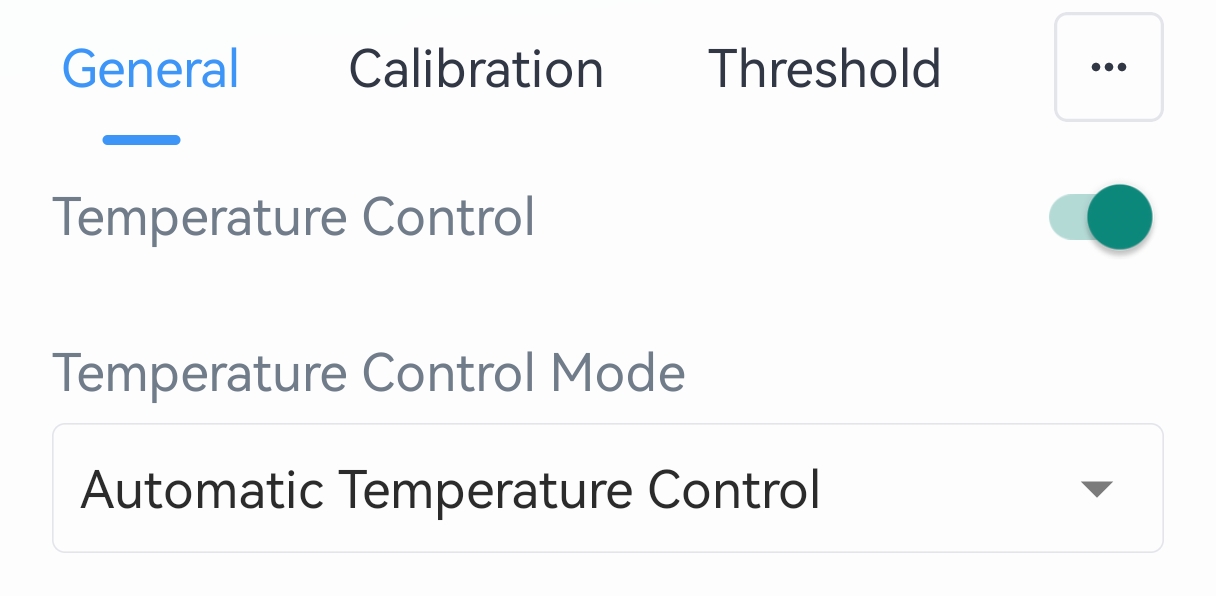
- Select the Temperature Control Mode and configure the related
parameters.
- Automatic Temperature Control: Automatically adjust to the
target temperature via the device's algorithm.
Parameter Description Target Temperature Resolution Select the resolution of the target temperature. Options: 0.5: Increase or decrease target temperature by 0.5 each time.
1: Increase or decrease target temperature by 1 each time.Target Temperature Set the target temperature for device control. Range: 5~35 °C/41~95 °F. Target Temperature Regulation Range Set the range to adjust target temperature. Range: 5~35 °C/41~95 °F. - Valve Opening Control: Adjust the valve opening status
directly to control the temperature.
Parameter Description Valve Opening Set the valve opening percentage. 0% means fully closed and 100% means fully open. - Integrated Control: Automatically adjust to target
temperature via the device's algorithm, and support receiving valve
opening downlink control commands.
Parameter Description Target Temperature Resolution Select the resolution of the target temperature. Options: 0.5: Increase or decrease target temperature by 0.5 each time.
1: Increase or decrease target temperature by 1 each time.Target Temperature Set the target temperature for device control. Range: 5~35 °C/41~95 °F. Target Temperature Regulation Range Set the range to adjust target temperature. Range: 5~35 °C/41~95 °F.
- Automatic Temperature Control: Automatically adjust to the
target temperature via the device's algorithm.
- Click Write in the lower right corner, and
put the NFC detection area of the phone close to the NFC antenna of device.
If the configuration succeeds, the following page is displayed.

- Result
- During the heating period and not executing any schedule event, the device will control the temperature according to the above settings.
Configure Open Window Detection Parameters
The device supports detecting the window open status to stop invalid temperature control, thus saving energy. The following steps enable automatic detection of the window open status. In addition, the device supports manual control of the window open status via downlink commands.
Prerequisites: Temperature Control is enabled.
- On the homepage of ToolBox, click Setting to enter the Setting page.
- On the top bar, select Device tab.
- In the General page, enable Open Window Detection and
configure the related parameters. The following page is displayed.
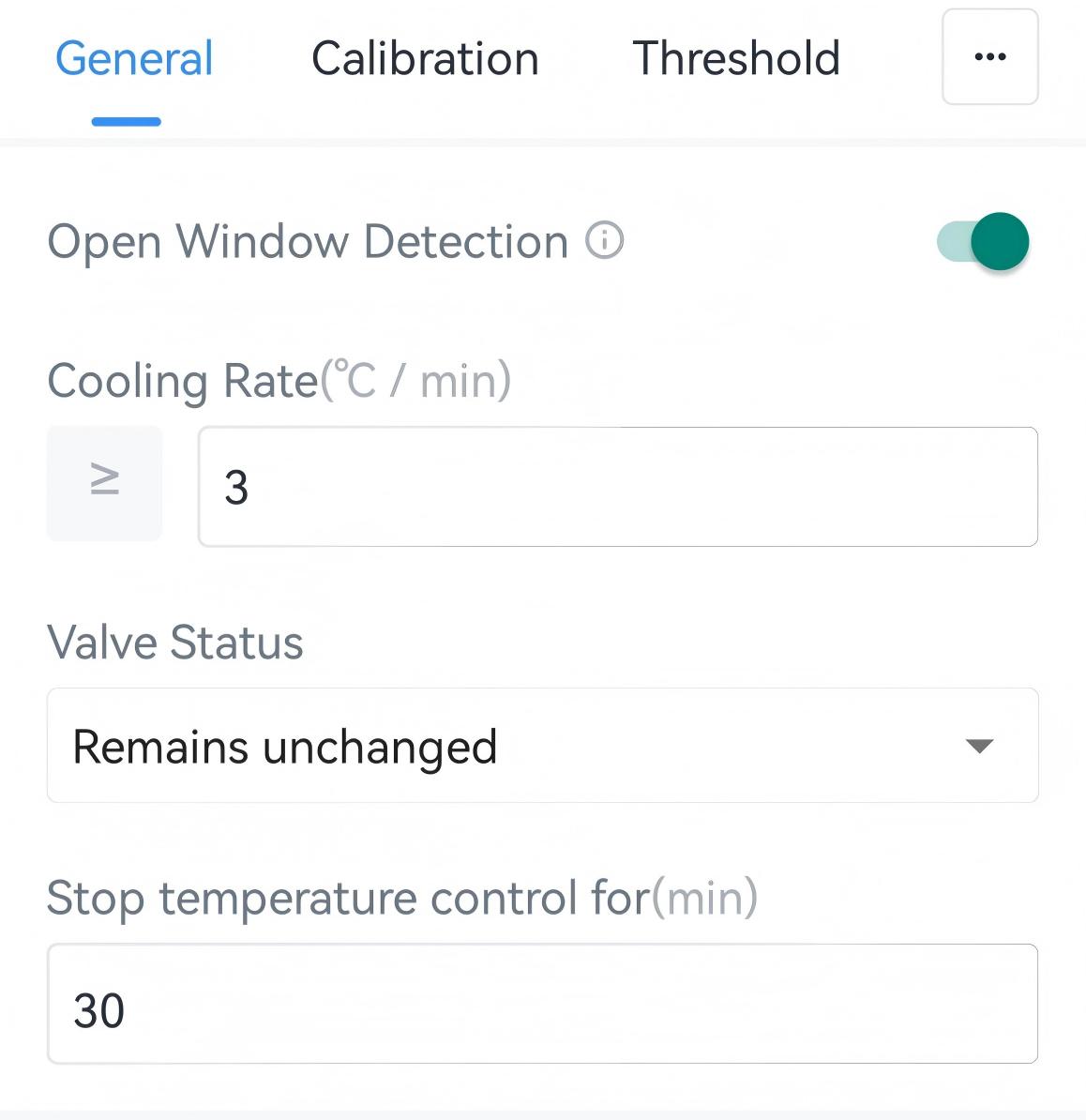
Parameter Description Cooling Rate Set the dropping ambient temperature per minute. When the rate reaches the preset value, it is considered a window-open status. Range: 2~10 °C/35.6~50 °F. Valve Status Select the valve status during the window-open status. Options: Remains unchanged, Close Valve. Stop temperature control for The interval to stop temperature control after detecting a window-open status. If the window-open status is not released within this interval, the device will re-detect the window-open status. Range: 1~1440 min, Default: 30 min. - Click Write in the lower right corner, and
put the NFC detection area of the phone close to the NFC antenna of device.
If the configuration succeeds, the following page is displayed.
- Result
- When the device detects that the cooling rate reaches the preset value, it
sends an open window alarm packet and stops temperature
control.
When the device detects that the ambient temperature continues to rise for over 10 minutes during Stop temperature control interval, it sends an open window alarm release packet and resumes temperature control.
Configure Freeze Protection Parameters
The device supports opening the valve to avoid freezing when detecting that the ambient temperature is too low.
Prerequisites: Temperature Control is enabled.
- On the homepage of ToolBox, click Setting to enter the Setting page.
- On the top bar, select Device tab.
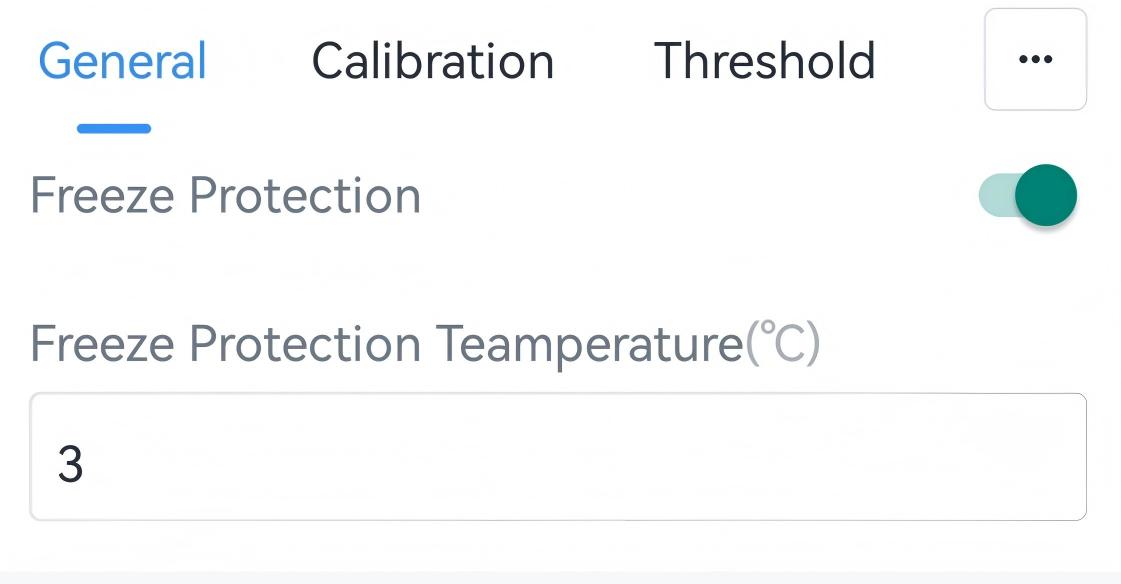
- In the General page, enable Freeze Protection and configure
the Freeze Protection Temperature. The following page is
displayed.
- Click Write in the lower right corner, and
put the NFC detection area of the phone close to the NFC antenna of device.
If the configuration succeeds, the following page is displayed.
- Result
- When the device detects that the ambient temperature is lower than freeze
protection temperature, it sends a freeze protection trigger packet and
starts temperature
control.
When the device detects that the ambient temperature is higher than freeze protection temperature for over 2 hours, it sends a freeze protection release packet and keeps current valve opening status.
Configure Force Heating Parameters
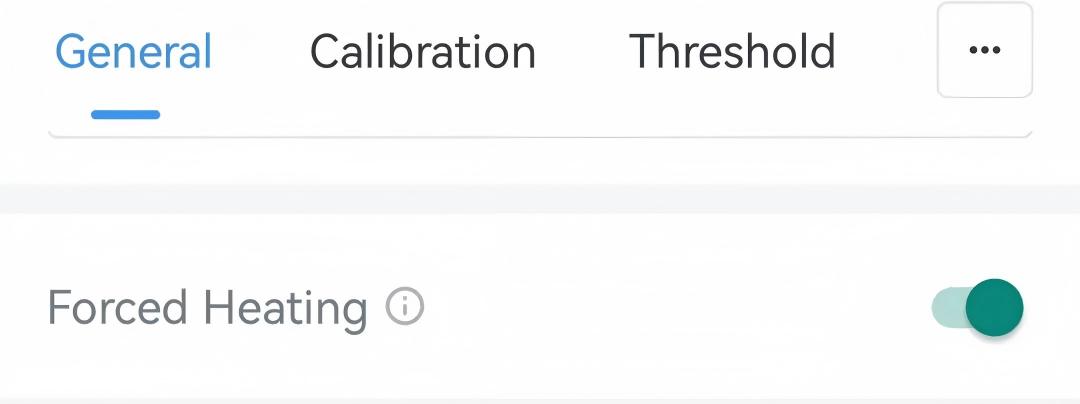
When the device's energy is insufficient, it supports forcing valves to open for heating to create a temperature difference for charging. During force heating, temperature collection, temperature control, and uplink/downlink are all not working.
Prerequisites: Temperature Control is enabled.
- On the homepage of ToolBox, click Setting to enter the Setting page.
- On the top bar, select Device tab.
- In the General page, enable Force Heating. The following page
is displayed.
- Click Write in the lower right corner, and
put the NFC detection area of the phone close to the NFC antenna of device.
If the configuration succeeds, the following page is displayed.
- Result
- When the energy level falls below 10%, the device sends a force heating
start packet and start force heating by making sure the valve opening not
lower than
50%.
When the energy level is over 20%, the device restores temperature collection and uplink/downlink features. During this time, it supports exiting force heating by adjusting target temperature/valve opening/schedule event.
When the energy level is over 27% or is powered by the USB port, the device sends a force heating exit packet and returns to normal working status.