Configure General Parameters
This section describes how to configure the general parameters of the device, which includes:
- Temperature Unit
- Ambient Temperature Source
- Ambient Temperature Display
- Heating Date
- Reporting Interval
- Non-heating period valve status
- Child Locks
- Time Zone
- Daylight Saving Time
- Device password
Steps:
- On the homepage of ToolBox, click Setting to enter the Setting page.
- On the top bar, select Device tab.
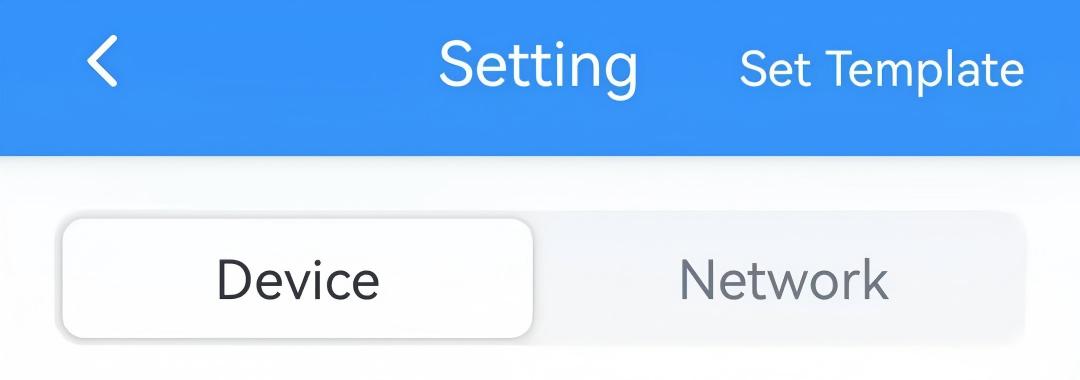
- In the General page, configure the following device parameters as needed.
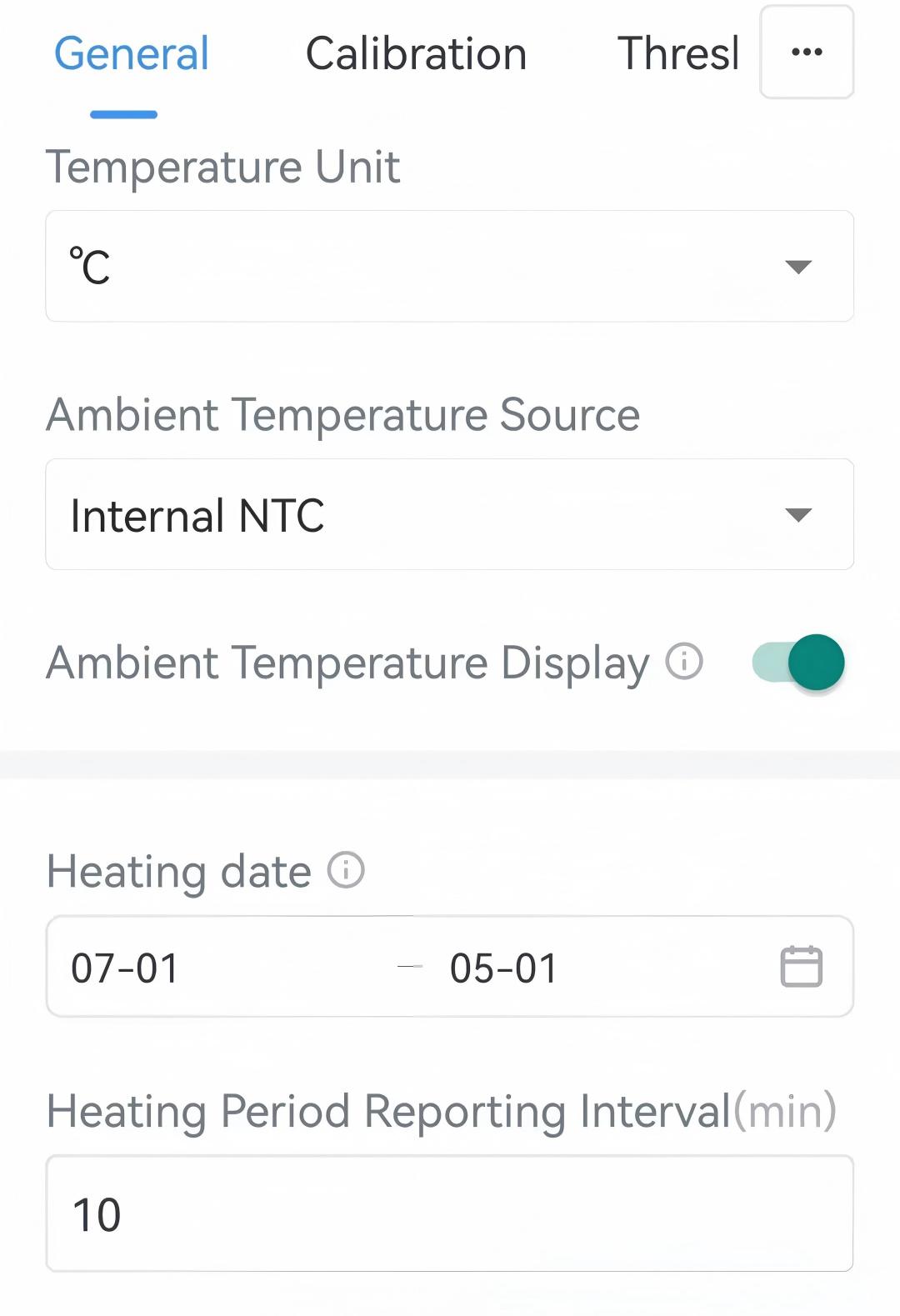
Parameter Description Temperature Unit Select the temperature unit displayed on the ToolBox and the LCD display.
Note:- The temperature unit in the uplink reports is fixed as Celsius(°C).
- Please modify the threshold settings if the unit is changed.
Ambient Temperature Source Select the source of the ambient temperature. Internal NTC: Use internal NTC sensor.
USB-C NTC: Use external USB-C NTC sensor. This requires installing the USB-C NTC sensor.
LoRa Downlink: Receive temperature data from network server.Ambient Temperature Display Enable or disable to display ambient temperature after pressing any button. If disabled, the ambient temperature will be replaced by target temperature or valve opening. Heating Date Set the heating period to control the temperature. The temperature control will stop during the non-heating period. Heating Period Reporting Interval The interval to report data to network server during the heating period. Range: 5~1440 min, Default: 10 min. Non-heating Period Reporting Interval The interval to report data to network server during the non-heating period. Range: 5~1440 min, Default: 1440 min. Non-heating Period Valve Status Select the valve status as Fully open or Fully close during the non-heating period. Temperature Control Enable or disable temperature control. For details, refer to Configure Temperature Control Parameters. Open Window Detection Enable or disable open window detection. For details, refer to Configure Temperature Control Parameters. Freeze Protection Enable or disable freeze protection. For details, refer to Configure Temperature Control Parameters. Force Heating Enable or disable force heating. For details, refer to Configure Temperature Control Parameters. Child Locks Once enabled, the corresponding button's feature will be disabled. Options: System On/Off and Temperature +/-. Time Zone Select the UTC time zone. When you click Sync button of ToolBox App to sync time, the device will also sync the time zone from smart phone automatically. Daylight Saving Time Enable or disable Daylight Saving Time (DST). Start Time: The start time of DST time range.
End Time: The end time of DST time range.
DST Bias: The DST time will be faster according to this bias.Data Storage Disables or enables data storage. For details, refer to Configure the Data Storage&Retransmission. Data Retransmission Disables or enables data retransmission. For details, refer to Configure the Data Storage&Retransmission. Device password Change the password for ToolBox App to write this device. - Click Write in the lower right corner, and
put the NFC detection area of the phone close to the NFC antenna of device.
If the configuration succeeds, the following page is displayed.