Configure Schedule Parameters
This section describes how to add and manage schedule events to achieve the automatic temperature control during heating period.
Prerequisites: Sync the time to ensure the schedule is executed in correct time.
Steps:
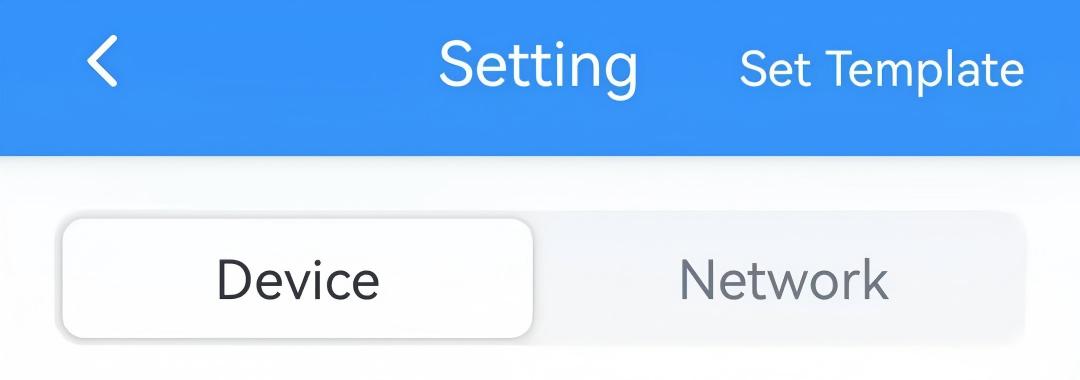
- On the homepage of ToolBox, click Setting to enter the Setting page.
- On the top bar, select Device tab.
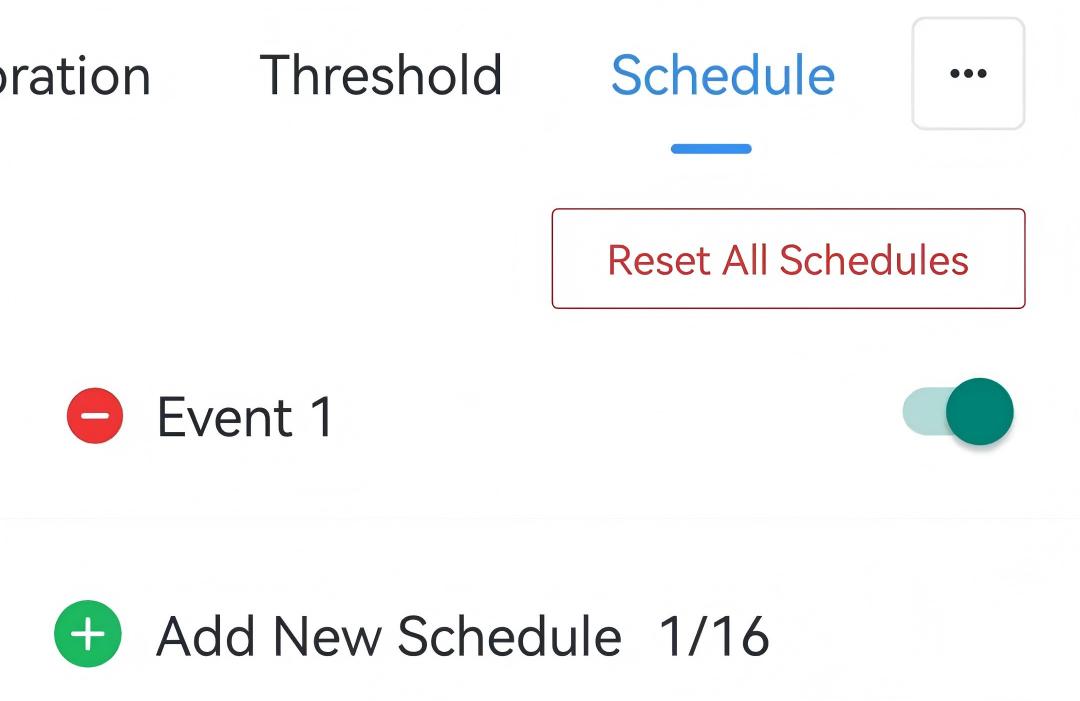
- In the Schedule page, click Add New Schedule to add a schedule
event. Each device supports up to 16 events.
- Configure the related parameters of this schedule event.
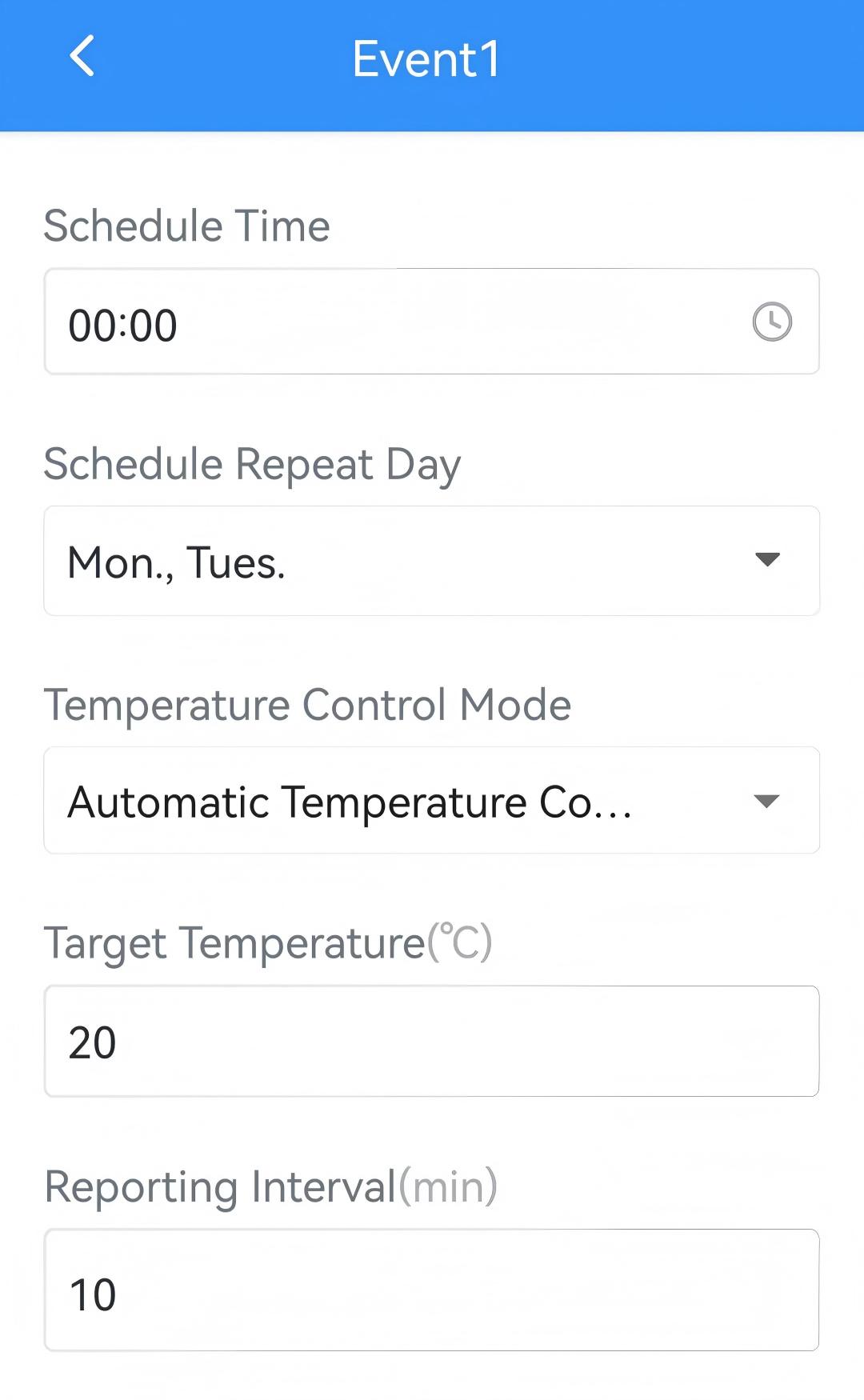
Parameter Description Schedule Time The time to execute this schedule event during heating period. Schedule Repeat Day Select the weekdays to execute this schedule event every week. If left blank, the schedule event will only execute once. Temperature Control Mode Select the temperature control mode. Target Temperature When temperature control mode is Automatic Temperature Control or Integrated Control, set the target temperature. Range: 5~35 °C/41~95 °F. Valve Opening When temperature control mode is Valve Opening Control, set the target valve opening percentage. Range: 0-100%. Reporting Interval The interval to report data to network server when executing the schedule event. Range: 5~1440 min. - Click Confirm to save this schedule event.
- Enable or disable to execute the schedule event.
- (Optional) Click
 to delete a schedule event, or click
Reset All Schedules to restore factory settings as required.
to delete a schedule event, or click
Reset All Schedules to restore factory settings as required. - Click Write in the lower right corner, and
put the NFC detection area of the phone close to the NFC antenna of device.
If the configuration succeeds, the following page is displayed.