Configure Calibration Parameters
This section describes how to configure the calibration parameters.
Motor Stroke Calibration
Motor stroke calibration must be performed to ensure temperature control. Usually,
the device will automatically perform a stroke calibration under the following
cases:
- The device is powered on, restarted, or reset;
- Temperature Control is re-enabled;
- From the non-heating period to the heating period;
- For a non-calibrated device, press any button, change target temperature or valve opening, or execute the heating event.
After calibration, the device will return the result by ToolBox App, LED display and Motor Stroke Calibration Packet.
If calibration still fails, please follow the steps for manual calibration.
Steps:
- On the homepage of ToolBox, click Setting to enter the Setting page.
- On the top bar, select Device tab.
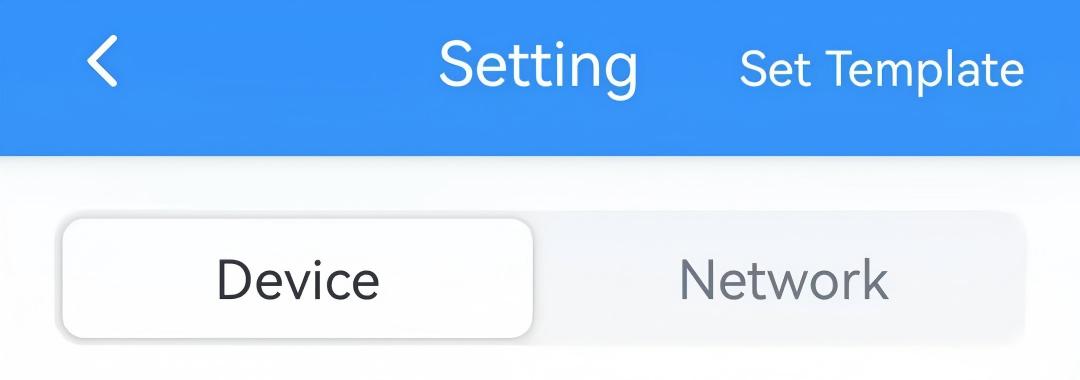
- In the Calibration page, click Stroke Calibration.
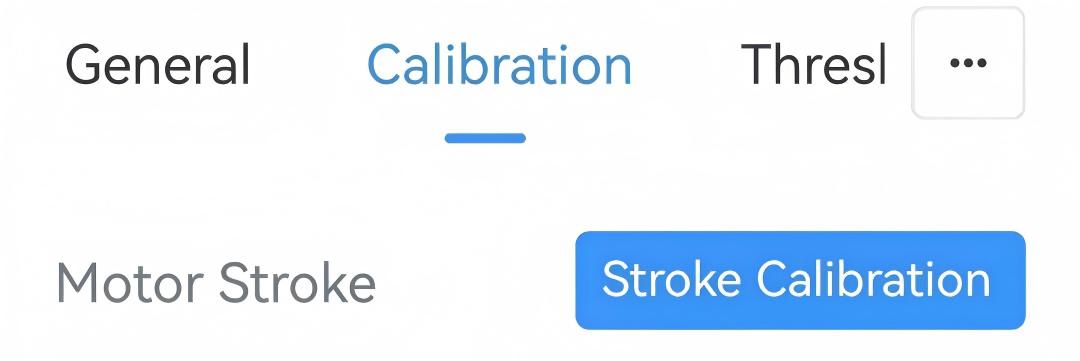
- Put the NFC detection area of the phone close to the NFC antenna of device. If the configuration succeeds, the device will start calibrating once.
Effective Stroke
The effective stroke feature allows for limiting the maximum valve opening to control the maximum heat dissipation (hot water amount) of the radiator and achieve hydraulic balancing.
Steps:
- On the homepage of ToolBox, click Setting to enter the Setting page.
- On the top bar, select Device tab.
- In the Calibration page, configure the maximum valve opening
percentage.
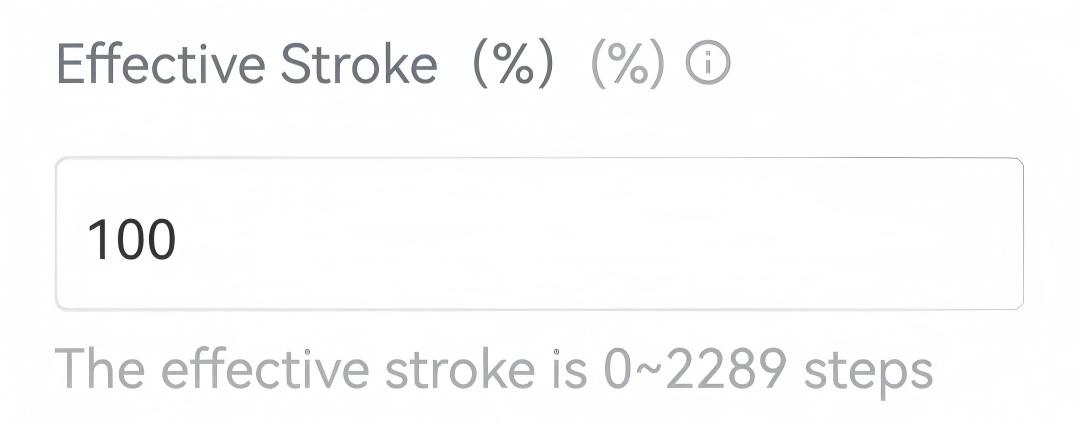
- Click Write in the lower right corner, and
put the NFC detection area of the phone close to the NFC antenna of device.
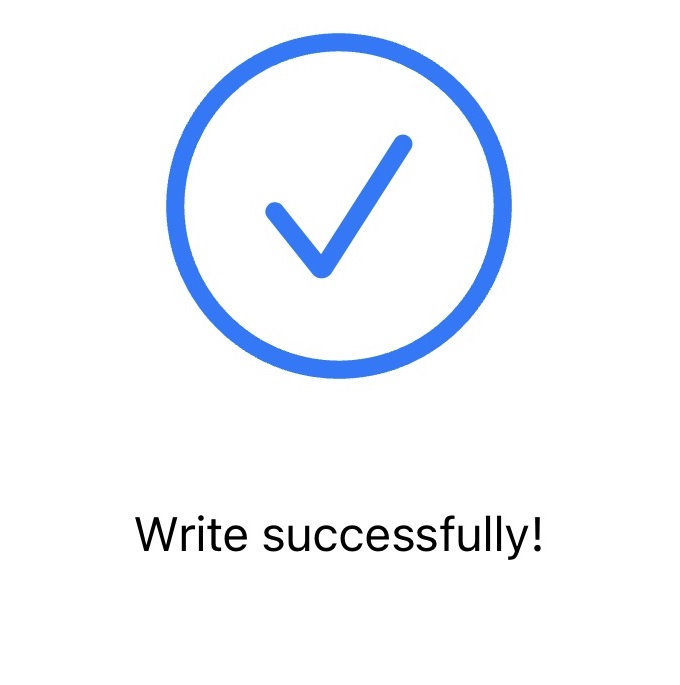
If the configuration succeeds, the following page is displayed.
Temperature Calibration
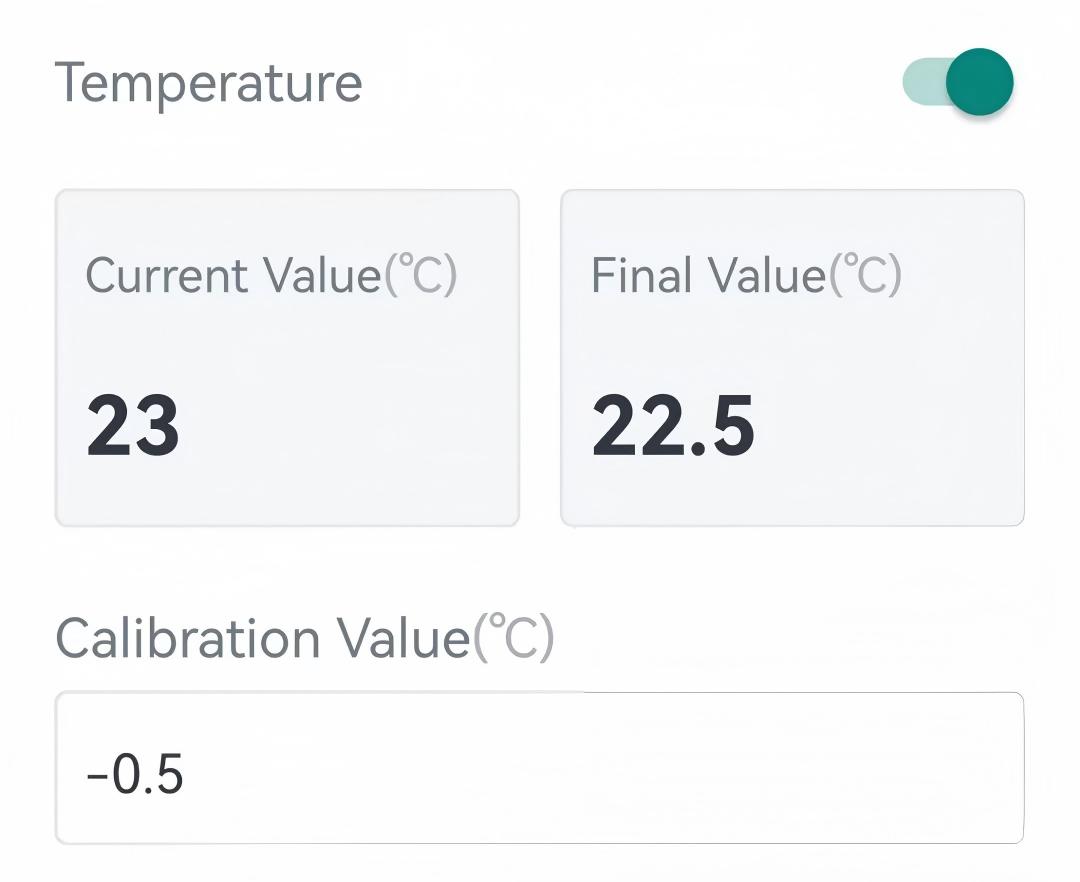
The device supports adding calibration values to the current temperature values, then display and report the final values.
Prerequisites: Ambient temperature source is Internal NTC.
Steps:
- On the homepage of ToolBox, click Setting to enter the Setting page.
- On the top bar, select Device tab.
- In the Calibration page, enable Temperature and enter a
Calibration Value. The following page is displayed.
- Click Write in the lower right corner, and
put the NFC detection area of the phone close to the NFC antenna of device.
If the configuration succeeds, the following page is displayed.