Configure Data Storage & Retransmission
The device supports data storage and data retransmission to ensure data integrity. This section describes how to configure data storage and data retransmission.
Export the Local Data
The device supports storing historical data records locally, which operates normally even when the network is deactivated.
Each device can store up to 1,000 data records.
Prerequisites: Sync the time to ensure the data is stored in correct time.
- On the homepage of ToolBox, click Setting to enter the Setting page.
- On the top bar, select Device tab.
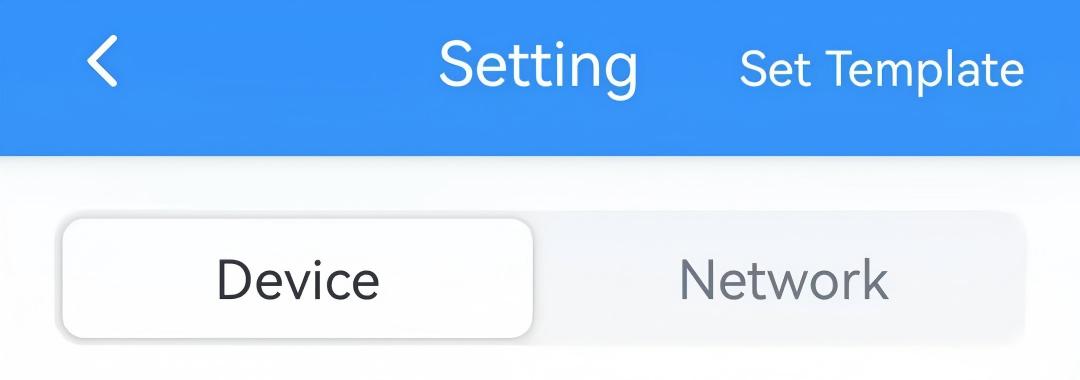
- In the General page, enable Data Storage.
- Return to the homepage and click Maintenance in the lower right corner.
- Click History Data, select the data time range and click
Export to read data.Tip:
- Since the ToolBox App's data export time range is limited to 14 days, you can export the complete data in segments if the required time range exceeds this limit.
- Click
 in the top right to
check the history export records.
in the top right to
check the history export records.
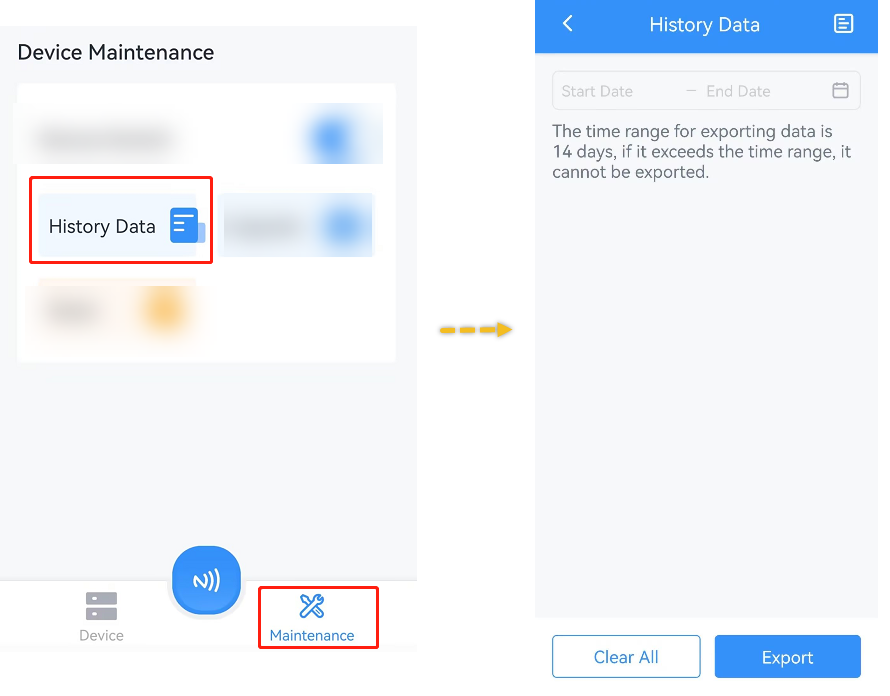
- Put the NFC detection area of the phone close to the NFC antenna of device. If the read succeeds, the history data will display.
- Click Export to customize a file name, then click OK to save the history data as a CSV file to your smartphone.
Enable Data Retransmission
Data retransmission allows the network server to receive data, even after temporary network outages.
Prerequisites: The device join type is OTAA.
- On the homepage of ToolBox, click Setting to enter the Setting page.
- On the top bar, select Network tab.
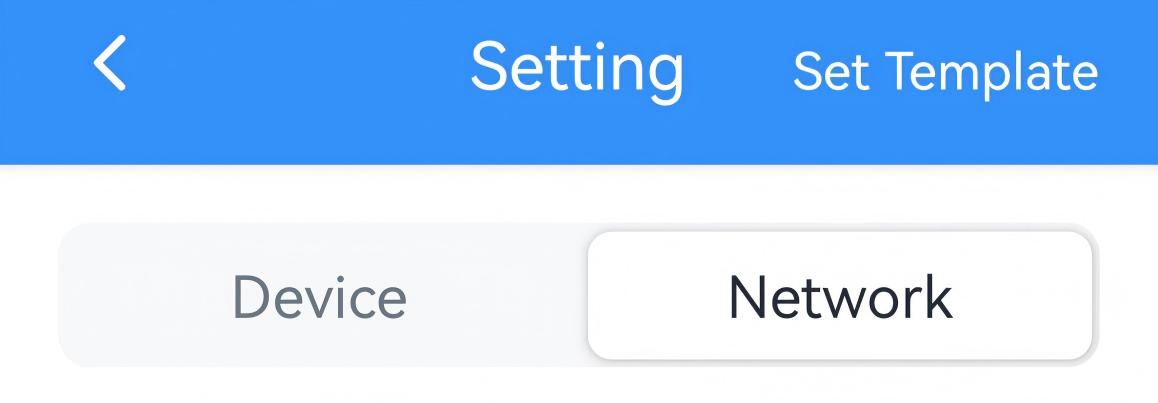
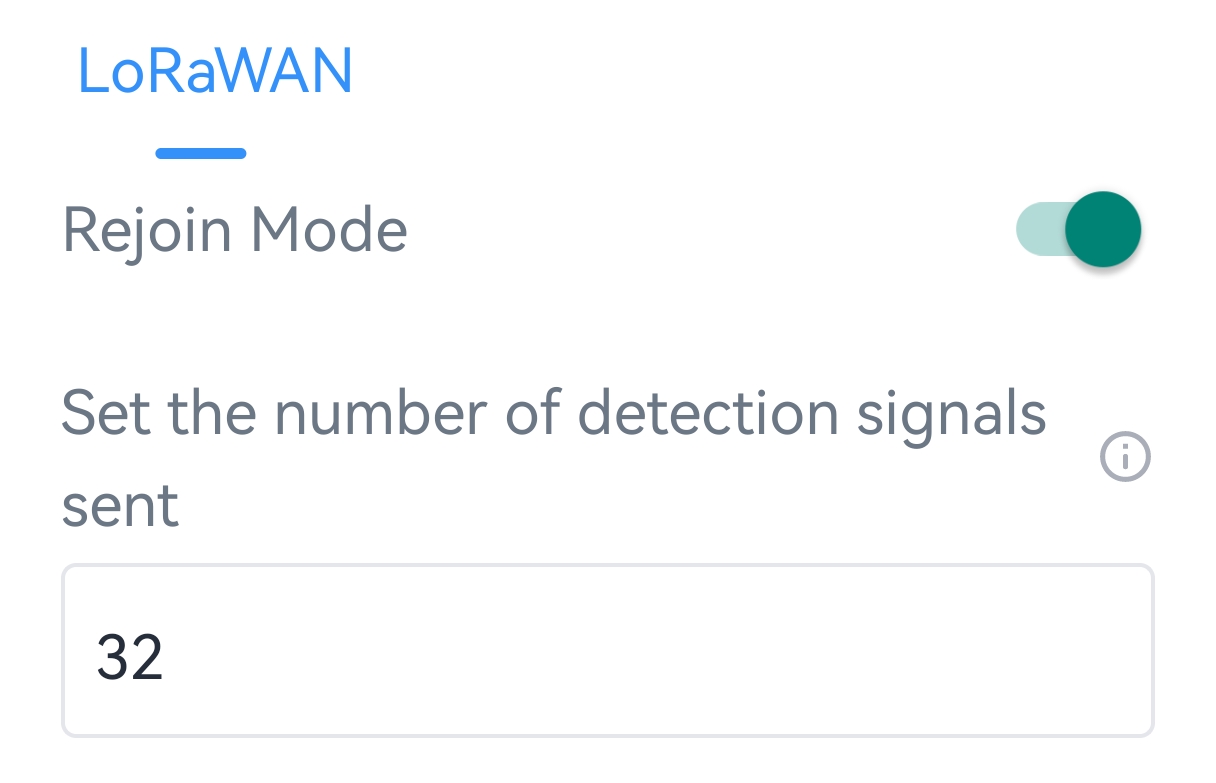
- In the LoRaWAN page, enable Rejoin Mode and set the number of
packets sent.
- On the top bar, select Device tab.
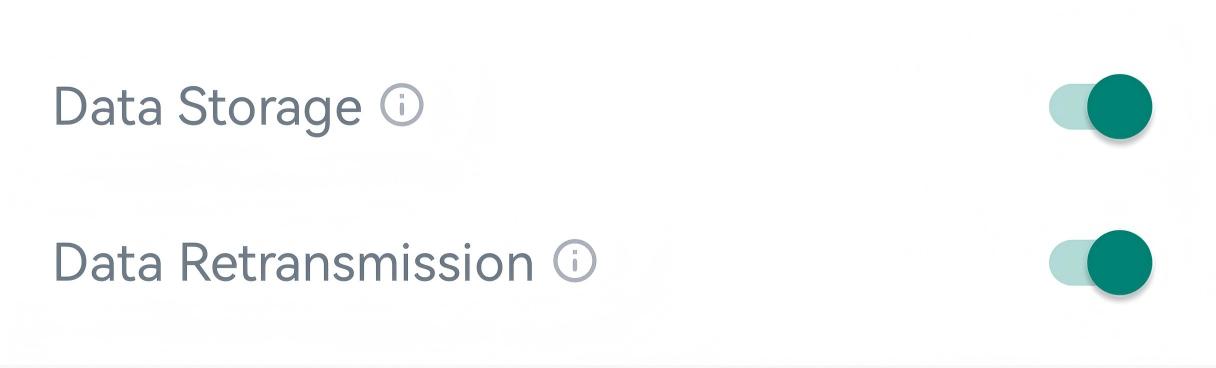
- In the General page, enable Data Storage and Data
Retransmission.
- Click Write in the lower right corner, and
put the NFC detection area of the phone close to the NFC antenna of device.
If the configuration succeeds, the following page is displayed.

Result:
When the device detects the network status is deactivated via rejoin mode mechanism, the device will record a data lost time point and re-transmit the lost data according to data retransmission interval after device re-connects to the network. The reported format of retransmission data will include timestamps and is different from periodic report data.
- Data retransmission increases the uplink traffic and consume device energy quickly.
- If the device reboots or re-power during data retransmission, it will resend the entire retransmission dataset after reconnecting to the network.
- If a new network disconnection occurs during an ongoing retransmission, only the data logged during this latest outage will be sent upon reconnection.
- The default report data retransmission interval is 600s, this can be changed via downlink command.
Query Historical Data
The device supports data retrievability feature to query historical data for a specific time range via downlink command. The retransmission data format includes timestamps and differs from the periodic report format. For details, refer to Commands for Historical Data Query.