Tamper Detection
Tamper Detection is used to detect possible tampering like the camera being unfocused, obstructed or moved. This functionality alerts security staff immediately when any above-mentioned actions occur.
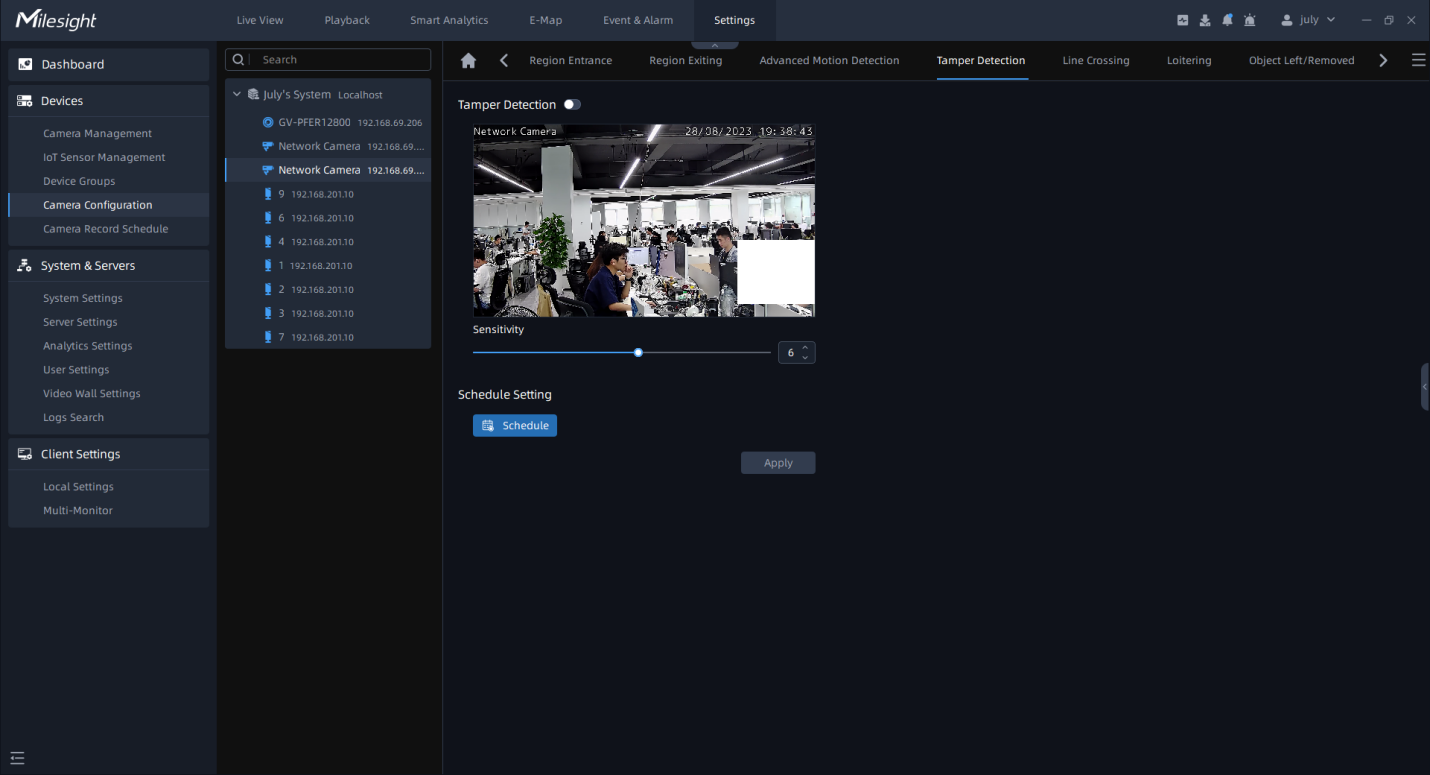
Step1: Select the camera and enable Tamper Detection function;
Step2: Set detecting sensitivity;
Step3:Set detection schedule, then click  to send the settings to camera to apply.
Note: For AI Camera Series, it will show the real-time trigger status of the event in the
configuration page.